DapperGPT vs Scribe
In the clash of DapperGPT vs Scribe, which AI tool emerges victorious? We assess reviews, pricing, alternatives, features, upvotes, and more.
When we put DapperGPT and Scribe head to head, which one emerges as the victor?
Let's take a closer look at DapperGPT and Scribe, both of which are AI-driven tools, and see what sets them apart. With more upvotes, Scribe is the preferred choice. Scribe has garnered 17 upvotes, and DapperGPT has garnered 7 upvotes.
Does the result make you go "hmm"? Cast your vote and turn that frown upside down!
DapperGPT
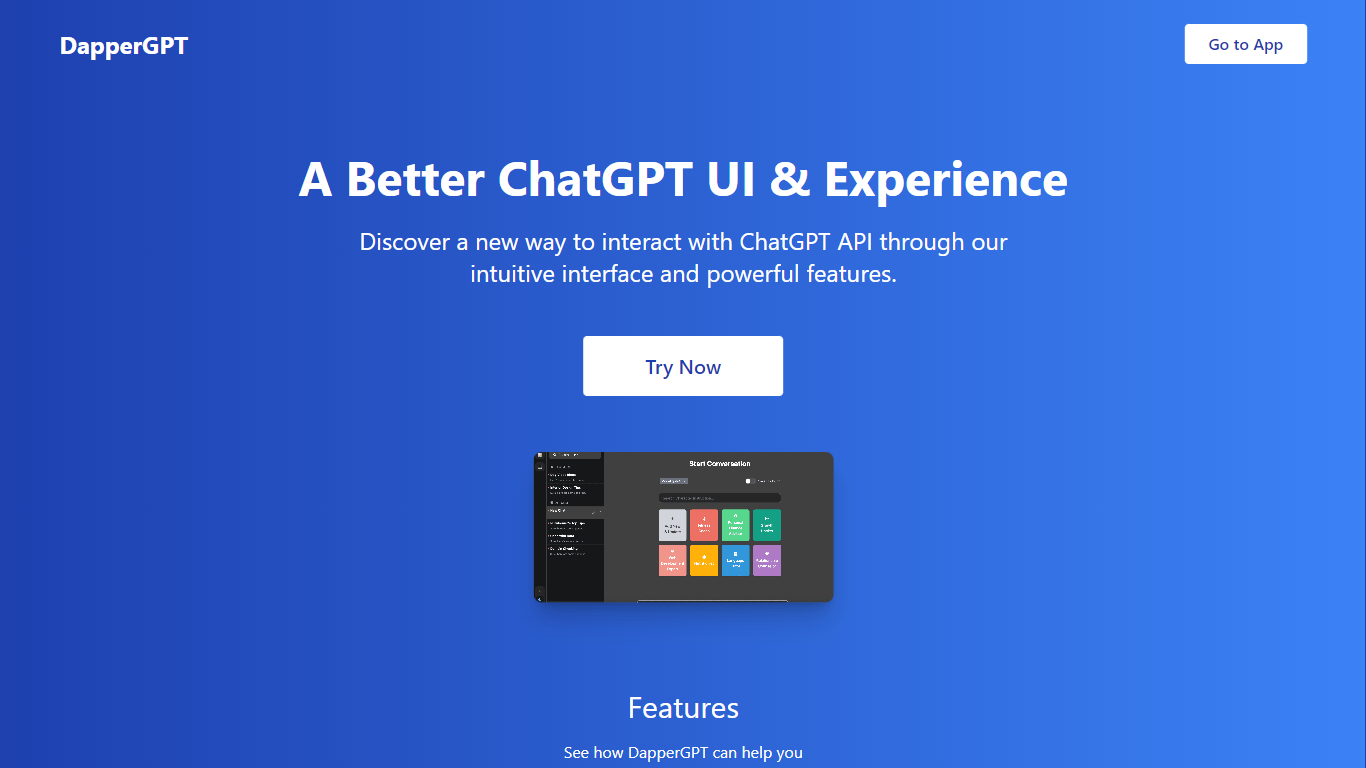

What is DapperGPT?
DapperGPT is a browser chat workspace for content creators and developers who already pay OpenAI, Anthropic, or Google for API access and want a better UI than the default playgrounds. You bring your own API keys, switch between GPT, Claude, Gemini, Grok, Mistral, and Llama in one tab, and organize work with folders, saved prompts, and spotlight search. File and image uploads, agents, and MCP tool hooks turn single prompts into repeatable content workflows.
ChatGPT Plus locks you into one subscription and one model family. DapperGPT charges no markup on inference: the basic plan is free and you pay providers directly per token. API keys stay in your browser locally, chats can save to local storage or cloud, and you get power-user features like pinning, code preview, and multi-step agents that most vendor UIs still treat as side projects.
Writers draft and compare model outputs side by side. Developers prototype tool-calling flows without building a custom front end. Teams with existing API budgets consolidate Claude, Gemini, and OpenAI access behind one searchable history instead of three separate tabs.
Scribe
What is Scribe?
Scribe captures how work actually gets done and turns it into step-by-step guides your team and AI agents can follow. It records workflows as people perform them in the browser, desktop, or mobile apps, then generates documentation without manual screenshots or write-ups. Teams use it for SOPs, training, onboarding, and feeding workflow context to AI tools.
Where most documentation tools expect you to write guides from memory or schedule walkthroughs, Scribe watches real workflows and documents them automatically. Capture surfaces the processes teams run most often and turns them into shareable guides, while Optimize maps inefficiencies across approved apps and recommends where to automate or invest in AI.
Operations, IT, HR, and enablement teams rely on Scribe to share tribal knowledge before someone goes on PTO. Companies rolling out new software or building AI agent roadmaps use it to give bots accurate workflow context through MCP and enterprise search APIs.
DapperGPT Upvotes
Scribe Upvotes
DapperGPT Top Features
Switch between OpenAI GPT, Anthropic Claude, Gemini, Grok, Mistral, and Llama in one interface
Basic plan is free with no monthly fee when you bring your own API keys
API keys stored locally in the browser with optional local or cloud chat save
Rich chat supports image and document uploads plus function and tool calling
Agents run multi-step workflows with MCP integrations for external toolchains
Spotlight-style search across chats, notes, and folders for fast recall
Scribe Top Features
Records any workflow and outputs a polished step-by-step guide automatically
Chrome and Edge extensions plus desktop apps capture web, mobile, and desktop processes
Export guides to PDF, HTML, Markdown, or Word, or embed them anywhere
Pro Team starts at 5 seats with comments and collaboration on shared guides
Feed workflow context to AI assistants through MCP and enterprise search API
Enterprise auto-redaction for PII and PHI with SOC 2 Type II and HIPAA compliance
DapperGPT Category
- Content Creation
Scribe Category
- Productivity
DapperGPT Pricing Type
- Free
Scribe Pricing Type
- Freemium