DataLang - Chat with your Databases vs TypingMind
Compare DataLang - Chat with your Databases vs TypingMind and see which AI Chat Bot tool is better when we compare features, reviews, pricing, alternatives, upvotes, etc.
Which one is better? DataLang - Chat with your Databases or TypingMind?
When we compare DataLang - Chat with your Databases with TypingMind, which are both AI-powered chat bot tools, In the race for upvotes, DataLang - Chat with your Databases takes the trophy. DataLang - Chat with your Databases has garnered 7 upvotes, and TypingMind has garnered 6 upvotes.
Don't agree with the result? Cast your vote and be a part of the decision-making process!
DataLang - Chat with your Databases

What is DataLang - Chat with your Databases?
DataLang enables users to interact with multiple databases using natural language, creating GPT-powered assistants that provide instant data insights without coding. Users connect their data sources and build custom SQL views to define the data they want to query. These assistants then allow querying data naturally, making complex database interactions accessible to non-technical users.
What distinguishes DataLang is its balance between flexibility and ease of use. While it supports various database types including SQL and NoSQL, it requires some initial SQL knowledge to create views. However, once configured, users can query data effortlessly through natural language, and customize GPT assistants for specific workflows.
DataLang also emphasizes secure data handling with encryption and role-based privacy controls. It supports API integrations to extend functionality and enables sharing or publishing of GPT assistants for collaboration or public use. This makes it suitable for data analysts, developers, and business users seeking quick, code-free data insights.
TypingMind
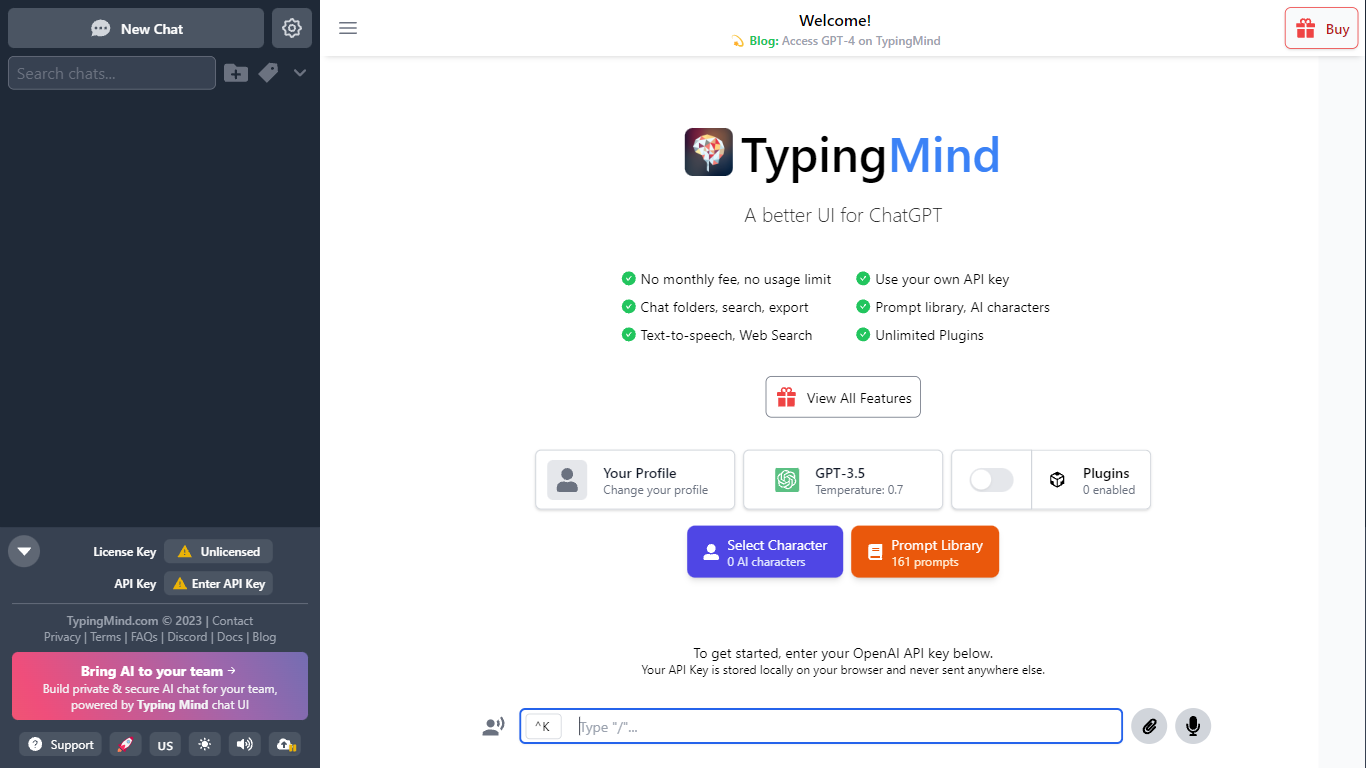
What is TypingMind?
TypingMind gives you one chat interface for ChatGPT, Claude, Gemini, DeepSeek, and other LLMs while you bring your own API keys. You pay a one-time license fee to TypingMind, then only for the tokens each model provider charges. Chats, folders, agents, and API credentials stay in local browser storage by default, so your conversations are not sent for model training.
Where ChatGPT Plus locks you into OpenAI and caps usage, TypingMind lets you switch models mid-conversation, run multi-model parallel chats, and connect MCP tools, RAG knowledge bases, and custom plugins. Prompt caching can cut token costs up to 90% on supported models. Over 50 pre-built agents cover coding, research, and marketing workflows out of the box.
TypingMind suits power users and teams who already pay for API access and want a richer UI than vendor defaults. More than 20,641 customers use it daily, and a separate TypingMind for Teams product adds admin controls, custom branding, and self-hosting for companies.
DataLang - Chat with your Databases Upvotes
TypingMind Upvotes
DataLang - Chat with your Databases Top Features
Connect multiple database types including SQL and NoSQL for versatile data access
Build custom SQL views to tailor data queries without coding
Create and customize GPT assistants for specific data tasks
Secure data with built-in encryption and role-based privacy controls
Publish or share your GPT assistants for team collaboration or public use
API integration capabilities to connect GPT assistants with other applications
Support for multiple user roles with privacy controls
TypingMind Top Features
Access ChatGPT, Claude, Gemini, and 20+ LLMs from one interface
Lifetime licenses from $39 Standard to $99 Premium with no TypingMind subscription
Prompt caching reduces token costs up to 90% on supported models
50+ pre-built AI agents plus custom agent and plugin builder
MCP connectors for Figma, GitHub, GitLab, Redis, Make, and Apify
Local-first storage keeps chats and API keys on your device by default
DataLang - Chat with your Databases Category
- Chat Bot
TypingMind Category
- Chat Bot
DataLang - Chat with your Databases Pricing Type
- Paid
TypingMind Pricing Type
- Paid