DaVinciFace vs ImagineMe
Explore the showdown between DaVinciFace vs ImagineMe and find out which AI Avatar Generation tool wins. We analyze upvotes, features, reviews, pricing, alternatives, and more.
When comparing DaVinciFace and ImagineMe, which one rises above the other?
When we contrast DaVinciFace with ImagineMe, both of which are exceptional AI-operated avatar generation tools, and place them side by side, we can spot several crucial similarities and divergences. Interestingly, both tools have managed to secure the same number of upvotes. Join the aitools.fyi users in deciding the winner by casting your vote.
Want to flip the script? Upvote your favorite tool and change the game!
DaVinciFace
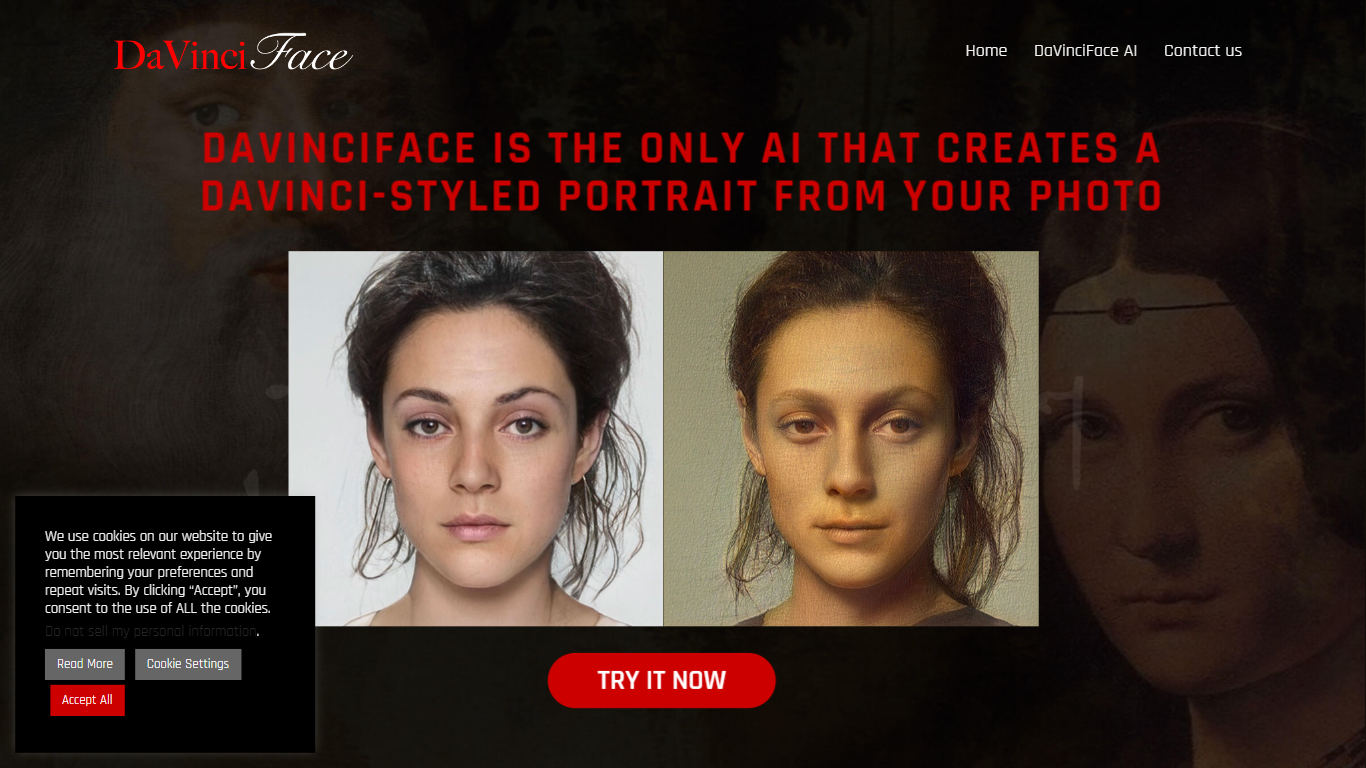

What is DaVinciFace?
DaVinciFace turns a selfie or portrait photo into a painting styled after Leonardo da Vinci's work. Upload a face photo, wait about two minutes, and get a portrait that borrows the lighting, color palette, and brushwork cues from paintings like the Mona Lisa and Lady with an Ermine.
General style-transfer filters smear painterly textures across a photo. DaVinciFace trains a generative adversarial network on Da Vinci's portraits specifically, with more than 500 million parameters across 56 convolutional layers. The pipeline compresses facial features into a latent space and rebuilds the image using patterns learned from those source paintings, which is a narrower goal than generic art filters.
Artists, social media creators, and curious users try DaVinciFace for profile pictures, gifts, and gallery posts. The tool runs through a web sign-in flow with a public gallery of examples. High demand can queue requests because each portrait takes roughly three minutes to generate on GPU hardware.
ImagineMe
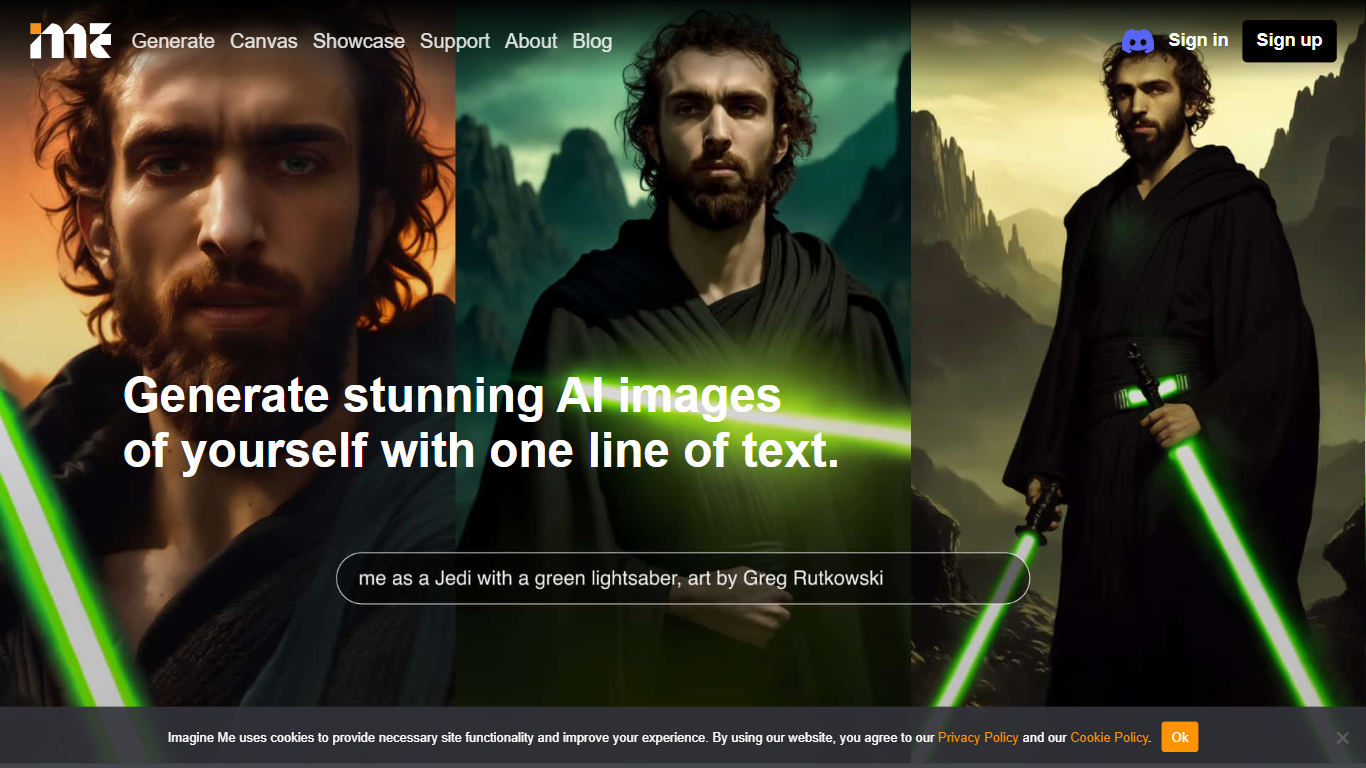
What is ImagineMe?
ImagineMe is a personal avatar generator that trains a private AI model on your own photos, then turns text prompts into images and videos of you. Upload 10 to 20 reference photos, wait for training to finish, and type a scene description to see yourself in fantasy settings, professional headshots, cosplay looks, or cartoon styles.
Most avatar tools apply a one-size filter to your face. ImagineMe trains a separate model per user, so the output is meant to look like you rather than a generic stock face. That per-user training takes up to 5 hours, but once it is done, new images generate in about 10 seconds after a short cold start.
The platform suits creators who want stylized self-portraits, tabletop gamers building D&D character art, pet owners making cartoon versions of their animals, and anyone who wants LinkedIn headshots or social media avatars without a photo shoot. Video, upscale, and Canvas editing tools extend the same trained model beyond still images.
DaVinciFace Upvotes
ImagineMe Upvotes
DaVinciFace Top Features
GAN trained on Da Vinci portraits including La Gioconda and La Belle Ferronière
More than 500 million network parameters across 56 convolutional layers
Portrait generation in about 100 seconds to 3 minutes depending on server load
Public gallery showcasing before-and-after portrait examples
Web upload flow with email notification when queued portraits finish
Software registered with SIAE (Italian Authors and Publishers Association) D000014461/2021
ImagineMe Top Features
Upload 10 to 20 photos to train a private model that learns your likeness
Generate new images in about 10 seconds after the initial cold start
Credit packs start at $5 for 10 credits, with images from $0.08 each on the 45-credit plan
Create AI videos at 5 or 10 seconds with Fast, Normal, or High Quality modes costing 3 credits
Canvas editor with pose detection, depth view, and inpainting on desktop
Upscale tool to sharpen generated images after creation
Sign in with Google, Facebook, or Apple plus a Discord community for support
DaVinciFace Category
- Avatar Generation
ImagineMe Category
- Avatar Generation
DaVinciFace Pricing Type
- Freemium
ImagineMe Pricing Type
- Paid