DB Sensei vs DB Pilot
In the clash of DB Sensei vs DB Pilot, which AI SQL tool emerges victorious? We assess reviews, pricing, alternatives, features, upvotes, and more.
When we put DB Sensei and DB Pilot head to head, which one emerges as the victor?
Let's take a closer look at DB Sensei and DB Pilot, both of which are AI-driven sql tools, and see what sets them apart. Both tools are equally favored, as indicated by the identical upvote count. Be a part of the decision-making process. Your vote could determine the winner.
Feeling rebellious? Cast your vote and shake things up!
DB Sensei
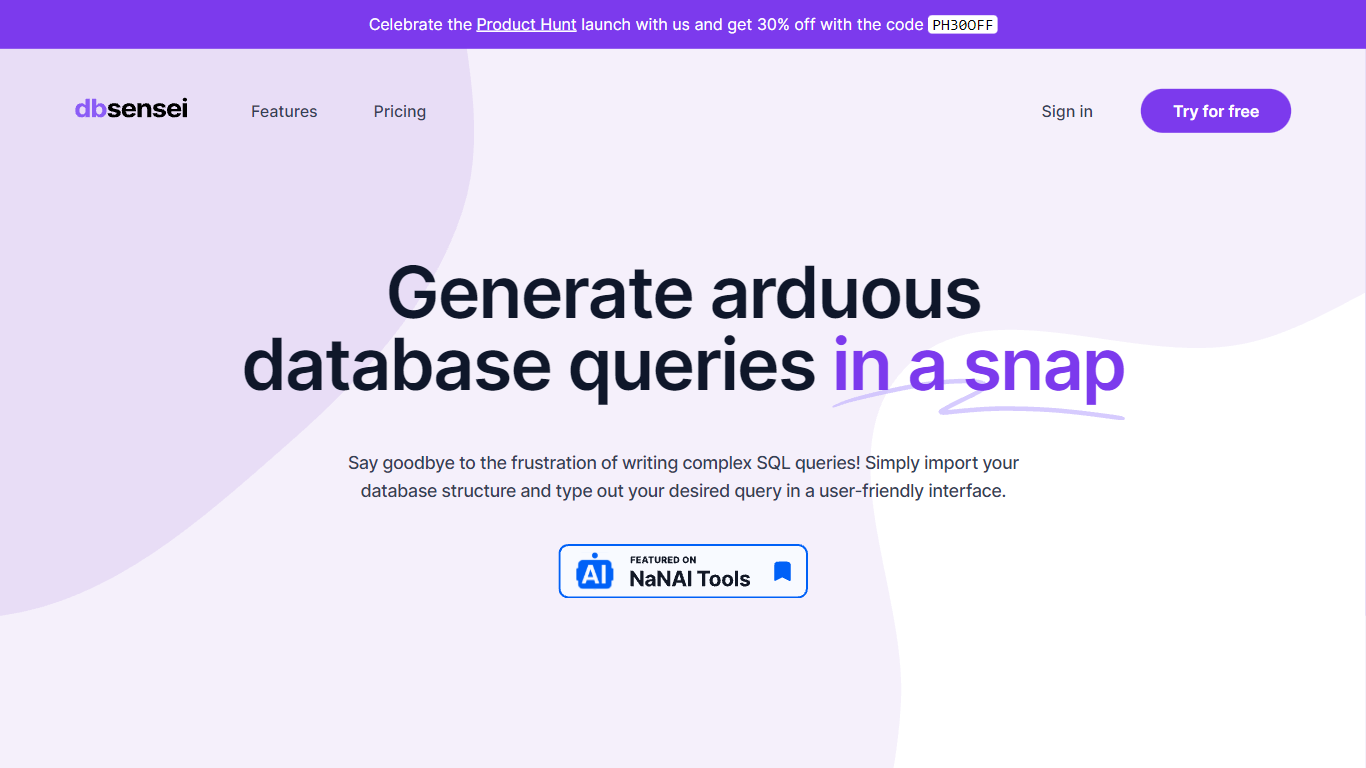

What is DB Sensei?
DB Sensei is the revolutionary tool designed to transform the way database professionals work with SQL. This powerful, AI-powered software makes it easier than ever to generate, fix, explain, and format SQL queries. Import your database structure, outline your requirements, and let DB Sensei handle the complexities of query formulation with a user-friendly interface.
Take advantage of DB Sensei's launch on Product Hunt and get an exclusive 30% discount with the code PH30OFF. Maximize your productivity and minimize manual coding errors with features like an intelligent Query Generator, Query Fixer, Query Explainer, and Query Formatter. DB Sensei is not just a tool; it's an indispensable ally for anyone working with databases, from novices to experienced SQL developers.
DB Pilot
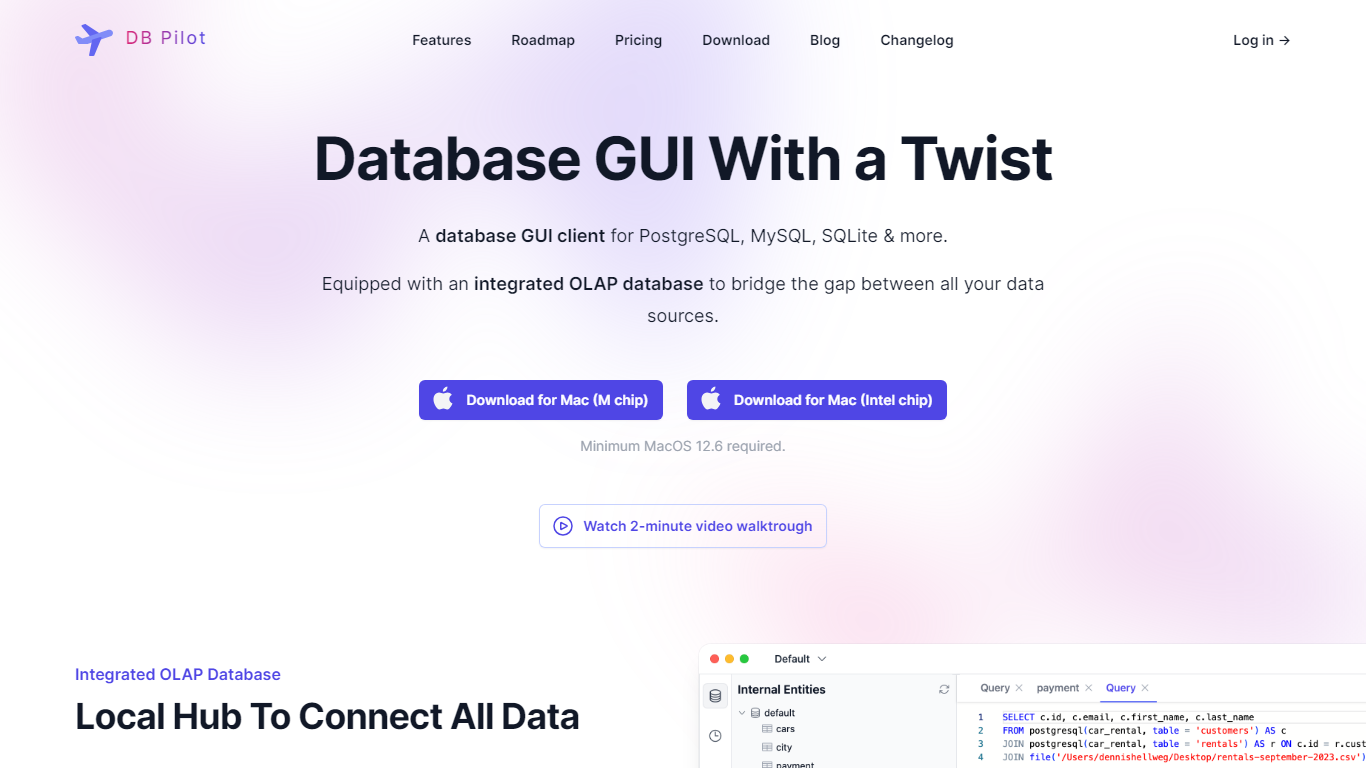
What is DB Pilot?
DB Pilot is a desktop SQL client for Mac that combines a database GUI, SQL editor, and block-based SQL plus Python notebooks in one app. You connect PostgreSQL, MySQL, SQLite, DuckDB, CockroachDB, or chDB locally, browse tables like a spreadsheet, and run queries with smart autocomplete. Notebooks let you mix SQL, Python, charts, and Jinja parameters to explore data without leaving your machine.
Compared with browser-based BI tools, DB Pilot keeps credentials and query traffic on your laptop. The AI assistant uses your own OpenAI, Anthropic, Google, or xAI API keys rather than routing database rows through a vendor cloud, and the FAQ states the assistant sees schema metadata but not actual table data. That trade-off favors privacy-minded analysts who still want natural language SQL help.
Data analysts, backend engineers, and founders use DB Pilot for ad hoc querying, notebook dashboards, and error fixing via inline AI suggestions. The free tier covers local browsing and limited AI trials, while a $79 one-time license unlocks premium features and a year of updates.
DB Sensei Upvotes
DB Pilot Upvotes
DB Sensei Top Features
AI Powered: Utilize artificial intelligence to craft debug and understand complex SQL queries.
SQL is no longer a barrier: Simplify the process of writing SQL code with tools designed for convenience.
Query Generator: Generate intricate SQL queries effortlessly with the help of AI.
Query Fixer: Easily identify and correct errors in your SQL queries.
Query Formatter: Automatically format your SQL queries for better readability and maintainability.
DB Pilot Top Features
SQL plus Python notebooks with block-based Jupyter-style workflows running locally
Supports PostgreSQL, MySQL, SQLite, DuckDB, CockroachDB, and chDB connections
AI assistant across GPT, Claude, Gemini, and custom provider models with your own API keys
Spreadsheet-style table viewer for insert, update, and delete without raw SQL
Free plan includes local database browsing with limited AI trials and no credit card
One-time $79 license unlocks premium features and one year of app updates
20 free AI messages before purchase when you supply provider API keys
DB Sensei Category
- SQL
DB Pilot Category
- SQL
DB Sensei Pricing Type
- Freemium
DB Pilot Pricing Type
- Freemium