
Last updated 08-14-2026
Category:
Reviews:
Join thousands of AI enthusiasts in the World of AI!
DB Pilot
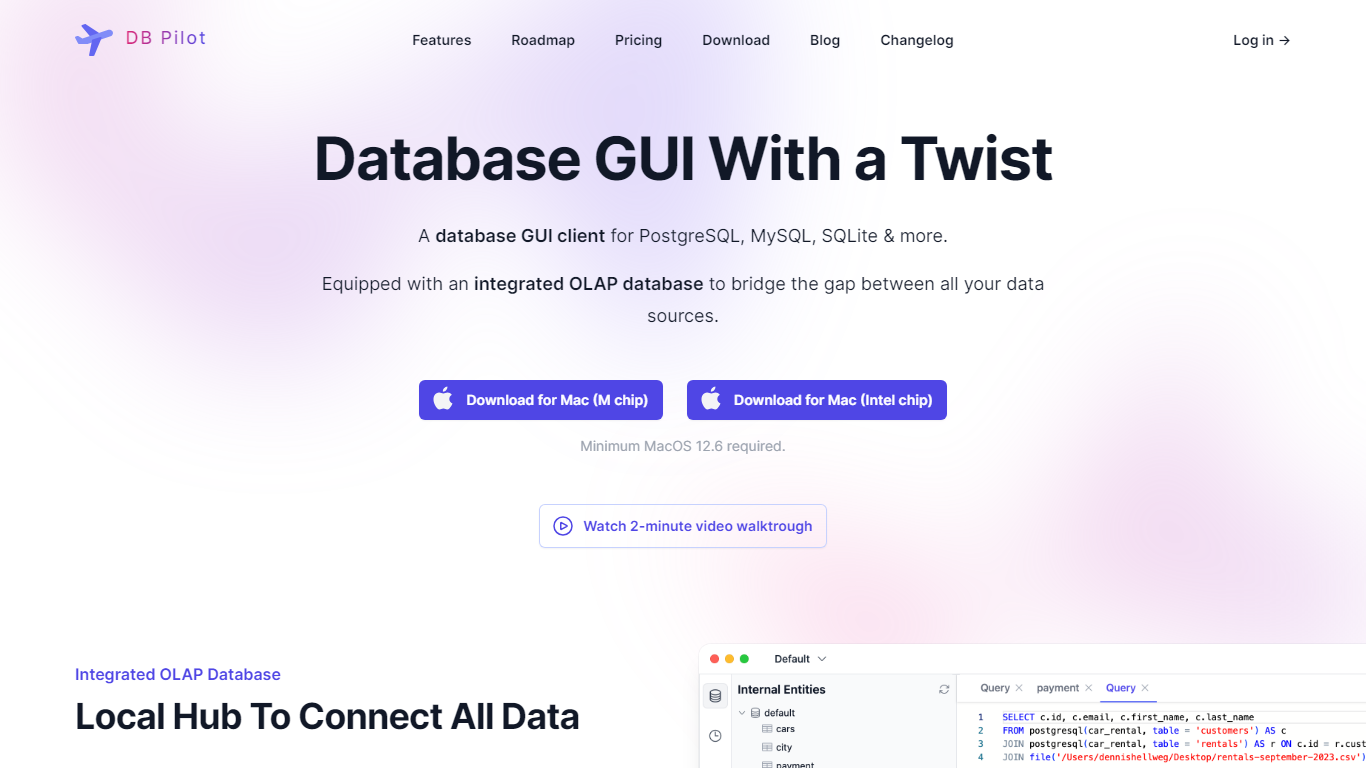
DB Pilot is a desktop SQL client for Mac that combines a database GUI, SQL editor, and block-based SQL plus Python notebooks in one app. You connect PostgreSQL, MySQL, SQLite, DuckDB, CockroachDB, or chDB locally, browse tables like a spreadsheet, and run queries with smart autocomplete. Notebooks let you mix SQL, Python, charts, and Jinja parameters to explore data without leaving your machine.
Compared with browser-based BI tools, DB Pilot keeps credentials and query traffic on your laptop. The AI assistant uses your own OpenAI, Anthropic, Google, or xAI API keys rather than routing database rows through a vendor cloud, and the FAQ states the assistant sees schema metadata but not actual table data. That trade-off favors privacy-minded analysts who still want natural language SQL help.
Data analysts, backend engineers, and founders use DB Pilot for ad hoc querying, notebook dashboards, and error fixing via inline AI suggestions. The free tier covers local browsing and limited AI trials, while a $79 one-time license unlocks premium features and a year of updates.
SQL plus Python notebooks with block-based Jupyter-style workflows running locally
Supports PostgreSQL, MySQL, SQLite, DuckDB, CockroachDB, and chDB connections
AI assistant across GPT, Claude, Gemini, and custom provider models with your own API keys
Spreadsheet-style table viewer for insert, update, and delete without raw SQL
Free plan includes local database browsing with limited AI trials and no credit card
One-time $79 license unlocks premium features and one year of app updates
20 free AI messages before purchase when you supply provider API keys
Local-first storage keeps credentials in your device keychain and queries on your machine.
Notebooks combine SQL, Python, charts, and Jinja parameters in one block workflow.
Bring-your-own-key AI works with OpenAI, Anthropic, Google, and custom providers.
One-time $79 license avoids recurring subscription fees for the desktop app.
Mac-only today, with Linux and Windows still marked as coming soon.
AI features require your own provider API keys even after the paid license.
Free AI usage is capped at about 20 messages before purchase.
Is DB Pilot free?
Yes. DB Pilot offers a Free plan at $0 forever for browsing and querying local databases with the SQL editor and table explorer. AI features can be tested a limited number of times, and a $79 one-time purchase unlocks premium features.
Which databases does DB Pilot support?
DB Pilot connects to PostgreSQL, CockroachDB, MySQL, SQLite, chDB local ClickHouse, and DuckDB. The homepage also lists more databases coming soon, with Linux and Windows support planned after Mac.
Does DB Pilot store my database data?
No. DB Pilot stores app data and connection credentials locally on your computer, with sensitive secrets in the device keychain. Database connectivity runs directly between your machine and the database server.
Can DB Pilot AI read my table data?
No. DB Pilot AI can see which tables and columns exist in your connected databases to write better SQL, but the FAQ states it does not access actual row data stored in those tables.
How much does DB Pilot cost?
DB Pilot costs $0 on the Free plan or $79 as a one-time purchase that includes premium features and updates for one year. AI usage still requires your own API keys from providers like OpenAI or Anthropic.
What platforms does DB Pilot run on?
DB Pilot runs on Mac with Apple Silicon or Intel chips and requires macOS 15 or newer on the download page. The FAQ notes Linux and Windows support is coming soon.