Dictation vs MysticLabs
When comparing Dictation vs MysticLabs, which AI Web Apps tool shines brighter? We look at pricing, alternatives, upvotes, features, reviews, and more.
In a comparison between Dictation and MysticLabs, which one comes out on top?
When we put Dictation and MysticLabs side by side, both being AI-powered web apps tools, Both tools are equally favored, as indicated by the identical upvote count. Every vote counts! Cast yours and contribute to the decision of the winner.
Feeling rebellious? Cast your vote and shake things up!
Dictation
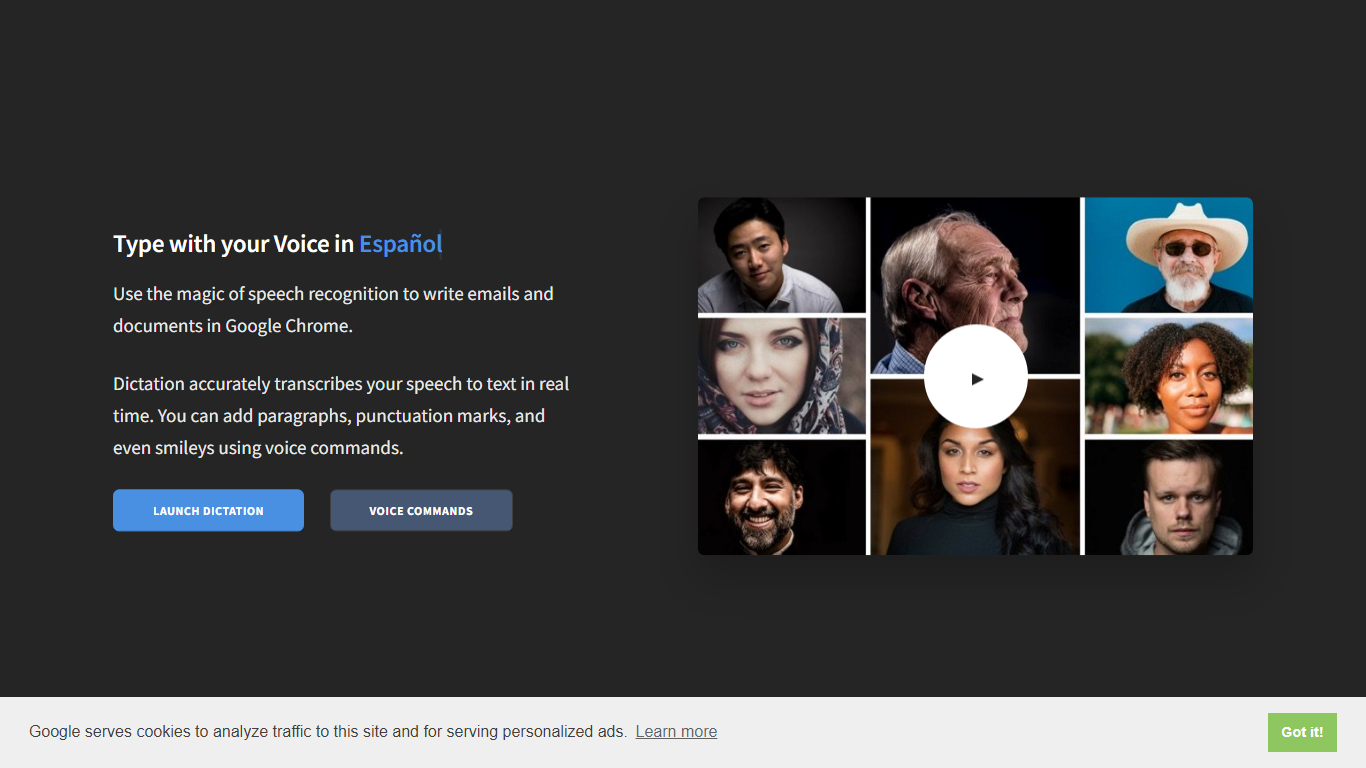

What is Dictation?
Dictation transcribes your voice into editable text in real time inside Google Chrome. It supports more than 100 languages and regional variants through Google's speech recognition engine, and voice commands add paragraphs, punctuation, and smileys without touching the keyboard. The tool targets anyone drafting emails or documents hands-free on Windows, Mac, or Linux.
Most dictation apps want a desktop install or a paid API key. Dictation keeps everything in the browser, stores converted text locally, and does not upload audio to its own servers according to the help copy. That makes it a lightweight option for drafting emails and documents when you already use Chrome.
Writers, multilingual users, and accessibility-focused workers use Dictation for hands-free typing. The trade-off is Chrome-only support and dependence on Google's recognition quality, which varies by language and microphone setup.
MysticLabs
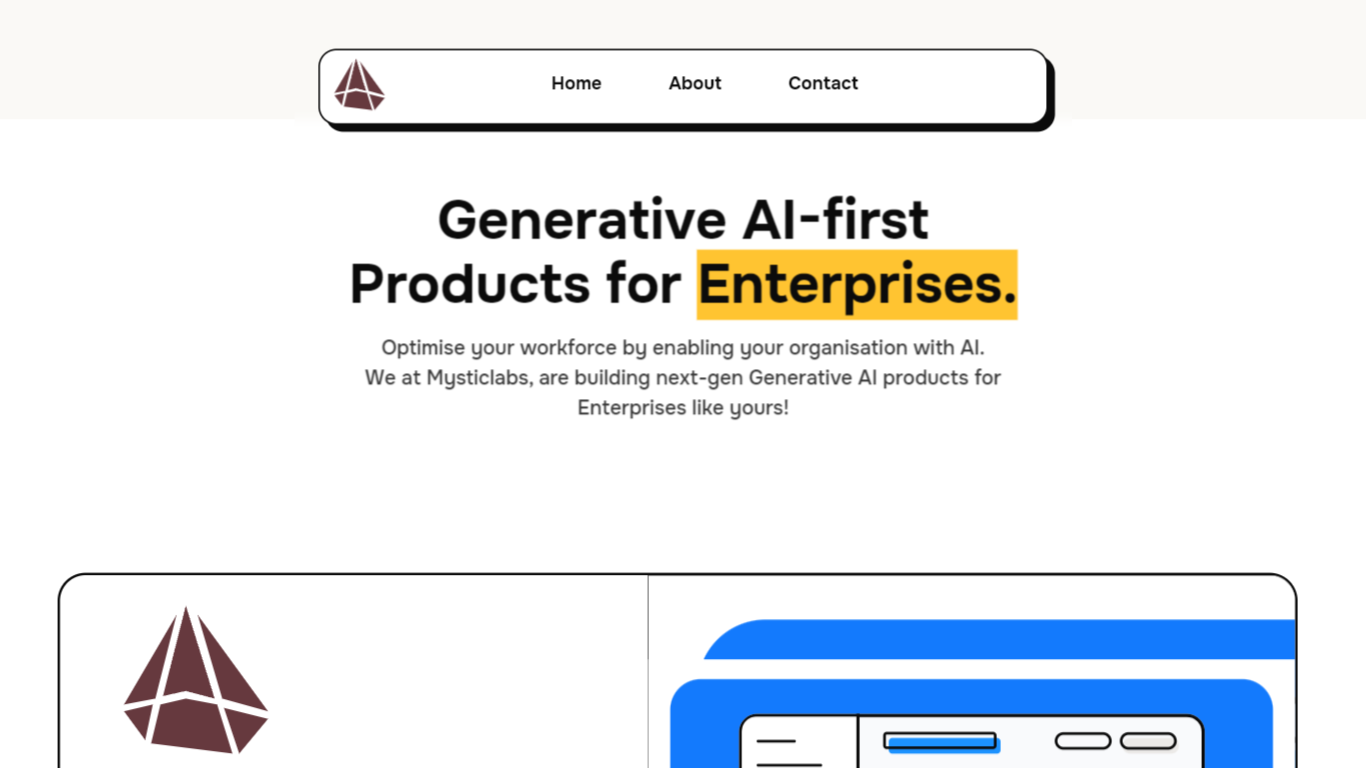
What is MysticLabs?
MysticLabs is at the cutting edge of innovative e-commerce solutions, providing users with a seamless and intuitive online shopping experience. The website facilitates a hassle-free navigation structure, where customers can browse products, view cart items, and make purchases within a few clicks. MysticLabs prides itself on a user-friendly interface, complete with a dynamic cart system that reflects product choices instantaneously. Each product element incorporates a visual display, product details, pricing information, and customization options to ensure that customers have all the information they need to make informed decisions. Subscribing to the newsletter keeps users connected with the latest updates, while the contact page offers easy communication avenues. MysticLabs is built for efficiency and convenience, making the online shopping journey a delight for its customers.
Dictation Upvotes
MysticLabs Upvotes
Dictation Top Features
Real-time speech transcription in more than 100 languages via Google Speech Recognition
Voice commands for new lines, punctuation marks, and smileys like "Smiling Face"
Runs in Google Chrome on Windows, Mac, and Linux with no account required
Converted text stays in the browser locally with no server upload, per the site help
Dedicated pages list supported languages and per-language voice commands
Free to use with contact at [email protected] for feedback
MysticLabs Top Features
Dynamic Cart: Seamlessly updates the shopping cart with user-selected products.
Product Customization: Offers tailored options for each product.
Intuitive Navigation: Ensures easy access to all parts of the website.
User Engagement: Newsletter subscription for updates and offers.
Efficient Communication: Simple contact options for customer inquiries.
Dictation Category
- Web Apps
MysticLabs Category
- Web Apps
Dictation Pricing Type
- Free
MysticLabs Pricing Type
- Freemium