Diffusion Art vs Lexica
When comparing Diffusion Art vs Lexica, which AI Image Generation Model tool shines brighter? We look at pricing, alternatives, upvotes, features, reviews, and more.
Between Diffusion Art and Lexica, which one is superior?
When we put Diffusion Art and Lexica side by side, both being AI-powered image generation model tools, Diffusion Art stands out as the clear frontrunner in terms of upvotes. Diffusion Art has been upvoted 7 times by aitools.fyi users, and Lexica has been upvoted 6 times.
Want to flip the script? Upvote your favorite tool and change the game!
Diffusion Art

What is Diffusion Art?
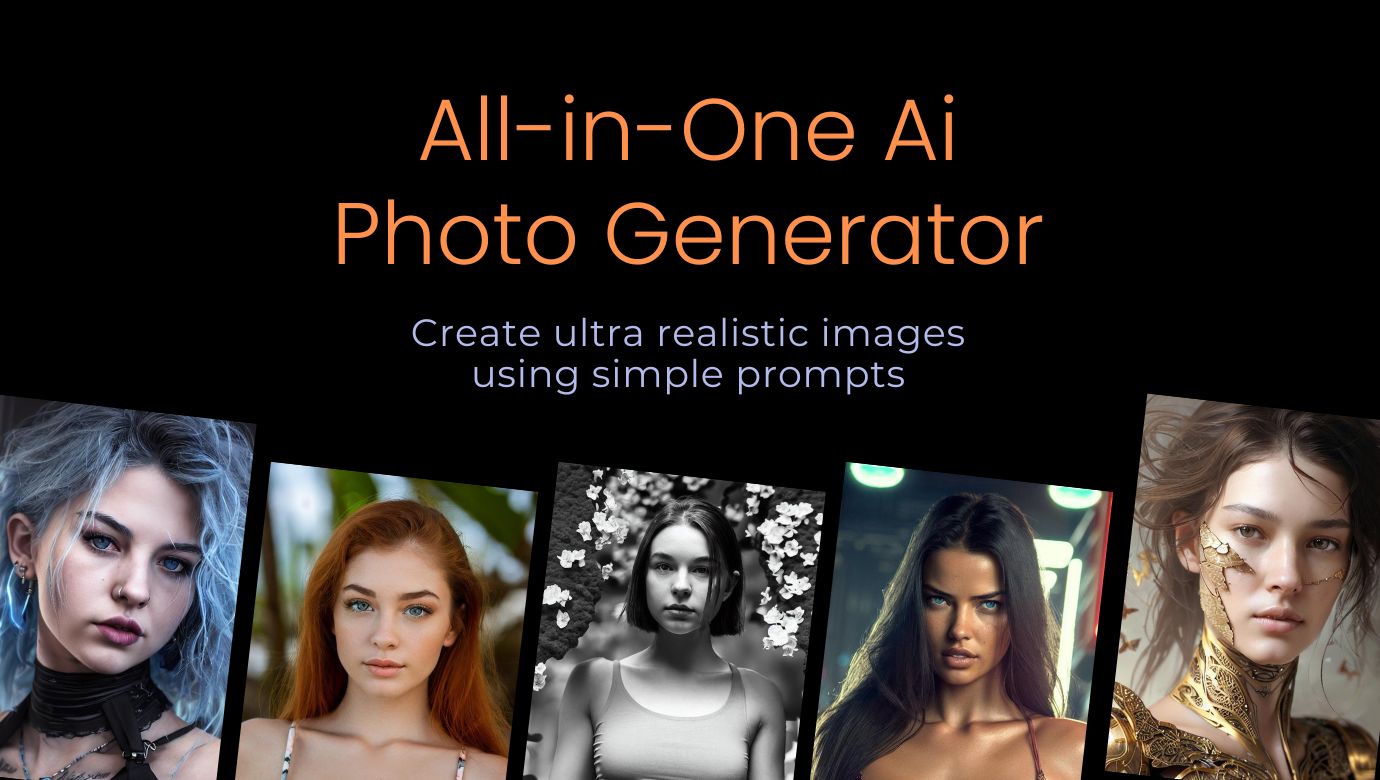
Diffusion Art turns text prompts into artwork through free and premium diffusion models you run from the browser. You type a description, hit generate, and get images with optional inpainting, editing, and batch runs at diffusionart.ai. A free tier covers casual testing, while paid plans unlock premium models, private mode, and monthly token allotments.
Most prompt-to-image sites treat free and paid models as the same stack with a paywall on resolution. Diffusion Art runs separate free and premium model sets, with maintenance priority on paid tiers and best-effort uptime on free models. That split lets hobbyists keep generating at $0 while subscribers get faster queues, up to 10,000 tokens per month, and up to 10GB cloud storage on the Pro plan.
Content creators, marketers, and designers use Diffusion Art when they need commercial-licensed outputs without ads or watermarks on the free plan, or higher-volume generation with private mode on Starter through Pro subscriptions. Login and billing run through diffusionart.ai even when you land on the diffusionart.co domain.
Lexica
What is Lexica?
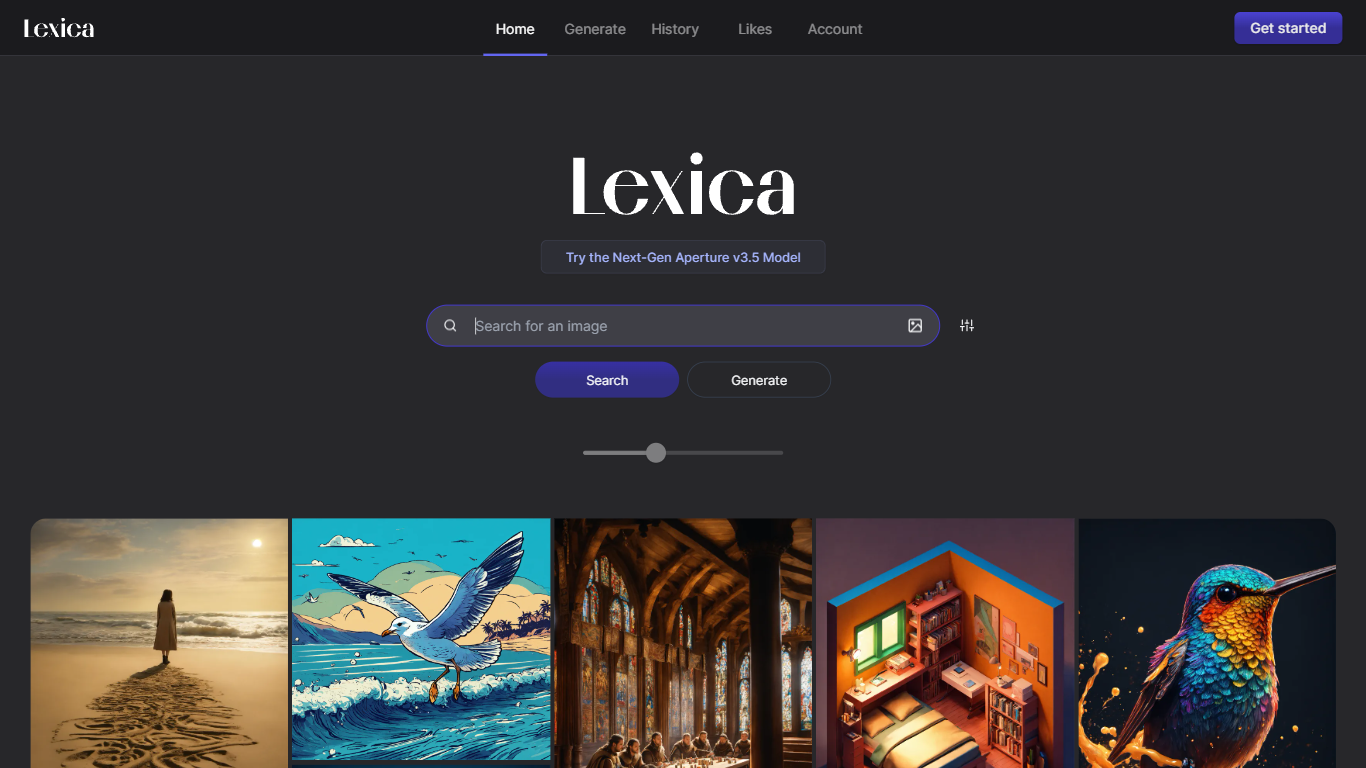
Lexica lets you search a massive gallery of AI-generated art, inspect the prompts behind each image, and create new visuals with its Lexica Aperture model. The Generate workspace defaults to 960 by 1440 output, and every prompt submission spends four image credits before results appear.
Unlike general chat tools that bolt on image buttons, Lexica built its reputation as a prompt search engine first. You can reverse-engineer styles from existing images, then move into Aperture generation with fast and slow queues, custom aspect ratios, and optional image uploads. Starter and Pro images stay public in search; only the Max plan keeps generations private by default.
Artists, designers, marketers, and hobbyists use Lexica to explore visual ideas and produce commercial-ready assets under plan-specific licenses. Paid plans are required to generate images because Lexica does not offer a free tier, though subscribers can buy extra fast generations at $0.05 each when monthly limits run out.
Diffusion Art Upvotes
Lexica Upvotes
Diffusion Art Top Features
Free plan includes commercial license with no ads or watermarks on generated images
Premium plans range from 1,000 to 10,000 tokens per month across Starter, Plus, and Pro tiers
Plus plan at $20 per month includes 5GB cloud storage and private mode
Supports inpainting, editing, and batch generation from natural language prompts
Yearly billing saves 20% versus monthly pricing on paid plans
High-resolution upscaling targets print, web, and large-display output
Lexica Top Features
Lexica Aperture generates images at a default 960 by 1440 resolution
Each prompt submission uses 4 image generation credits across all plans
Starter plan includes 1,000 fast generations per month for $8 billed annually
Pro plan adds 3,000 fast generations, unlimited slow queue access, and full commercial license for $24 per month
Max plan provides 7,000 fast generations and private images that stay out of Lexica search
Buy extra fast generations at $0.05 each without expiration while your subscription stays active
Search engine lets you browse public images and study the prompts that created them
Diffusion Art Category
- Image Generation Model
Lexica Category
- Image Generation Model
Diffusion Art Pricing Type
- Freemium
Lexica Pricing Type
- Paid