Dify.AI vs Scribe
In the contest of Dify.AI vs Scribe, which AI Productivity tool is the champion? We evaluate pricing, alternatives, upvotes, features, reviews, and more.
If you had to choose between Dify.AI and Scribe, which one would you go for?
When we examine Dify.AI and Scribe, both of which are AI-enabled productivity tools, what unique characteristics do we discover? The users have made their preference clear, Scribe leads in upvotes. Scribe has received 17 upvotes from aitools.fyi users, while Dify.AI has received 6 upvotes.
Not your cup of tea? Upvote your preferred tool and stir things up!
Dify.AI
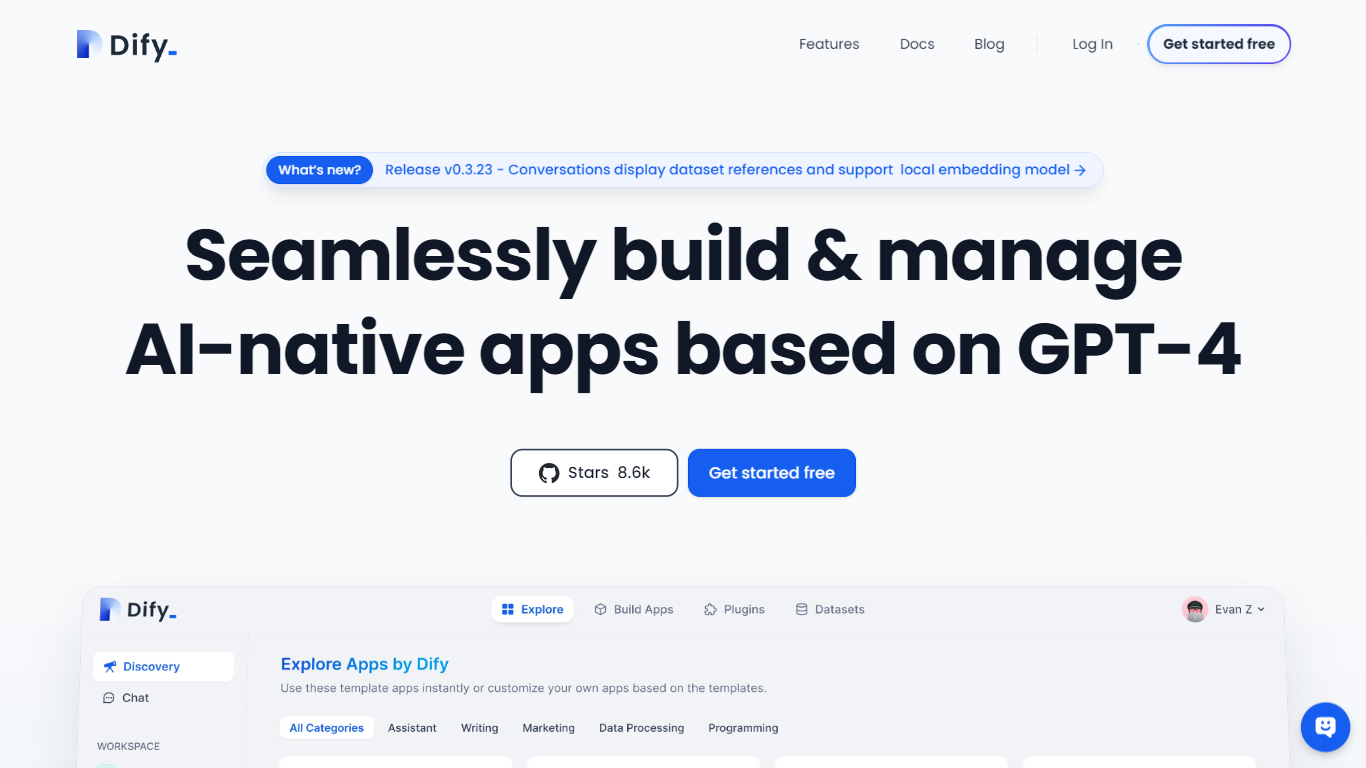

What is Dify.AI?
Dify.AI lets teams build agentic workflows, RAG pipelines, and AI agents on a visual canvas, then ship them to cloud, VPC, or self-hosted Docker without rewriting the stack. The Workflow Studio connects model calls, knowledge retrieval, tool use, branching, and human-review nodes into one debuggable execution path that publishes as a web app, API, embed, or MCP tool.
Where many AI builders stop at a chat wrapper, Dify treats the workflow as the product. Every node, variable, and run is traceable in logs, and the open-source Community Edition has 152,000+ GitHub stars. Dify Cloud adds managed hosting with message credits for trying models from OpenAI, Anthropic, Gemini, and others before you plug in your own API keys.
Developers, product teams, and enterprise IT groups use Dify for customer support bots, document processing pipelines, assessment generation, and internal knowledge assistants. The Marketplace supplies model providers, data sources, and MCP integrations teams can reuse across projects instead of wiring each app from scratch.
Scribe
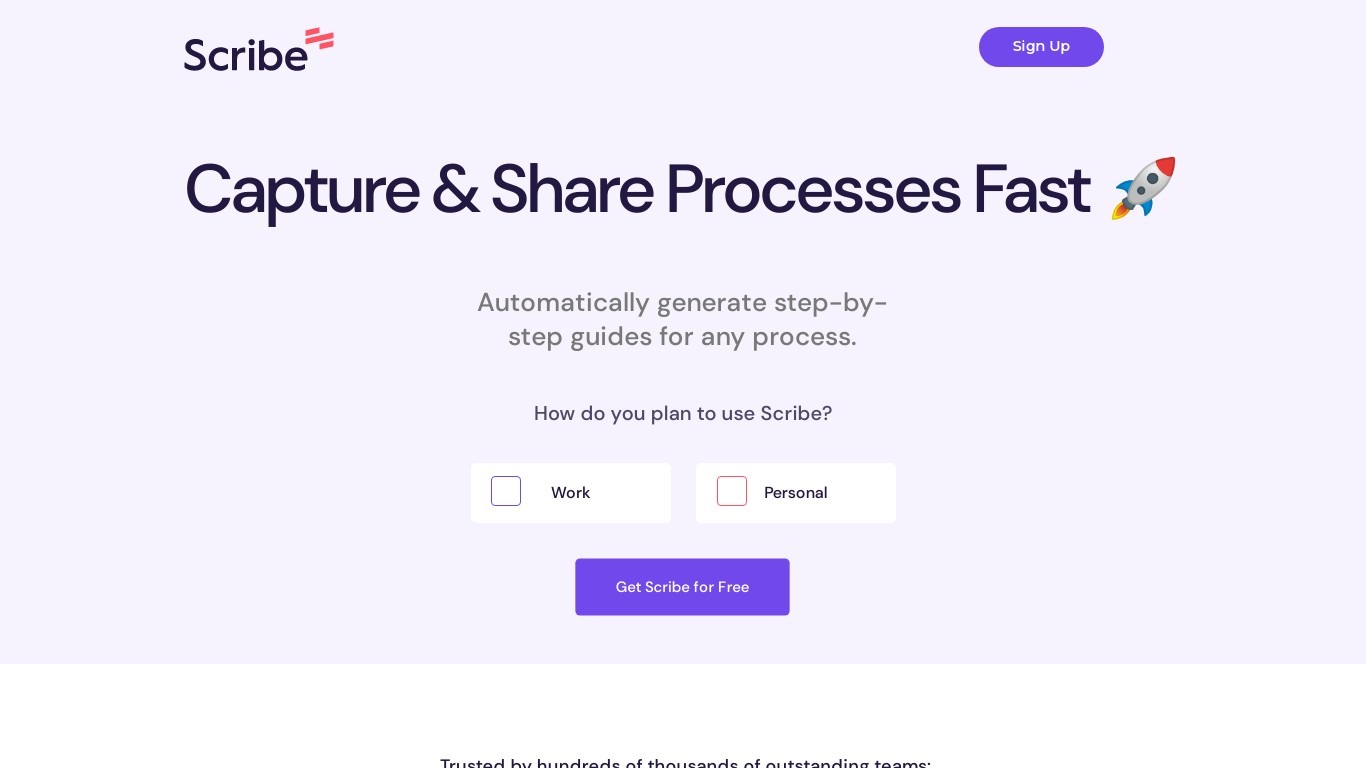
What is Scribe?
Scribe captures how work actually gets done and turns it into step-by-step guides your team and AI agents can follow. It records workflows as people perform them in the browser, desktop, or mobile apps, then generates documentation without manual screenshots or write-ups. Teams use it for SOPs, training, onboarding, and feeding workflow context to AI tools.
Where most documentation tools expect you to write guides from memory or schedule walkthroughs, Scribe watches real workflows and documents them automatically. Capture surfaces the processes teams run most often and turns them into shareable guides, while Optimize maps inefficiencies across approved apps and recommends where to automate or invest in AI.
Operations, IT, HR, and enablement teams rely on Scribe to share tribal knowledge before someone goes on PTO. Companies rolling out new software or building AI agent roadmaps use it to give bots accurate workflow context through MCP and enterprise search APIs.
Dify.AI Upvotes
Scribe Upvotes
Dify.AI Top Features
Workflow Studio visual canvas with LLM, knowledge retrieval, branching, code, and human-review nodes
Knowledge Pipeline ingests files, websites, and drives with chunking, indexing, and retrieval testing
Agents get tools, memory, and boundary limits usable standalone or inside larger workflows
Marketplace installs model providers, data sources, and MCP integrations across projects
Publish apps as web experiences, API endpoints, embeds, or MCP-compatible tools with run logs
Community Edition deploys via single-command Docker with Apache-2.0-derivative license and 152K+ GitHub stars
Scribe Top Features
Records any workflow and outputs a polished step-by-step guide automatically
Chrome and Edge extensions plus desktop apps capture web, mobile, and desktop processes
Export guides to PDF, HTML, Markdown, or Word, or embed them anywhere
Pro Team starts at 5 seats with comments and collaboration on shared guides
Feed workflow context to AI assistants through MCP and enterprise search API
Enterprise auto-redaction for PII and PHI with SOC 2 Type II and HIPAA compliance
Dify.AI Category
- Productivity
Scribe Category
- Productivity
Dify.AI Pricing Type
- Freemium
Scribe Pricing Type
- Freemium