Directory Crop vs Pixlr
In the contest of Directory Crop vs Pixlr, which AI Image Generation tool is the champion? We evaluate pricing, alternatives, upvotes, features, reviews, and more.
If you had to choose between Directory Crop and Pixlr, which one would you go for?
When we examine Directory Crop and Pixlr, both of which are AI-enabled image generation tools, what unique characteristics do we discover? With more upvotes, Pixlr is the preferred choice. Pixlr has been upvoted 10 times by aitools.fyi users, and Directory Crop has been upvoted 7 times.
Feeling rebellious? Cast your vote and shake things up!
Directory Crop

What is Directory Crop?
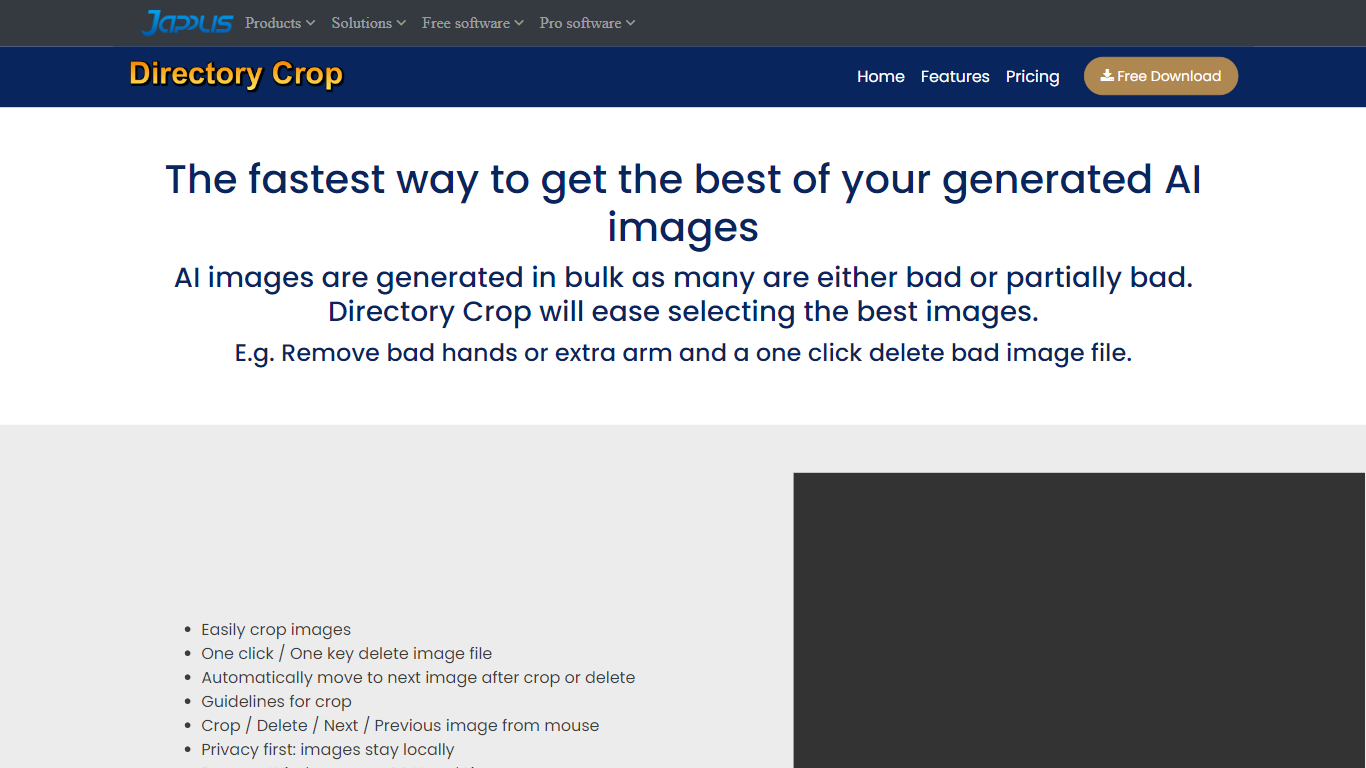
As AI doesn't always generate perfect images, Directory Crop is here to help you quickly select the best of them. Either delete the bad ones or select a part of the image that was correctly generated. It will also automatically move to the next image after delete or crop. Directory Crop can be freely installed on Windows, MacOS and Linux.
Pixlr
What is Pixlr?
Free Online Photo Editor, AI image Generator & Design tool
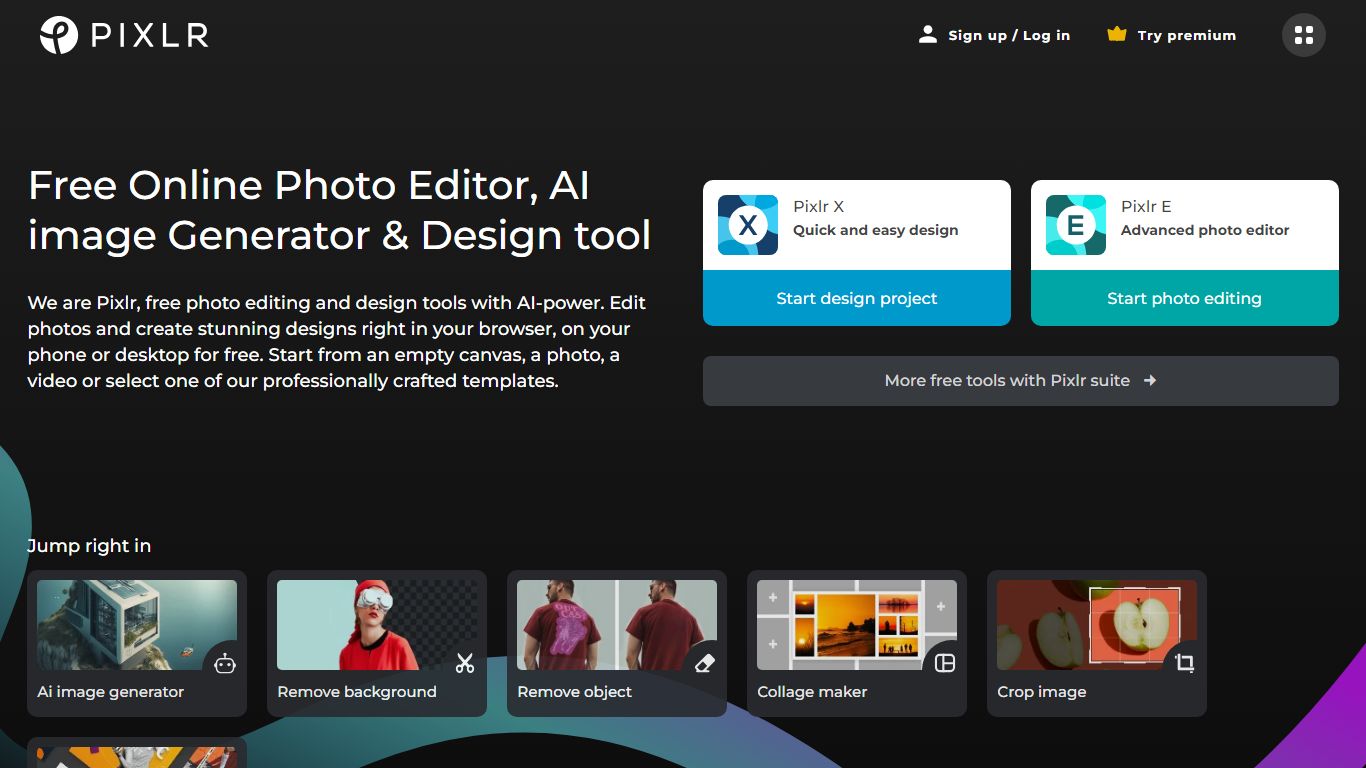
We are Pixlr, free photo editing and design tools with AI-power. Edit photos and create stunning designs right in your browser, on your phone or desktop for free. Start from an empty canvas, a photo, a video or select one of our professionally crafted templates.
Photomash Studio by Pixlr:Create high quality visual assets with just one click, for free! The one-click visual creator Photomash Studio instantly removes backgrounds from your photos to create amazing profile pictures, product images, Youtube thumbnails and more..
Design templates:Start designing from professionally crafted templates! Create a YouTube banner, Instagram story, resume, brochure, business card, presentation or the perfect sales pitch with a growing library of thousands of stunning and free templates.
Animations:Animate any design in just a few clicks with Pixlr. Use professional-looking animation presets or get into the gritty timeline details and capture your audience in way that simple images just can't.
Remove background:Erase backgrounds in your photos with ease! Instant AI-powered background removal in a single click! So fast, too easy. Now you can remove backgrounds from portraits, selfies, profile pictures and more in mere seconds.
Collage maker:Need to assemble photos on the fly? Create photo collages free online with our built-in pre-made collage templates. Just select a layout, upload images and start editing.
Filters & Effects:Transform your photos into artistic visuals with a variety of creative photo filters. Achieve the desired photo effects effortlessly in easy clicks!
Directory Crop Upvotes
Pixlr Upvotes
Directory Crop Top Features
Remove bad hands
Delete bad image file with one mouse click
Remove extra arm
Select best images of a batch
Select best part of a generated image
Pixlr Top Features
No top features listedDirectory Crop Category
- Image Generation
Pixlr Category
- Image Generation
Directory Crop Pricing Type
- Freemium
Pixlr Pricing Type
- Freemium