DLTranslator vs FreeSubtitles.Ai
Dive into the comparison of DLTranslator vs FreeSubtitles.Ai and discover which AI Translation tool stands out. We examine alternatives, upvotes, features, reviews, pricing, and beyond.
When comparing DLTranslator and FreeSubtitles.Ai, which one rises above the other?
When we compare DLTranslator and FreeSubtitles.Ai, two exceptional translation tools powered by artificial intelligence, and place them side by side, several key similarities and differences come to light. There's no clear winner in terms of upvotes, as both tools have received the same number. Since other aitools.fyi users could decide the winner, the ball is in your court now to cast your vote and help us determine the winner.
Feeling rebellious? Cast your vote and shake things up!
DLTranslator
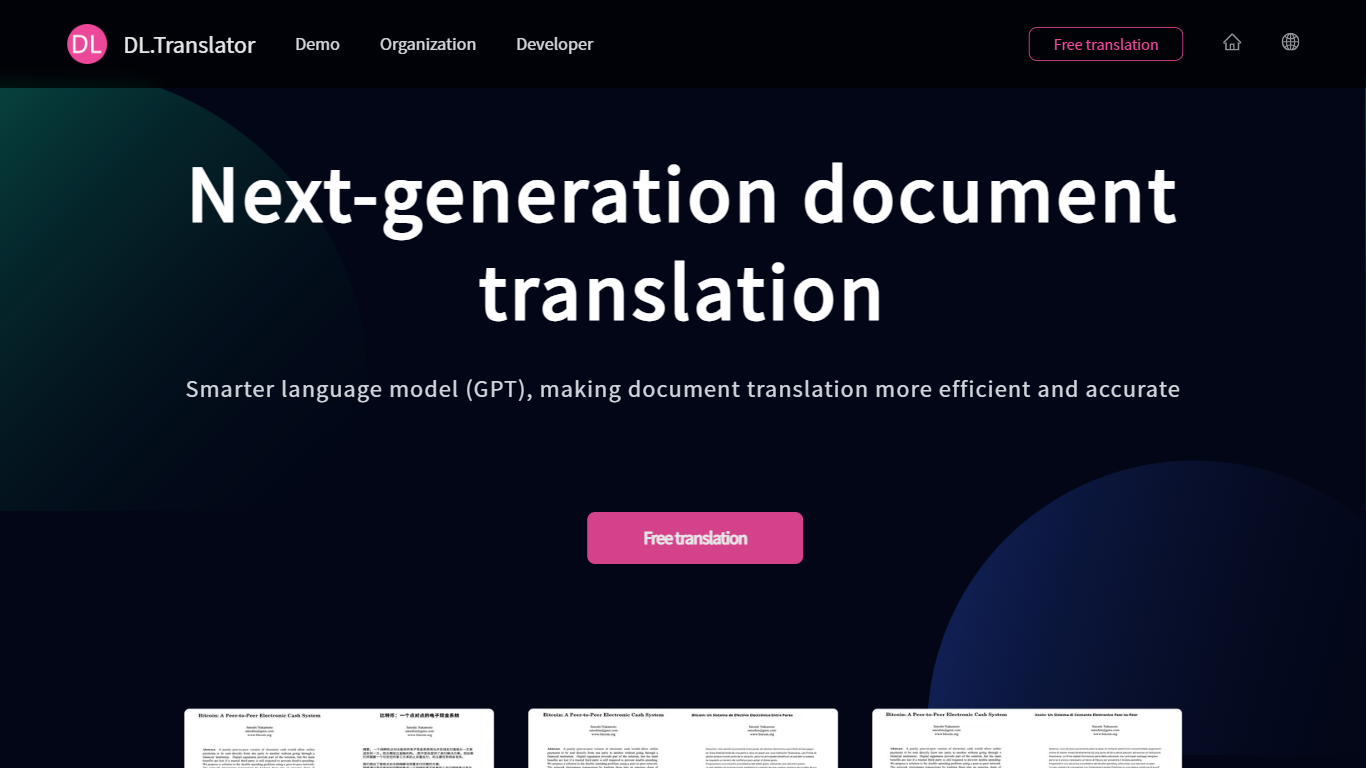

What is DLTranslator?
DLTranslator converts PDF, Word, PowerPoint, and spreadsheet files across 100+ languages while keeping tables, headers, and design elements in place. You upload a file, pick source and target languages, and the system returns a translated document with formatting preserved rather than a plain text dump. A free preview lets you read part of the output before spending credits.
Browser translators and copy-paste workflows break tables, headers, and design files. DLTranslator focuses on layout restoration, OCR for scanned PDFs, glossary control, and multi-model tiers from a low-cost standard mode to professional models like GPT-4.1 and Claude Sonnet. Billing runs on tokens converted to credits, with packages from $5 and an enterprise edition for private storage and API integration.
Legal teams, finance analysts, game localizers, and researchers use it when they need deliverable files, not just translated strings. The homepage cites a 99.8 percent layout restoration rate and more than 4 million translated documents, while the demo page supports 50+ file types up to 1GB.
FreeSubtitles.Ai
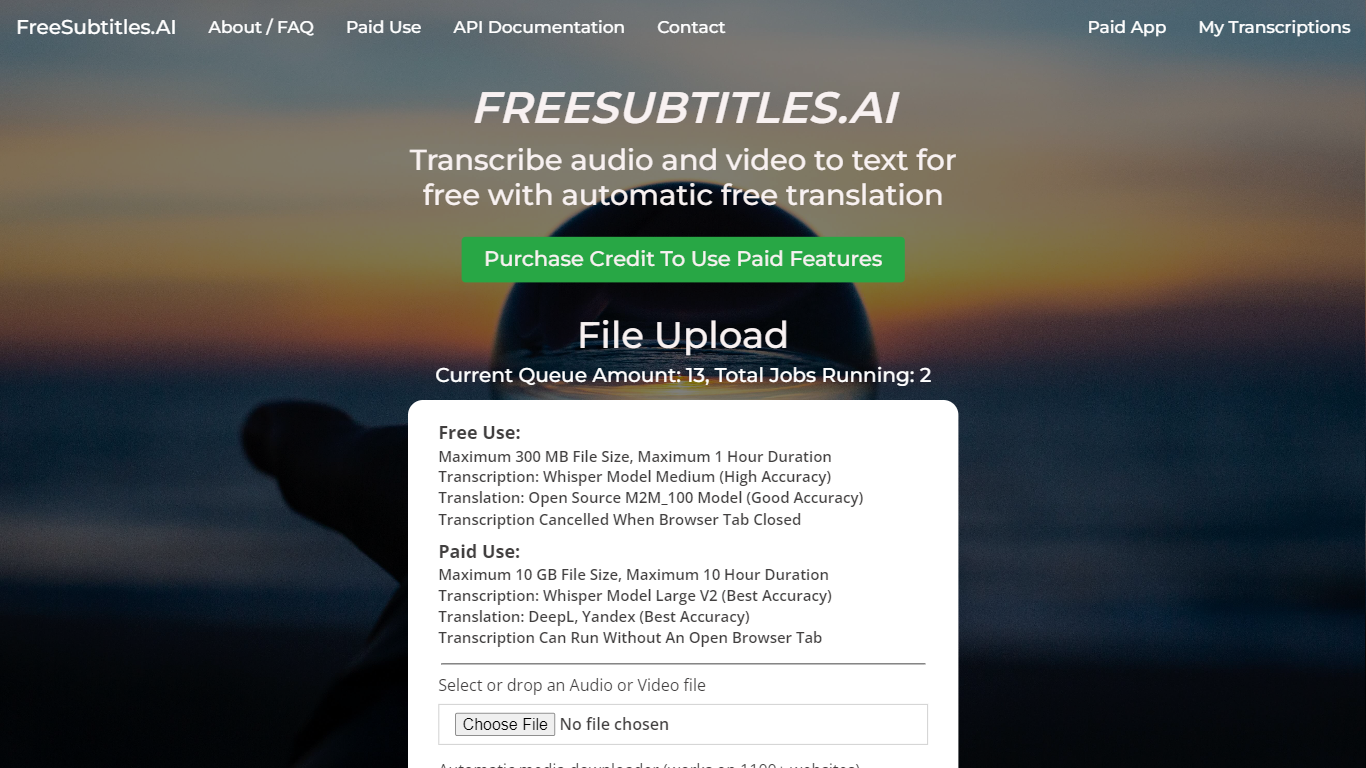
What is FreeSubtitles.Ai?
FreeSubtitles.Ai transcribes video and audio into searchable text, translates subtitles across 120 languages, and exports SRT, VTT, or burned-in video files from a browser upload. Drop MP4, MKV, MOV, MP3, WAV, or FLAC files and get timed captions without installing desktop transcription software.
Unlike flat per-minute subscription tools, Subtitles Pro charges $0.99 per processed hour with prepaid credit that never expires and no recurring plan. Free uploads cover 30 minutes and 300 MB at medium quality with one basic translation, while Pro raises limits to 30 hours and 10 GB per file, adds speaker diarization, parallel batch jobs, API keys, and full-length 1080p exports without watermarks.
Podcasters, video editors, and localization teams use FreeSubtitles.Ai when they need fast transcripts plus optional translation and subtitle export in the same session.
DLTranslator Upvotes
FreeSubtitles.Ai Upvotes
DLTranslator Top Features
Supports 50+ file types including PDF, DOCX, PPTX, XLSX, EPUB, SRT, and XLIFF up to 1GB per file
Standard mode charges 1 credit per 3,000 tokens; professional mode uses 1 credit per 1,000 tokens
Built-in OCR estimates 1,200 tokens per scanned PDF page and 500 tokens per embedded image
Free full-document preview before payment, with credits sold in $5, $15, and $60 packages
Enterprise edition offers private storage, API integration, and a $50,000 one-time setup fee
FreeSubtitles.Ai Top Features
Free uploads support 30-minute files up to 300 MB in 100 transcription languages
Pro pricing is $0.99 per processed hour with credit that never expires and no subscription
Exports include SRT, VTT, TXT, and burned-in video up to 1080p on Pro plans
Pro raises per-file limits to 30 hours and 10 GB with priority queue servers
Media downloader fetches files from 1,100+ sites so you can skip manual uploads
Speaker diarization and AI name fill-in label who spoke on Pro transcription jobs
DLTranslator Category
- Translation
FreeSubtitles.Ai Category
- Translation
DLTranslator Pricing Type
- Freemium
FreeSubtitles.Ai Pricing Type
- Freemium