
Last updated 08-13-2026
Category:
Reviews:
Join thousands of AI enthusiasts in the World of AI!
FreeSubtitles.Ai
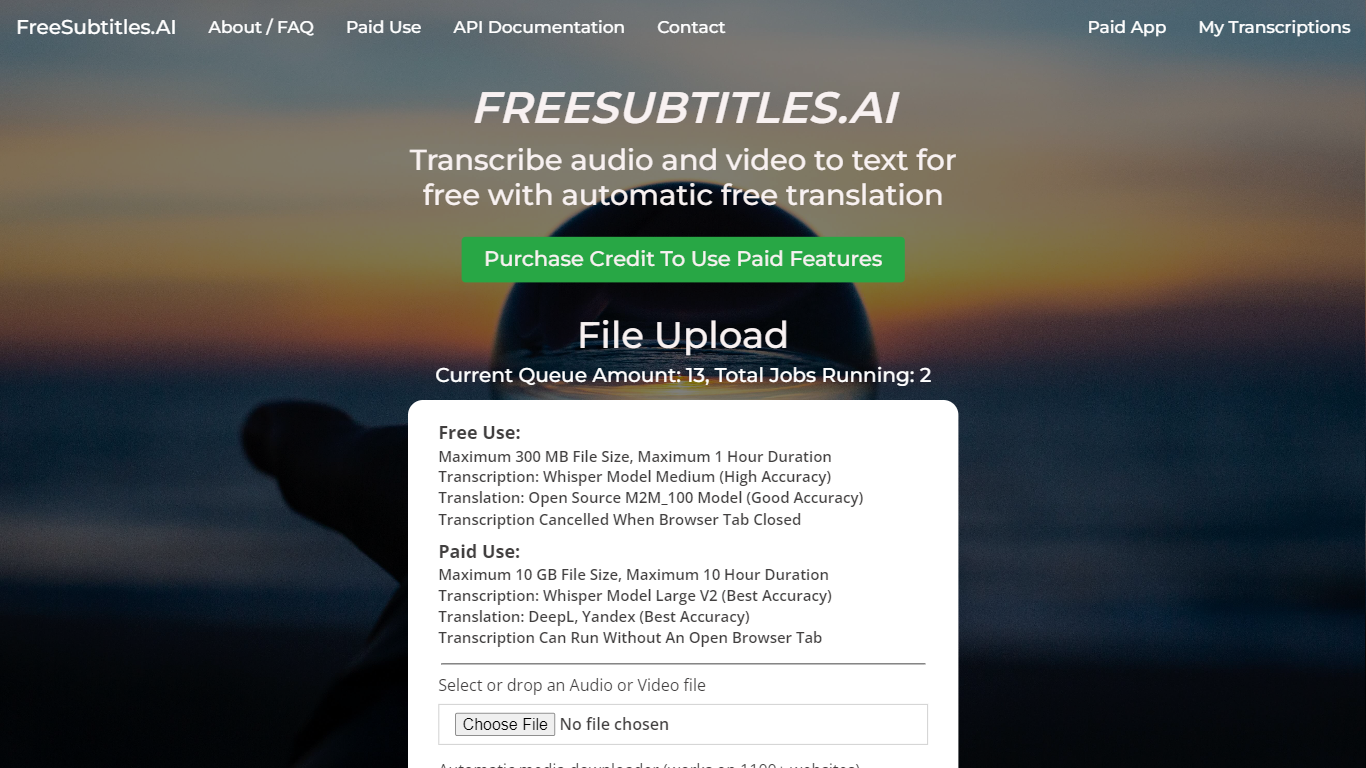
FreeSubtitles.Ai transcribes video and audio into searchable text, translates subtitles across 120 languages, and exports SRT, VTT, or burned-in video files from a browser upload. Drop MP4, MKV, MOV, MP3, WAV, or FLAC files and get timed captions without installing desktop transcription software.
Unlike flat per-minute subscription tools, Subtitles Pro charges $0.99 per processed hour with prepaid credit that never expires and no recurring plan. Free uploads cover 30 minutes and 300 MB at medium quality with one basic translation, while Pro raises limits to 30 hours and 10 GB per file, adds speaker diarization, parallel batch jobs, API keys, and full-length 1080p exports without watermarks.
Podcasters, video editors, and localization teams use FreeSubtitles.Ai when they need fast transcripts plus optional translation and subtitle export in the same session.
Free uploads support 30-minute files up to 300 MB in 100 transcription languages
Pro pricing is $0.99 per processed hour with credit that never expires and no subscription
Exports include SRT, VTT, TXT, and burned-in video up to 1080p on Pro plans
Pro raises per-file limits to 30 hours and 10 GB with priority queue servers
Media downloader fetches files from 1,100+ sites so you can skip manual uploads
Speaker diarization and AI name fill-in label who spoke on Pro transcription jobs
No subscription required because Pro credit is prepaid per hour and never expires.
Combines transcription, translation, subtitle export, and burned-in video in one browser workflow.
Media downloader pulls files from 1,100+ sites when you do not have a local copy ready.
Free tier caps files at 30 minutes and 300 MB with medium quality only.
Free video exports are watermarked 720p clips limited to five minutes.
Later Pro top-ups require a $4.99 minimum after the initial $0.99 test purchase.
Is FreeSubtitles.Ai free?
FreeSubtitles.Ai lets you transcribe files up to 30 minutes and 300 MB at medium quality without signup. Free jobs include one basic translation and watermarked 720p video exports capped at five minutes.
How much does Subtitles Pro cost?
Subtitles Pro on FreeSubtitles.Ai charges $0.99 per processed media hour with prepaid credit that never expires. Your first purchase can be $0.99, and later top-ups have a $4.99 minimum through Stripe checkout.
Which file formats does FreeSubtitles.Ai accept?
FreeSubtitles.Ai accepts MP4, MKV, MOV, MP3, WAV, and FLAC uploads from your device. Pro users can also paste URLs so the media downloader fetches files from 1,100+ supported sites.
How many languages does FreeSubtitles.Ai support?
FreeSubtitles.Ai transcribes about 100 source languages and translates subtitles into roughly 120 target languages. Free plans include one basic translation while Pro includes two languages with DeepL integration.
Does FreeSubtitles.Ai export subtitled videos?
FreeSubtitles.Ai exports SRT, VTT, and TXT files plus burned-in video. Free exports are 720p clips up to five minutes with a watermark, while Pro exports run full length at 1080p without a watermark.
Does FreeSubtitles.Ai offer an API?
FreeSubtitles.Ai includes API access with Subtitles Pro through a programmatic key for your apps. Free uploads still transcribe and translate files in the browser but do not include API keys.