
Last updated 08-13-2026
Category:
Reviews:
Join thousands of AI enthusiasts in the World of AI!
Trancy
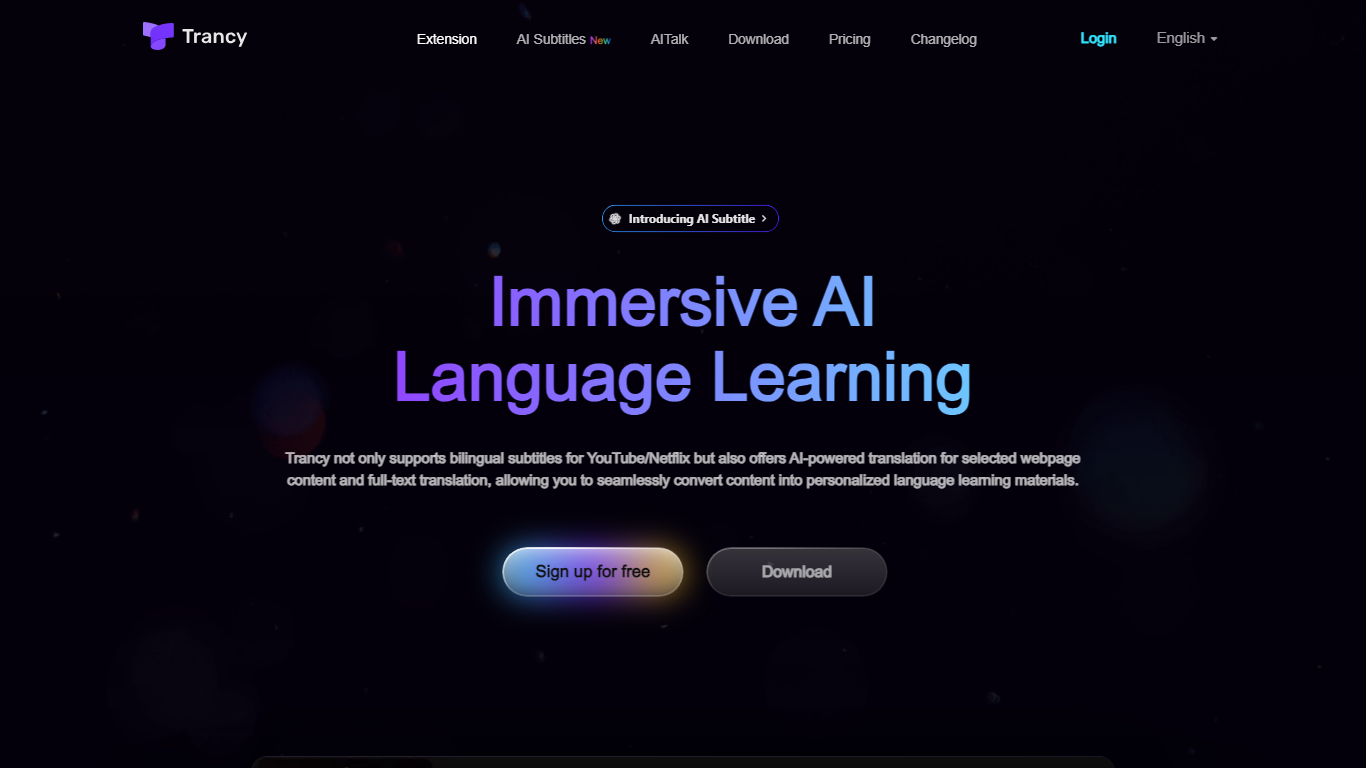
Trancy turns the videos and articles you already read into language lessons by overlaying bilingual subtitles, inline translations, and study tools on top of everyday browsing. It works on YouTube, Netflix, HBO Max, TED, Coursera, and many news or social sites through a browser extension plus mobile app.
Most subtitle tools stop at displaying two languages side by side. Trancy also ships a reading mode that turns subtitles into scrollable text, immersive webpage translation with side-by-side paragraphs, and a learning center where saved words become flashcards, shadowing exercises, and AI speaking feedback. Premium members can run Whisper-based AI subtitle transcription on YouTube and translate PDFs up to 4,000 pages per month.
Self-directed learners and ESL students use Trancy to turn entertainment and news browsing into daily input. The free tier covers core bilingual subtitles and webpage translation, while Premium unlocks higher bookmark limits, AI subtitle generation, PDF translation, and coaching features inside the learning center.
Bilingual subtitles on YouTube, Netflix, HBO Max, Disney+, TED, Coursera, and Udemy
Reading mode displays subtitles as text beside the video for focused study
Whisper-based AI subtitle transcription improves YouTube segmentation by about 80 percent
Immersive webpage translation compares original and translated paragraphs without leaving the page
Free tier allows 100 word bookmarks, 50 sentence bookmarks, and 50 PDF pages per month
Learning center adds flashcards, AI shadowing, and pronunciation evaluation on saved vocabulary
Combines streaming subtitles, webpage translation, PDF translation, and flashcards in one extension.
Reading mode turns video subtitles into editable text for deeper sentence study.
Free tier already covers unlimited basic webpage translation and major streaming sites.
Whisper transcription produces cleaner YouTube captions than default auto subtitles.
Supports Chrome, Edge, Firefox, Brave, plus a mobile app and learning center.
Premium list prices load dynamically on the pricing page, so checkout totals require starting a trial in the extension.
AI YouTube subtitle generation is asynchronous and takes several minutes per video.
Free plan caps word bookmarks at 100, sentence bookmarks at 50, and PDF translation at 50 pages monthly.
Is Trancy free to use?
Yes. Trancy offers a free forever plan with bilingual video subtitles, unlimited webpage word and sentence translation, and smart sentence splitting on YouTube. Premium adds AI subtitles, higher bookmark limits, PDF translation, and speaking coach features.
Which video sites does Trancy support?
Trancy supports bilingual subtitles on major streaming and learning platforms including YouTube, Netflix, HBO Max, Disney+, TED, Coursera, and Udemy. AI subtitle transcription is focused on YouTube videos for Premium members.
How do Trancy AI subtitles work on YouTube?
Trancy Premium uses OpenAI Whisper to transcribe YouTube audio into subtitles asynchronously. Processing usually takes 2 to 5 minutes, then replaces the original machine captions with cleaner sentence breaks for translation.
Can Trancy translate PDF documents?
Yes. Trancy Premium extracts PDF text and shows bilingual translation. The free plan includes 50 PDF pages per month, while Premium raises the limit to 4,000 pages per month.
Does Trancy work on mobile browsers?
Trancy offers browser extensions for Chrome, Edge, Firefox, and Brave, plus a mobile app and web-based learning center so saved vocabulary and flashcards sync across devices.
What translation engines does Trancy support?
Trancy lets you choose translation engines such as Google, DeepL, and OpenAI for webpage and subtitle translation. Premium unlocks custom engine selection and additional AI grammar and word explanation tools.