DLTranslator vs Manage Translation Projects | Taia
When comparing DLTranslator vs Manage Translation Projects | Taia, which AI Translation tool shines brighter? We look at pricing, alternatives, upvotes, features, reviews, and more.
In a comparison between DLTranslator and Manage Translation Projects | Taia, which one comes out on top?
When we put DLTranslator and Manage Translation Projects | Taia side by side, both being AI-powered translation tools, The upvote count is neck and neck for both DLTranslator and Manage Translation Projects | Taia. Join the aitools.fyi users in deciding the winner by casting your vote.
Feeling rebellious? Cast your vote and shake things up!
DLTranslator
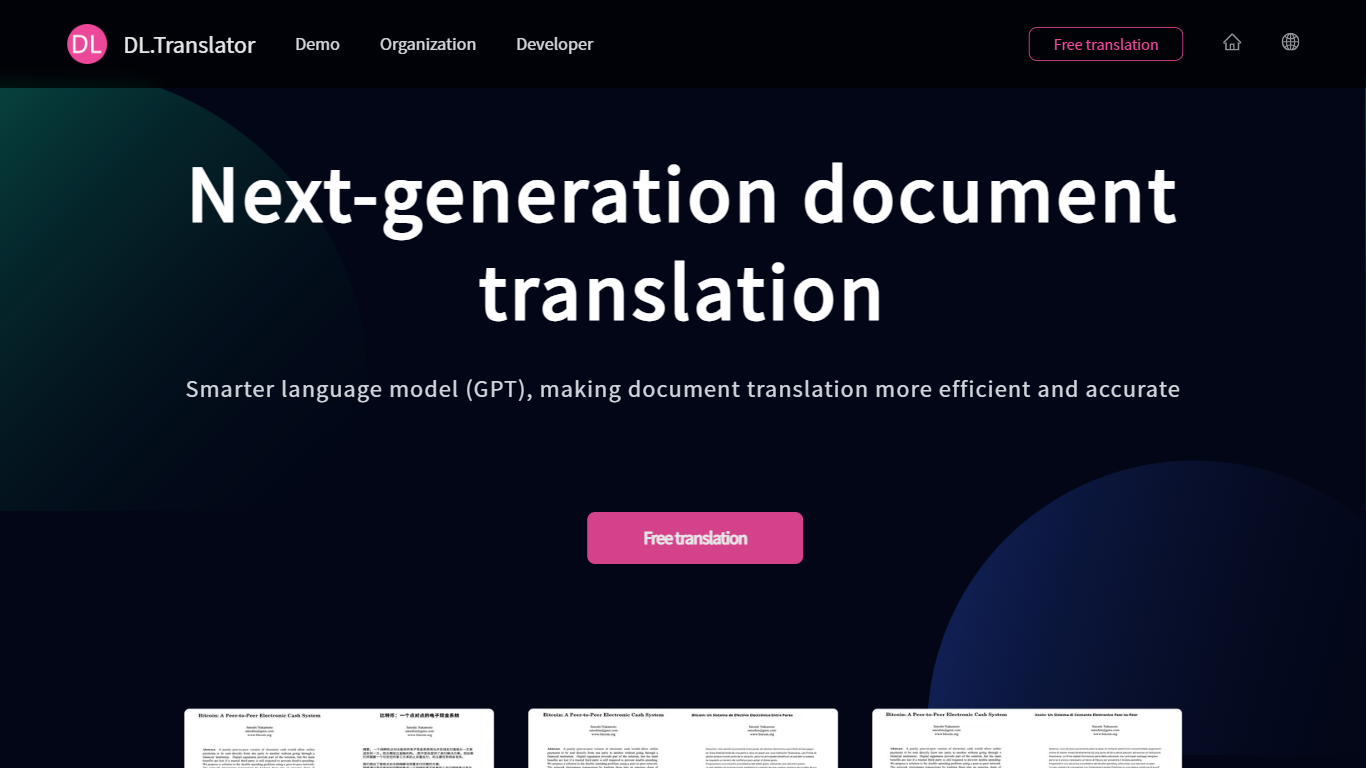

What is DLTranslator?
DLTranslator converts PDF, Word, PowerPoint, and spreadsheet files across 100+ languages while keeping tables, headers, and design elements in place. You upload a file, pick source and target languages, and the system returns a translated document with formatting preserved rather than a plain text dump. A free preview lets you read part of the output before spending credits.
Browser translators and copy-paste workflows break tables, headers, and design files. DLTranslator focuses on layout restoration, OCR for scanned PDFs, glossary control, and multi-model tiers from a low-cost standard mode to professional models like GPT-4.1 and Claude Sonnet. Billing runs on tokens converted to credits, with packages from $5 and an enterprise edition for private storage and API integration.
Legal teams, finance analysts, game localizers, and researchers use it when they need deliverable files, not just translated strings. The homepage cites a 99.8 percent layout restoration rate and more than 4 million translated documents, while the demo page supports 50+ file types up to 1GB.
Manage Translation Projects | Taia
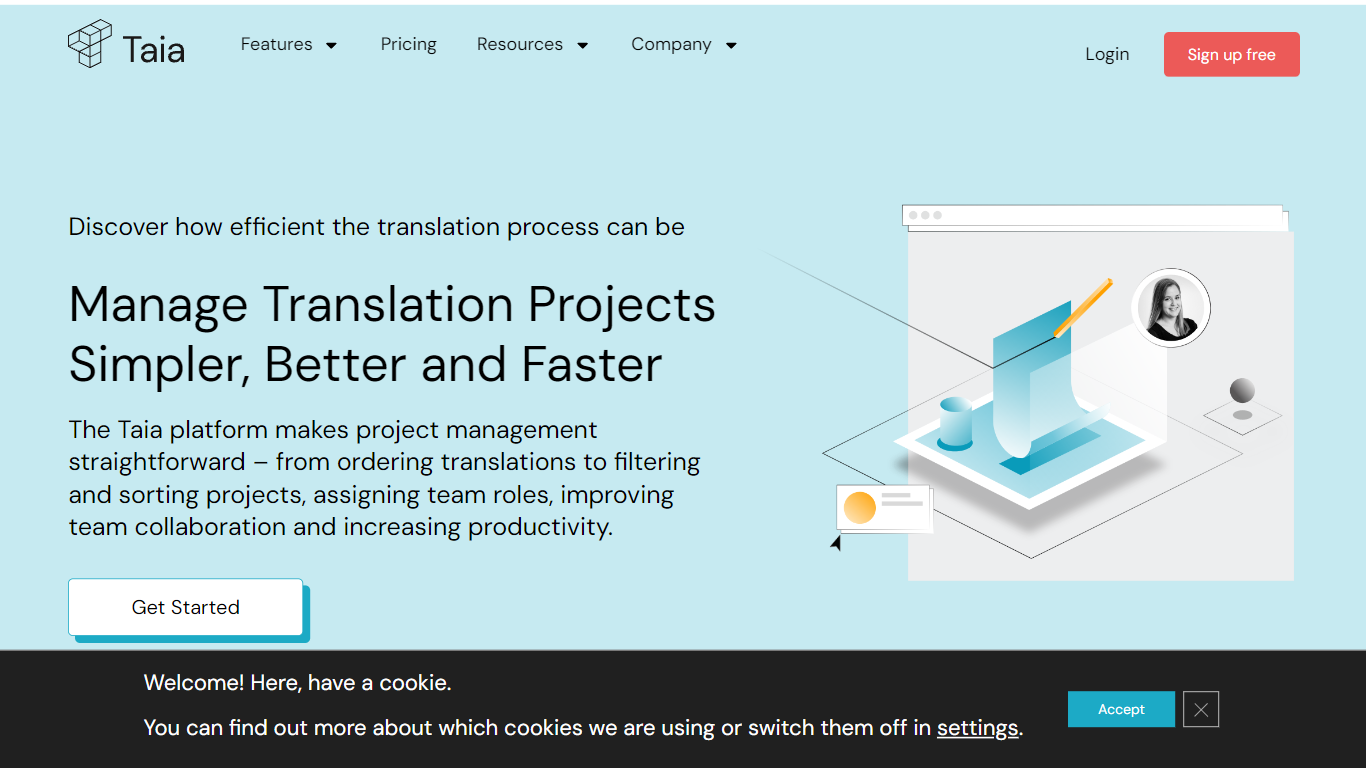
What is Manage Translation Projects | Taia?
The Taia platform revolutionizes translation project management, offering a centralized hub for seamless collaboration, precise control over project timelines, and professional language services. Say goodbye to cumbersome email exchanges; the platform operates 24/7, allowing real-time project submissions, instant quotes, and status updates at a glance. Organize tasks with ease, customize delivery dates, and ensure quality translations catered to your industry needs. Benefit from an intuitive interface, multi-user access, and granular user rights control – all designed to enhance productivity and save you time.
Taia goes beyond basic project management by integrating translation memory, shared glossaries, and style guides to maintain consistent terminology and brand voice across all languages. It supports both AI-driven workflows with in-house review and full professional translation services, allowing teams to choose the best approach per project. The platform includes a built-in CAT editor for reviewing and polishing translations, task assignment with deadlines, and cost tracking per team or project for budget transparency. An API enables automation and integration with CMS and development pipelines, supporting complex workflows and large-scale localization efforts.
DLTranslator Upvotes
Manage Translation Projects | Taia Upvotes
DLTranslator Top Features
Supports 50+ file types including PDF, DOCX, PPTX, XLSX, EPUB, SRT, and XLIFF up to 1GB per file
Standard mode charges 1 credit per 3,000 tokens; professional mode uses 1 credit per 1,000 tokens
Built-in OCR estimates 1,200 tokens per scanned PDF page and 500 tokens per embedded image
Free full-document preview before payment, with credits sold in $5, $15, and $60 packages
Enterprise edition offers private storage, API integration, and a $50,000 one-time setup fee
Manage Translation Projects | Taia Top Features
📊 Real-Time Project Dashboard: Track progress, statuses, and assignments across all language pairs instantly.
🔄 Shared Translation Memory: Reuse previous translations to save 50-75% on costs and ensure consistency.
📚 Glossary & Style Guide Enforcement: Maintain brand terminology and tone across all translations automatically.
🛠 Built-In CAT Editor: Review and edit translations segment-by-segment with glossary hints and quality checks.
🔗 API & Integrations: Automate translation workflows by connecting Taia to your CMS, marketing tools, or CI/CD pipelines.
DLTranslator Category
- Translation
Manage Translation Projects | Taia Category
- Translation
DLTranslator Pricing Type
- Freemium
Manage Translation Projects | Taia Pricing Type
- Freemium