Manage Translation Projects | Taia vs Transcript Download
In the battle of Manage Translation Projects | Taia vs Transcript Download, which AI Translation tool comes out on top? We compare reviews, pricing, alternatives, upvotes, features, and more.
Between Manage Translation Projects | Taia and Transcript Download, which one is superior?
Upon comparing Manage Translation Projects | Taia with Transcript Download, which are both AI-powered translation tools, There's no clear winner in terms of upvotes, as both tools have received the same number. Join the aitools.fyi users in deciding the winner by casting your vote.
Not your cup of tea? Upvote your preferred tool and stir things up!
Manage Translation Projects | Taia
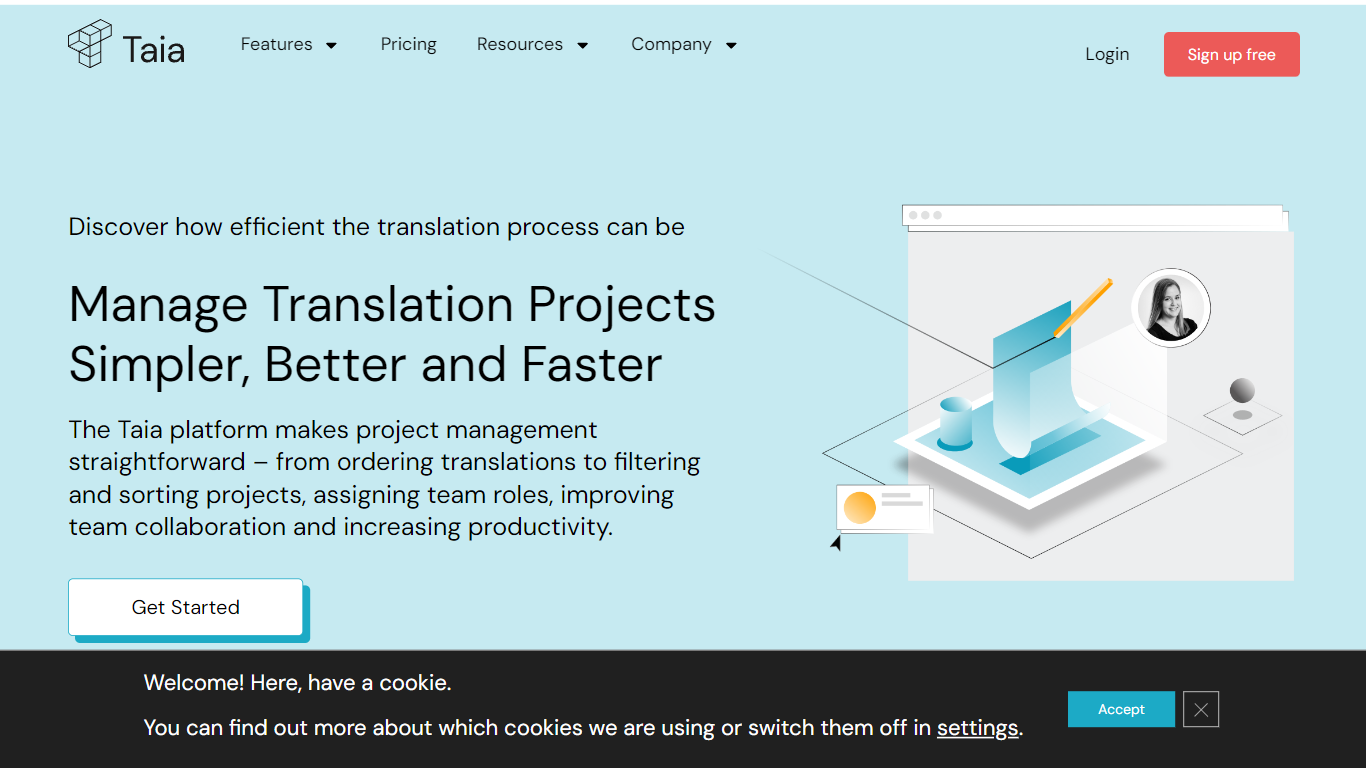

What is Manage Translation Projects | Taia?
The Taia platform revolutionizes translation project management, offering a centralized hub for seamless collaboration, precise control over project timelines, and professional language services. Say goodbye to cumbersome email exchanges; the platform operates 24/7, allowing real-time project submissions, instant quotes, and status updates at a glance. Organize tasks with ease, customize delivery dates, and ensure quality translations catered to your industry needs. Benefit from an intuitive interface, multi-user access, and granular user rights control – all designed to enhance productivity and save you time.
Taia goes beyond basic project management by integrating translation memory, shared glossaries, and style guides to maintain consistent terminology and brand voice across all languages. It supports both AI-driven workflows with in-house review and full professional translation services, allowing teams to choose the best approach per project. The platform includes a built-in CAT editor for reviewing and polishing translations, task assignment with deadlines, and cost tracking per team or project for budget transparency. An API enables automation and integration with CMS and development pipelines, supporting complex workflows and large-scale localization efforts.
Transcript Download
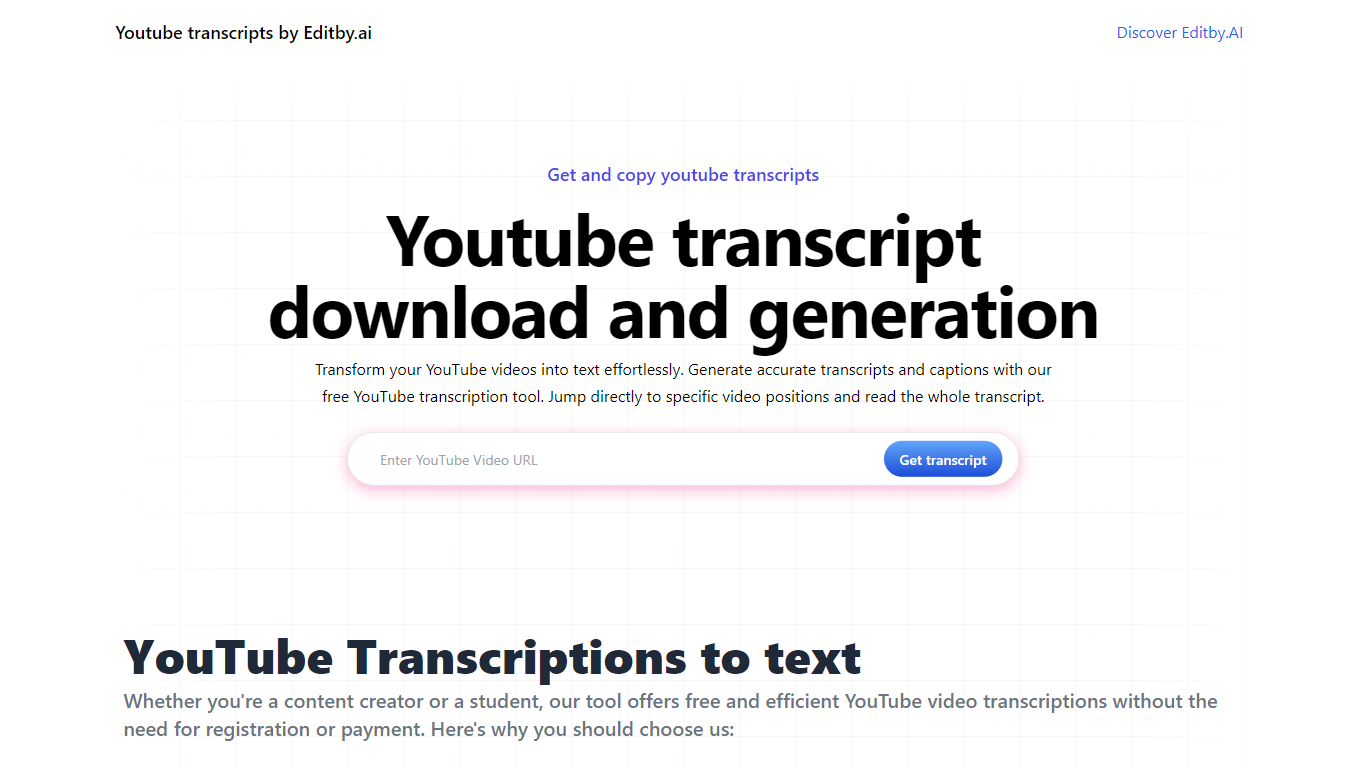
What is Transcript Download?
Unlock the full potential of your YouTube videos with Editby.AI's YouTube Transcription Tool. Our user-friendly platform caters to a range of users including students, researchers, content creators, and SEO professionals by providing an efficient way to generate accurate transcripts and captions. With our tool, there's no need for manual transcription. Simply input a YouTube URL and receive instant transcripts. Highlighted search terms, direct video position jumps, auto-scrolling features, and easy clipboard copying and downloading options streamline your workflow. Our commitment to user privacy is unmatched, requiring no sign-up or personal information. Enhance your productivity and save time with Editby.AI's transcription tool, all at no cost.
Manage Translation Projects | Taia Upvotes
Transcript Download Upvotes
Manage Translation Projects | Taia Top Features
📊 Real-Time Project Dashboard: Track progress, statuses, and assignments across all language pairs instantly.
🔄 Shared Translation Memory: Reuse previous translations to save 50-75% on costs and ensure consistency.
📚 Glossary & Style Guide Enforcement: Maintain brand terminology and tone across all translations automatically.
🛠 Built-In CAT Editor: Review and edit translations segment-by-segment with glossary hints and quality checks.
🔗 API & Integrations: Automate translation workflows by connecting Taia to your CMS, marketing tools, or CI/CD pipelines.
Transcript Download Top Features
Instant Transcripts: Paste a YouTube URL and receive transcripts instantly.
Downloadable Transcripts: Easily download transcripts with a single click.
Jump to Video Position: Navigate directly to specific video segments from the transcript.
Autoscroll Transcripts: Enjoy synchronized transcripts that auto-scroll as the video plays.
No Registration Needed: Access the transcription tool without any account or personal details.
Manage Translation Projects | Taia Category
- Translation
Transcript Download Category
- Translation
Manage Translation Projects | Taia Pricing Type
- Freemium
Transcript Download Pricing Type
- Freemium