DLTranslator vs Transcript Download
Explore the showdown between DLTranslator vs Transcript Download and find out which AI Translation tool wins. We analyze upvotes, features, reviews, pricing, alternatives, and more.
When comparing DLTranslator and Transcript Download, which one rises above the other?
When we contrast DLTranslator with Transcript Download, both of which are exceptional AI-operated translation tools, and place them side by side, we can spot several crucial similarities and divergences. Both tools have received the same number of upvotes from aitools.fyi users. The power is in your hands! Cast your vote and have a say in deciding the winner.
Disagree with the result? Upvote your favorite tool and help it win!
DLTranslator
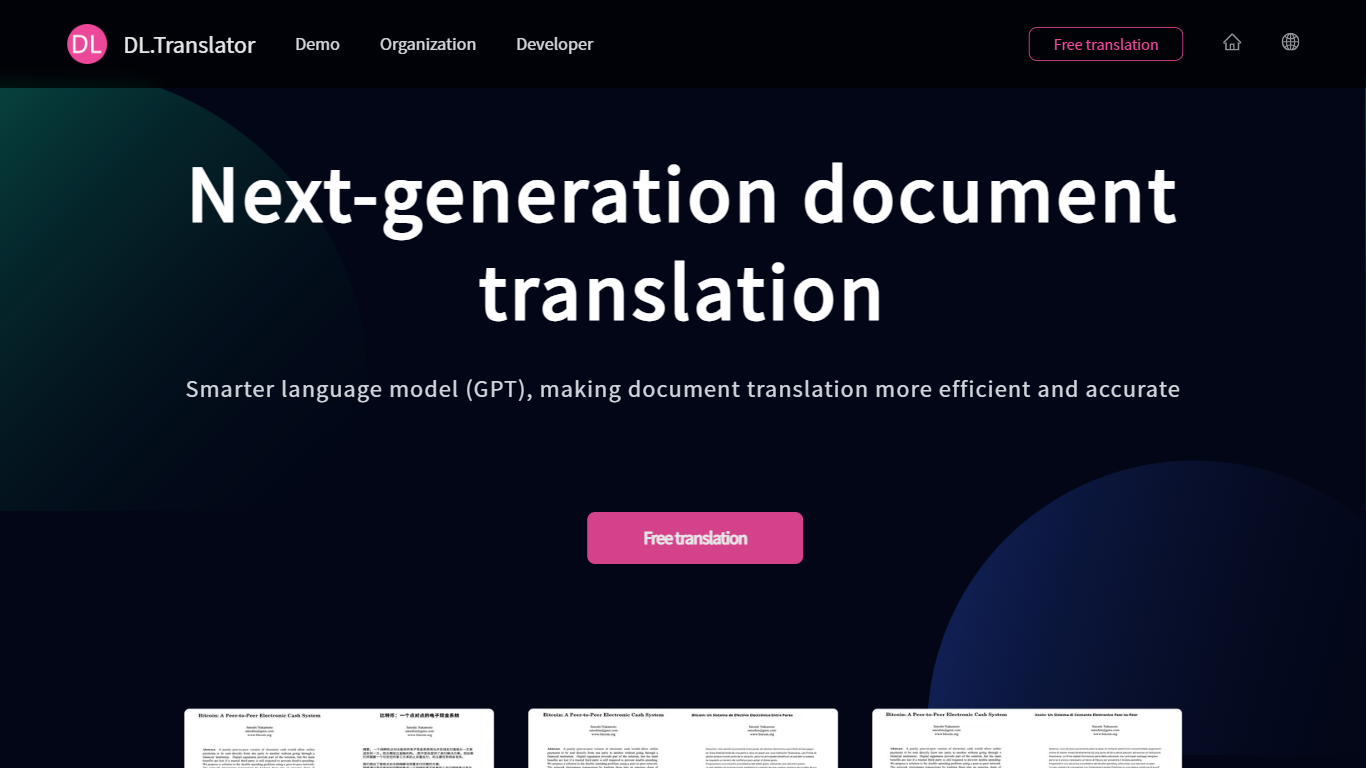

What is DLTranslator?
DLTranslator converts PDF, Word, PowerPoint, and spreadsheet files across 100+ languages while keeping tables, headers, and design elements in place. You upload a file, pick source and target languages, and the system returns a translated document with formatting preserved rather than a plain text dump. A free preview lets you read part of the output before spending credits.
Browser translators and copy-paste workflows break tables, headers, and design files. DLTranslator focuses on layout restoration, OCR for scanned PDFs, glossary control, and multi-model tiers from a low-cost standard mode to professional models like GPT-4.1 and Claude Sonnet. Billing runs on tokens converted to credits, with packages from $5 and an enterprise edition for private storage and API integration.
Legal teams, finance analysts, game localizers, and researchers use it when they need deliverable files, not just translated strings. The homepage cites a 99.8 percent layout restoration rate and more than 4 million translated documents, while the demo page supports 50+ file types up to 1GB.
Transcript Download
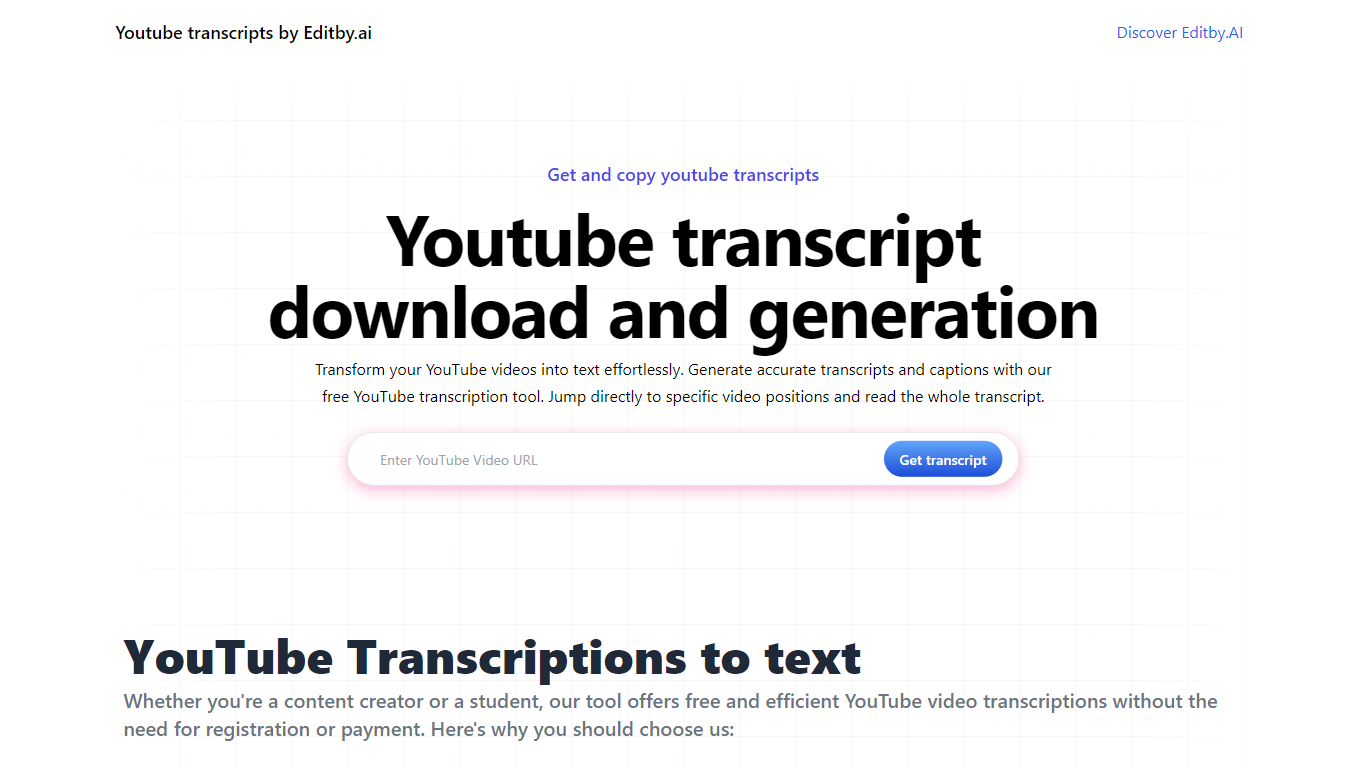
What is Transcript Download?
Unlock the full potential of your YouTube videos with Editby.AI's YouTube Transcription Tool. Our user-friendly platform caters to a range of users including students, researchers, content creators, and SEO professionals by providing an efficient way to generate accurate transcripts and captions. With our tool, there's no need for manual transcription. Simply input a YouTube URL and receive instant transcripts. Highlighted search terms, direct video position jumps, auto-scrolling features, and easy clipboard copying and downloading options streamline your workflow. Our commitment to user privacy is unmatched, requiring no sign-up or personal information. Enhance your productivity and save time with Editby.AI's transcription tool, all at no cost.
DLTranslator Upvotes
Transcript Download Upvotes
DLTranslator Top Features
Supports 50+ file types including PDF, DOCX, PPTX, XLSX, EPUB, SRT, and XLIFF up to 1GB per file
Standard mode charges 1 credit per 3,000 tokens; professional mode uses 1 credit per 1,000 tokens
Built-in OCR estimates 1,200 tokens per scanned PDF page and 500 tokens per embedded image
Free full-document preview before payment, with credits sold in $5, $15, and $60 packages
Enterprise edition offers private storage, API integration, and a $50,000 one-time setup fee
Transcript Download Top Features
Instant Transcripts: Paste a YouTube URL and receive transcripts instantly.
Downloadable Transcripts: Easily download transcripts with a single click.
Jump to Video Position: Navigate directly to specific video segments from the transcript.
Autoscroll Transcripts: Enjoy synchronized transcripts that auto-scroll as the video plays.
No Registration Needed: Access the transcription tool without any account or personal details.
DLTranslator Category
- Translation
Transcript Download Category
- Translation
DLTranslator Pricing Type
- Freemium
Transcript Download Pricing Type
- Freemium