DocTranslator vs Bing Microsoft AI Translator
In the clash of DocTranslator vs Bing Microsoft AI Translator, which AI Translation tool emerges victorious? We assess reviews, pricing, alternatives, features, upvotes, and more.
If you had to choose between DocTranslator and Bing Microsoft AI Translator, which one would you go for?
Let's take a closer look at DocTranslator and Bing Microsoft AI Translator, both of which are AI-driven translation tools, and see what sets them apart. The upvote count shows a clear preference for Bing Microsoft AI Translator. The number of upvotes for Bing Microsoft AI Translator stands at 10, and for DocTranslator it's 6.
Does the result make you go "hmm"? Cast your vote and turn that frown upside down!
DocTranslator

What is DocTranslator?
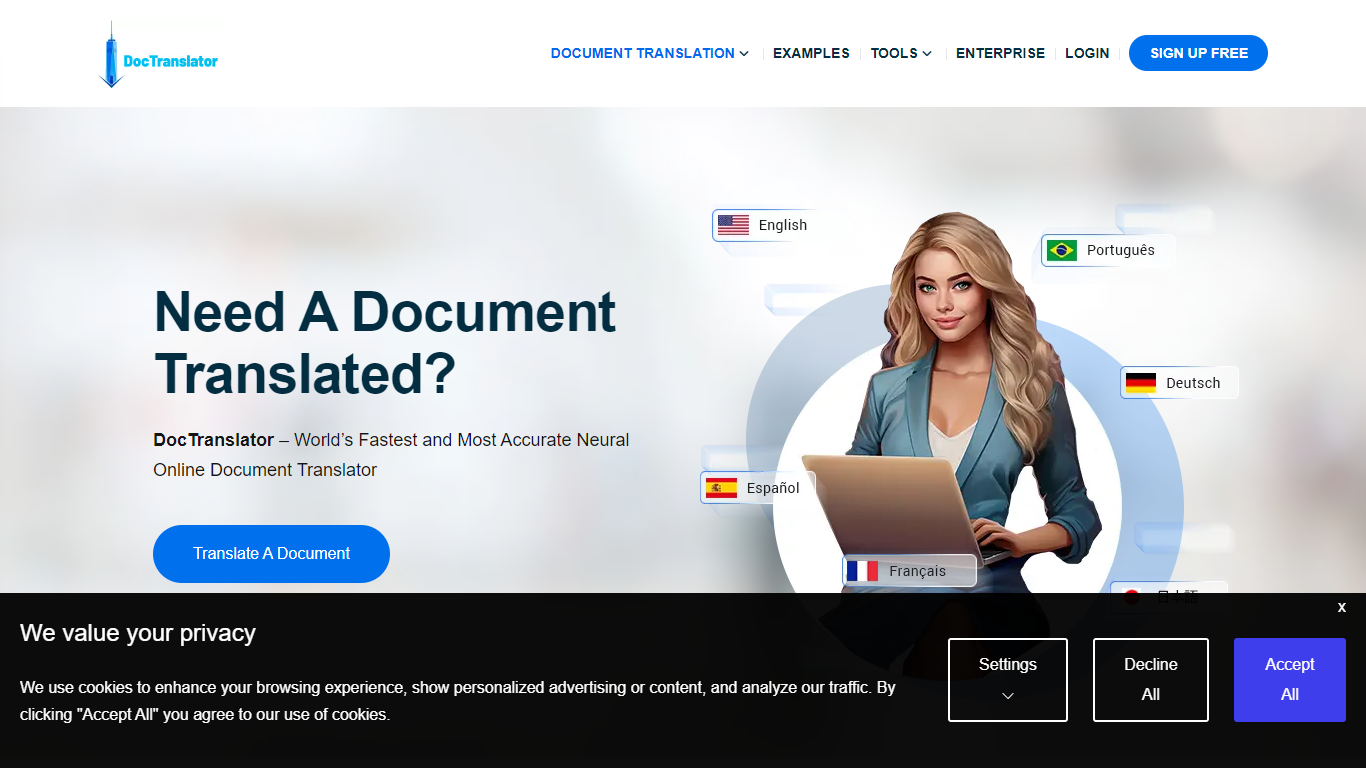
DocTranslator is an online document translation platform run by Translation Cloud LLC. Upload a file, pick source and target languages, and get a translated document that keeps the original layout, fonts, tables, and images intact.
The service handles PDF, Word, Excel, PowerPoint, InDesign, EPUB, TXT, CSV, JSON, HTML, and image files up to 1 GB or 5,000 pages. It supports 120+ languages and uses neural machine translation backed by Google Translate and OpenAI. Built-in OCR can read scanned PDFs and photos when you do not have a text-based source file.
DocTranslator has been online since 2011 and serves individuals, legal teams, healthcare providers, and enterprise customers. Industry-specific pages cover legal, financial, healthcare, government, and manufacturing use cases. Human certified translation is available for USCIS and other official requirements where machine output is not accepted.
Bing Microsoft AI Translator

What is Bing Microsoft AI Translator?
Microsoft Translator on Bing is a free web translator for turning words and phrases between English and more than 100 languages. Paste text, pick languages from long dropdown lists, or let the page auto-detect the source language before you translate.
The Bing interface adds practical extras beyond basic text swap. You can listen to a translation, open an on-screen keyboard, capture or upload an image to translate text in photos, and regenerate results in Standard, Casual, or Formal tone. A phrase helper surfaces common expressions grouped by topics like travel, dining, and emergencies.
It fits travelers, students, and anyone who needs a quick translation in the browser without installing software. Navigation on the page also points to separate Microsoft Translator experiences for live conversation, mobile apps, and business use.
DocTranslator Upvotes
Bing Microsoft AI Translator Upvotes
DocTranslator Top Features
Translates PDF, DOCX, XLSX, PPTX, IDML, TXT, CSV, JSON, EPUB, HTML, JPG, and PNG files
Supports 120+ languages with neural machine translation via Google Translate and OpenAI
Preserves original document layout including fonts, tables, images, and columns
Handles files up to 1 GB or 5,000 pages per upload
Built-in OCR extracts and translates text from scanned PDFs and smartphone photos
Team access and custom glossaries on paid plans for collaborative translation work
Free first-page PDF preview before you pay for a full translation
Human certified translation available for USCIS and other official document needs
Bing Microsoft AI Translator Top Features
Auto-detect source language across more than 100 listed language options
Each translation request accepts up to 1,000 characters of input text
Regenerate results in Standard, Casual, or Formal tone with one click
Capture or upload an image to translate text found in photos
Speak to translate when typing is awkward on mobile or desktop
Listen to translations read aloud from the results panel
Browse common phrase sets for travel, dining, and emergencies
DocTranslator Category
- Translation
Bing Microsoft AI Translator Category
- Translation
DocTranslator Pricing Type
- Freemium
Bing Microsoft AI Translator Pricing Type
- Free