Doclime vs Ajelix
In the contest of Doclime vs Ajelix, which AI tool is the champion? We evaluate pricing, alternatives, upvotes, features, reviews, and more.
If you had to choose between Doclime and Ajelix, which one would you go for?
When we examine Doclime and Ajelix, both of which are AI-enabled tools, what unique characteristics do we discover? Ajelix stands out as the clear frontrunner in terms of upvotes. The number of upvotes for Ajelix stands at 13, and for Doclime it's 6.
Feeling rebellious? Cast your vote and shake things up!
Doclime

What is Doclime?
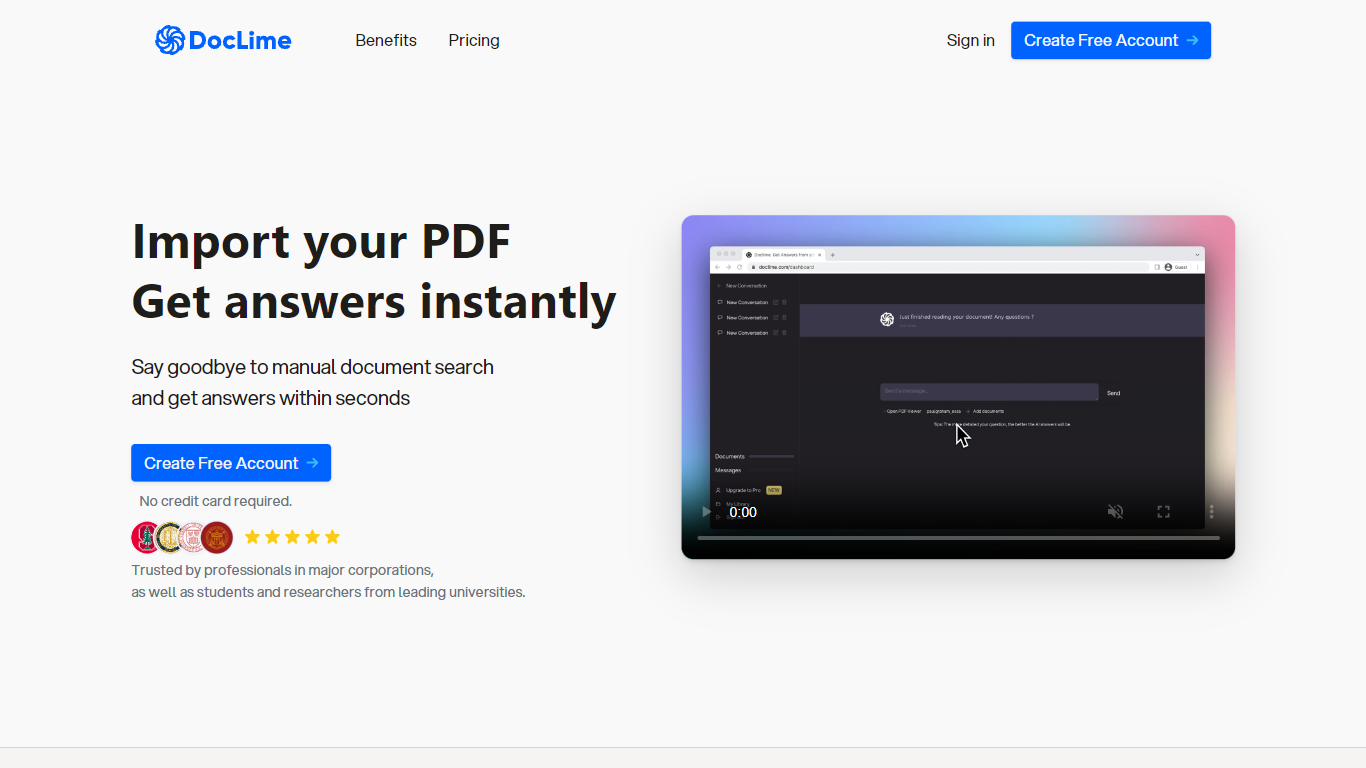
Doclime lets you upload PDFs and ask questions that come back with cited answers pulled from the file. You get a built-in PDF viewer with search and page navigation, a notes editor with version history, and a split-screen layout that keeps chat, documents, and notes open at once. It also reads scanned PDFs through OCR and accepts screenshot questions through its Vision feature.
Most PDF chat tools stop at a single file and a text box. Doclime stacks a hierarchical file tree, multi-document context for one conversation, and frontier models from OpenAI and Anthropic in the same workspace. That combination targets people cross-referencing textbooks, contracts, or research papers rather than doing one-off summaries.
The homepage lists use cases like lesson planning from textbooks, chapter summaries, and pulling obligations from contract sections, with example answers showing bracketed source references. Stanford, Berkeley, Cornell, and USC logos appear on the landing page, and the interface ships in nine languages including English, Spanish, French, German, Japanese, Korean, Arabic, and Chinese.
Ajelix

What is Ajelix?
Ajelix gives business teams an agentic AI chat workspace that turns spreadsheet and document requests into finished Excel files, dashboards, presentations, and small web apps. Upload files up to 1GB into a persistent workspace, ask for a deliverable, and get working output instead of copy-paste suggestions.
Generic chatbots answer questions about Excel. Ajelix is built to execute inside spreadsheets and Google Workspace, with 17 standalone tools, Excel and Sheets add-ins, and saved asset and prompt libraries for month-end reports you rerun every cycle. That focus on deliverables over advice is the gap it keeps hammering on its homepage.
It fits finance, operations, and marketing teams that live in Excel and Google Sheets but do not want to debug formulas or rebuild the same report layout each month. The site lists 340,000+ professionals as users and cites GDPR compliance with a stated 99.99% uptime target.
Doclime Upvotes
Ajelix Upvotes
Doclime Top Features
Ask questions about uploaded PDFs and receive answers with bracketed citation references to source passages
Built-in PDF viewer includes search, zoom, and page navigation alongside the chat panel
Split-screen layout opens PDF, notes, and chat views simultaneously in one workspace
Vision support lets you screenshot any document section and ask questions about that image
OCR converts scanned PDF files into searchable text before answering questions
Context-aware search adds multiple PDFs and notes as context files to a single AI conversation
Ajelix Top Features
Persistent workspace stores uploaded files up to 1GB across chats
17 AI tools plus Excel add-in and Google Sheets add-on
Generates Excel files, dashboards, PowerPoint decks, and shareable web apps
Lite plan allows 20MB files and 500MB workspace storage
Pro plan supports 100MB files, 2GB workspace, and 2 CPUs with 4GB RAM
Free tier includes 10 requests per month across all tools
Doclime Category
- PDF
Ajelix Category
- Excel
Doclime Pricing Type
- Freemium
Ajelix Pricing Type
- Freemium