Doclime vs AskYourPDF
When comparing Doclime vs AskYourPDF, which AI PDF tool shines brighter? We look at pricing, alternatives, upvotes, features, reviews, and more.
Between Doclime and AskYourPDF, which one is superior?
When we put Doclime and AskYourPDF side by side, both being AI-powered pdf tools, Both tools have received the same number of upvotes from aitools.fyi users. Since other aitools.fyi users could decide the winner, the ball is in your court now to cast your vote and help us determine the winner.
Want to flip the script? Upvote your favorite tool and change the game!
Doclime

What is Doclime?
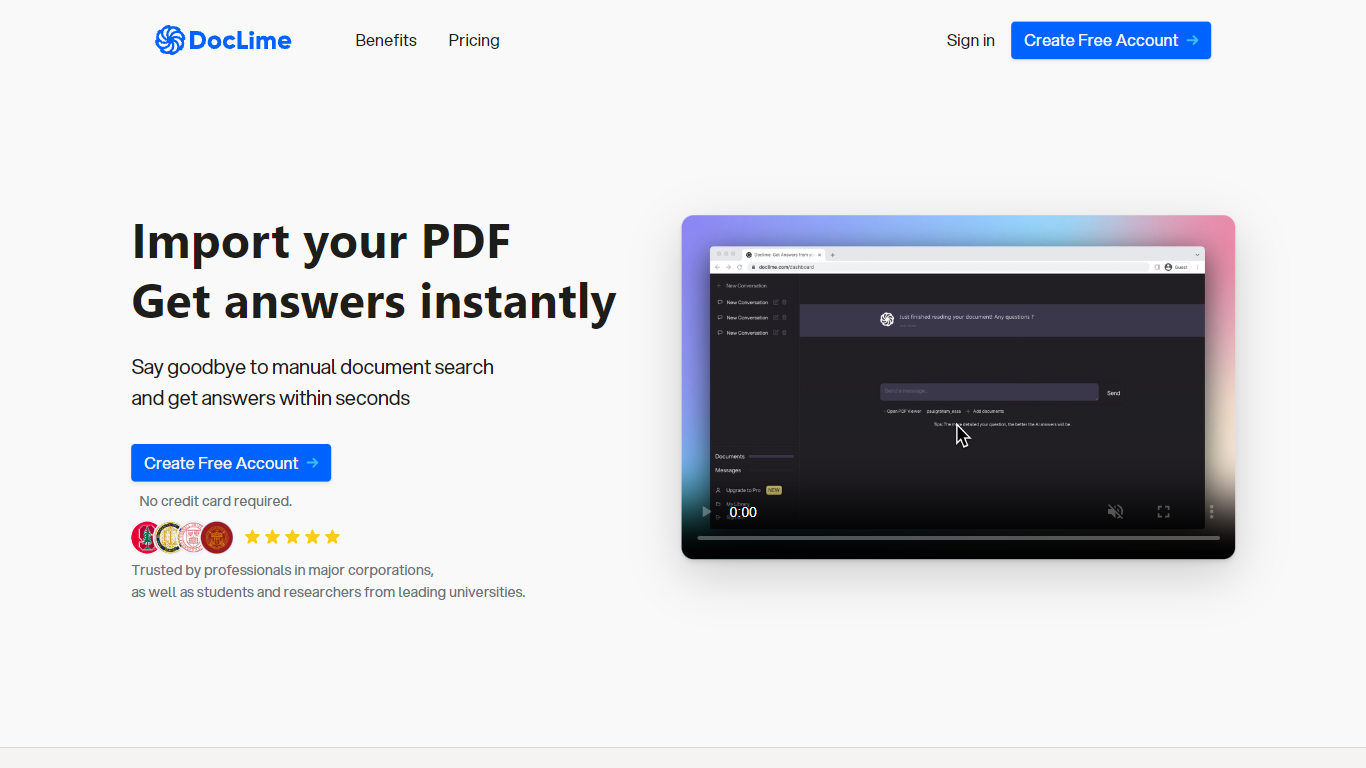
Doclime lets you upload PDFs and ask questions that come back with cited answers pulled from the file. You get a built-in PDF viewer with search and page navigation, a notes editor with version history, and a split-screen layout that keeps chat, documents, and notes open at once. It also reads scanned PDFs through OCR and accepts screenshot questions through its Vision feature.
Most PDF chat tools stop at a single file and a text box. Doclime stacks a hierarchical file tree, multi-document context for one conversation, and frontier models from OpenAI and Anthropic in the same workspace. That combination targets people cross-referencing textbooks, contracts, or research papers rather than doing one-off summaries.
The homepage lists use cases like lesson planning from textbooks, chapter summaries, and pulling obligations from contract sections, with example answers showing bracketed source references. Stanford, Berkeley, Cornell, and USC logos appear on the landing page, and the interface ships in nine languages including English, Spanish, French, German, Japanese, Korean, Arabic, and Chinese.
AskYourPDF
What is AskYourPDF?
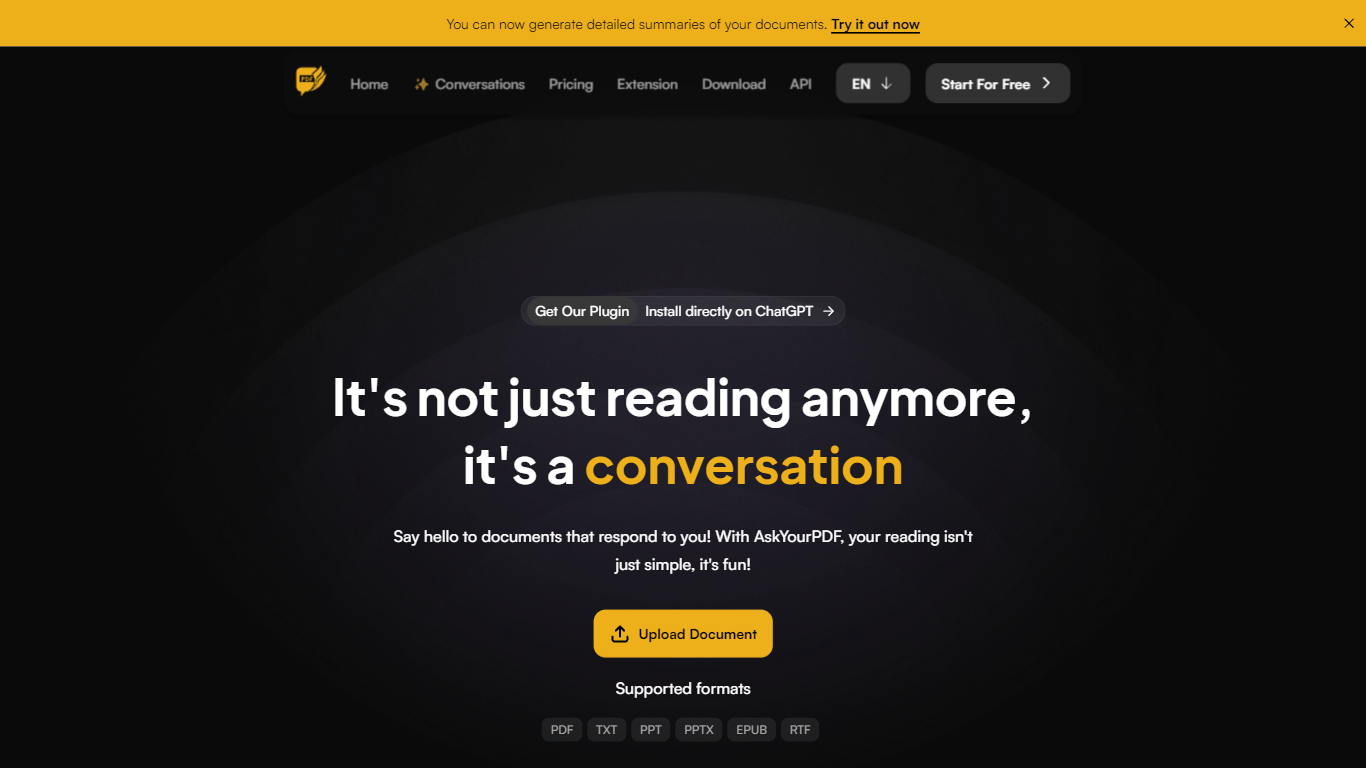
AskYourPDF lets you upload PDFs and other documents, then chat with them to pull answers, summaries, and quotes without manual page flipping. The platform also embeds a website AI agent, auto-fills PDF forms from your data, and ships mobile apps plus a Chrome extension for the same document chat workflow.
Unlike single-purpose PDF readers, AskYourPDF bundles document chat with form filling and a site-trained agent that answers only from pages and files you provide. Premium tiers unlock knowledge-base chats across multiple documents, OCR, and model picks from GPT-5, Gemini 2.5, and Claude 4.5 families.
Researchers, students, and teams handling contracts or long reports will save the most reading time here. AskYourPDF reports more than 5 million users and publishes a developer API, Zotero plugin, and ChatGPT plugin alongside the web app.
Doclime Upvotes
AskYourPDF Upvotes
Doclime Top Features
Ask questions about uploaded PDFs and receive answers with bracketed citation references to source passages
Built-in PDF viewer includes search, zoom, and page navigation alongside the chat panel
Split-screen layout opens PDF, notes, and chat views simultaneously in one workspace
Vision support lets you screenshot any document section and ask questions about that image
OCR converts scanned PDF files into searchable text before answering questions
Context-aware search adds multiple PDFs and notes as context files to a single AI conversation
AskYourPDF Top Features
Free plan: 100 pages per document, 15MB uploads, 1 document per day, 50 questions daily
Premium at $11.99 per month billed yearly with 2500 pages per document and 50 documents per day
Pro at $14.99 per month billed yearly with 6000 pages per document and 877MB max upload size
Chat with multiple documents through the Knowledge Base on paid plans
AI Form Filler pairs a PDF form with source data and fills fields automatically
Embed an AI agent trained on your website plus uploaded PDF, TXT, PPT, EPUB, or RTF files
Models include GPT-5 Mini, GPT-5.2, Gemini 2.5 Flash, and Claude 4.5 on higher tiers
Doclime Category
- PDF
AskYourPDF Category
- PDF
Doclime Pricing Type
- Freemium
AskYourPDF Pricing Type
- Freemium