Doclime vs BookAI.chat
Compare Doclime vs BookAI.chat and see which AI PDF tool is better when we compare features, reviews, pricing, alternatives, upvotes, etc.
Which one is better? Doclime or BookAI.chat?
When we compare Doclime with BookAI.chat, which are both AI-powered pdf tools, In the race for upvotes, BookAI.chat takes the trophy. BookAI.chat has garnered 9 upvotes, and Doclime has garnered 6 upvotes.
Feeling rebellious? Cast your vote and shake things up!
Doclime
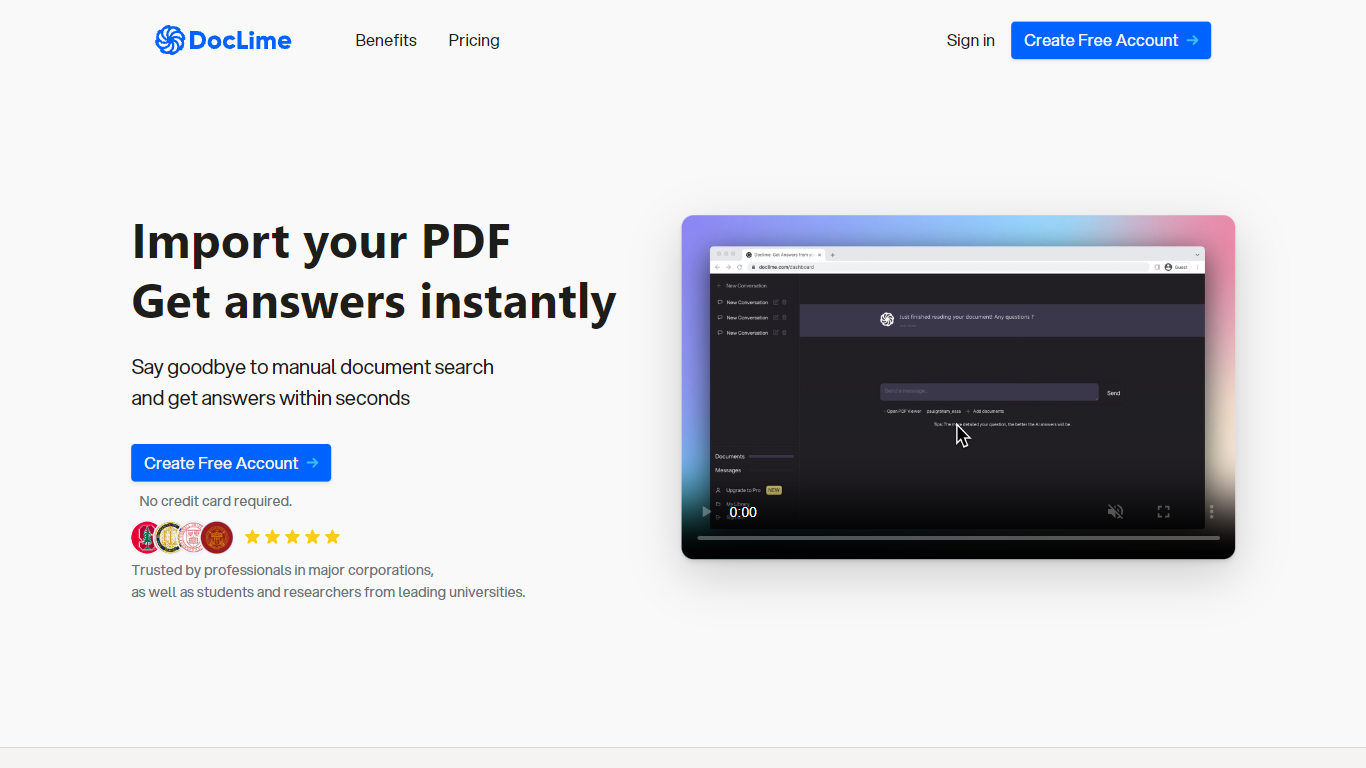

What is Doclime?
Doclime lets you upload PDFs and ask questions that come back with cited answers pulled from the file. You get a built-in PDF viewer with search and page navigation, a notes editor with version history, and a split-screen layout that keeps chat, documents, and notes open at once. It also reads scanned PDFs through OCR and accepts screenshot questions through its Vision feature.
Most PDF chat tools stop at a single file and a text box. Doclime stacks a hierarchical file tree, multi-document context for one conversation, and frontier models from OpenAI and Anthropic in the same workspace. That combination targets people cross-referencing textbooks, contracts, or research papers rather than doing one-off summaries.
The homepage lists use cases like lesson planning from textbooks, chapter summaries, and pulling obligations from contract sections, with example answers showing bracketed source references. Stanford, Berkeley, Cornell, and USC logos appear on the landing page, and the interface ships in nine languages including English, Spanish, French, German, Japanese, Korean, Arabic, and Chinese.
BookAI.chat
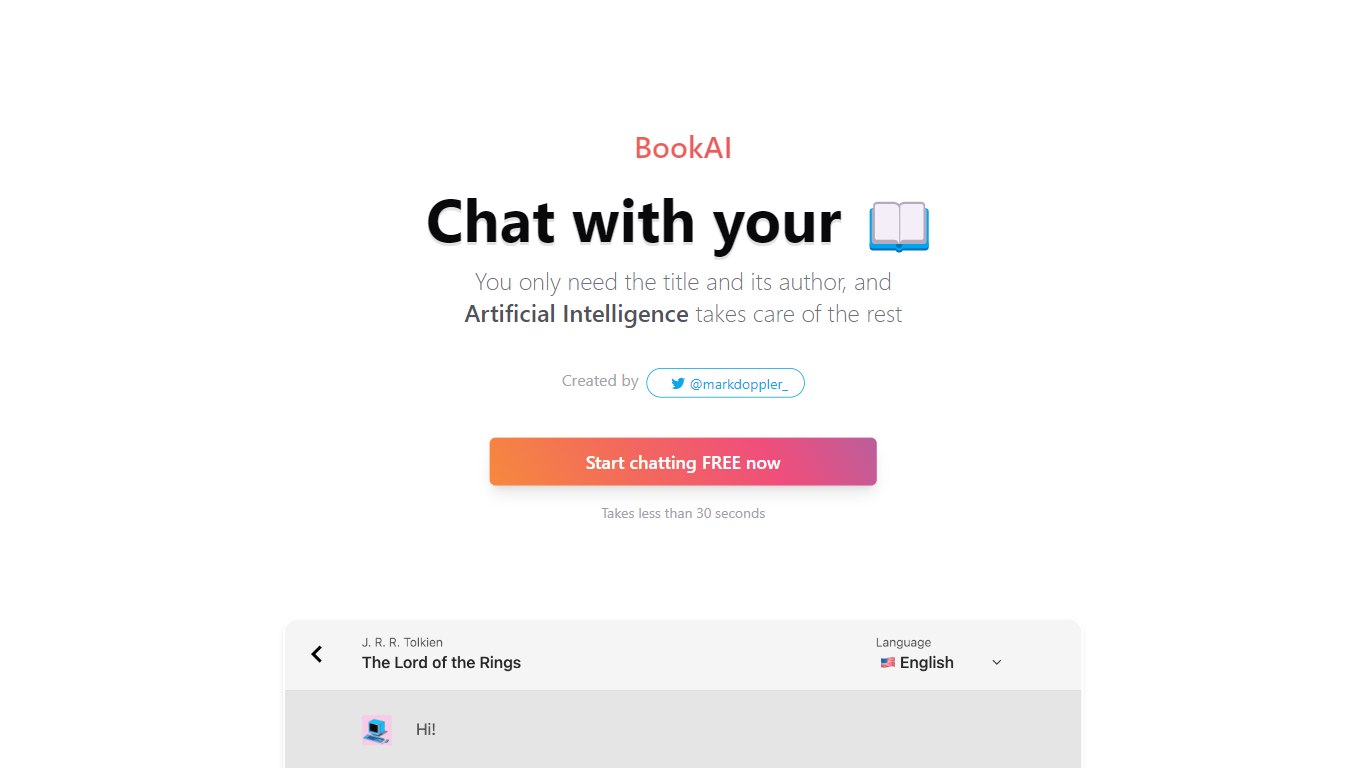
What is BookAI.chat?
BookAI.chat turns any book into a chat partner. Give it a title and author, and you get a conversation interface for that work, powered by GPT-3 and GPT-4. The site is a reading companion for digging into plots, themes, and endings without rereading the whole text. Setup takes under 30 seconds from the homepage.
Most AI chat tools answer general questions. BookAI.chat is built around a per-book library: you add titles manually, swap between 30+ languages mid-chat, and lean on preset shortcuts for summaries and ending explanations. The chat page ships with eight classics preloaded, so you can test the format before adding your own pick.
Students comparing two novels for class, language learners practicing in their target tongue, and casual readers who want a spoiler-aware recap of an ending all fit the workflow. Creator Mark Doppler built it as a lightweight web app with a free GPT-3.5 tier and a Pro upgrade for GPT-4.
Doclime Upvotes
BookAI.chat Upvotes
Doclime Top Features
Ask questions about uploaded PDFs and receive answers with bracketed citation references to source passages
Built-in PDF viewer includes search, zoom, and page navigation alongside the chat panel
Split-screen layout opens PDF, notes, and chat views simultaneously in one workspace
Vision support lets you screenshot any document section and ask questions about that image
OCR converts scanned PDF files into searchable text before answering questions
Context-aware search adds multiple PDFs and notes as context files to a single AI conversation
BookAI.chat Top Features
Add any book to your library with just a title and author
Chat in 34 languages, from English and Spanish to Hindi and Bengali
Switch between GPT-3.5 and GPT-4, with GPT-4 reserved for Pro
Eight preloaded classics including 1984, Pride and Prejudice, and Clean Code
One-tap shortcuts for summaries, main ideas, and ending explanations
Doclime Category
- PDF
BookAI.chat Category
- PDF
Doclime Pricing Type
- Freemium
BookAI.chat Pricing Type
- Freemium