Doclime vs Save ChatGPT
Explore the showdown between Doclime vs Save ChatGPT and find out which AI PDF tool wins. We analyze upvotes, features, reviews, pricing, alternatives, and more.
In a face-off between Doclime and Save ChatGPT, which one takes the crown?
When we contrast Doclime with Save ChatGPT, both of which are exceptional AI-operated pdf tools, and place them side by side, we can spot several crucial similarities and divergences. The upvote count shows a clear preference for Save ChatGPT. Save ChatGPT has received 7 upvotes from aitools.fyi users, while Doclime has received 6 upvotes.
Disagree with the result? Upvote your favorite tool and help it win!
Doclime
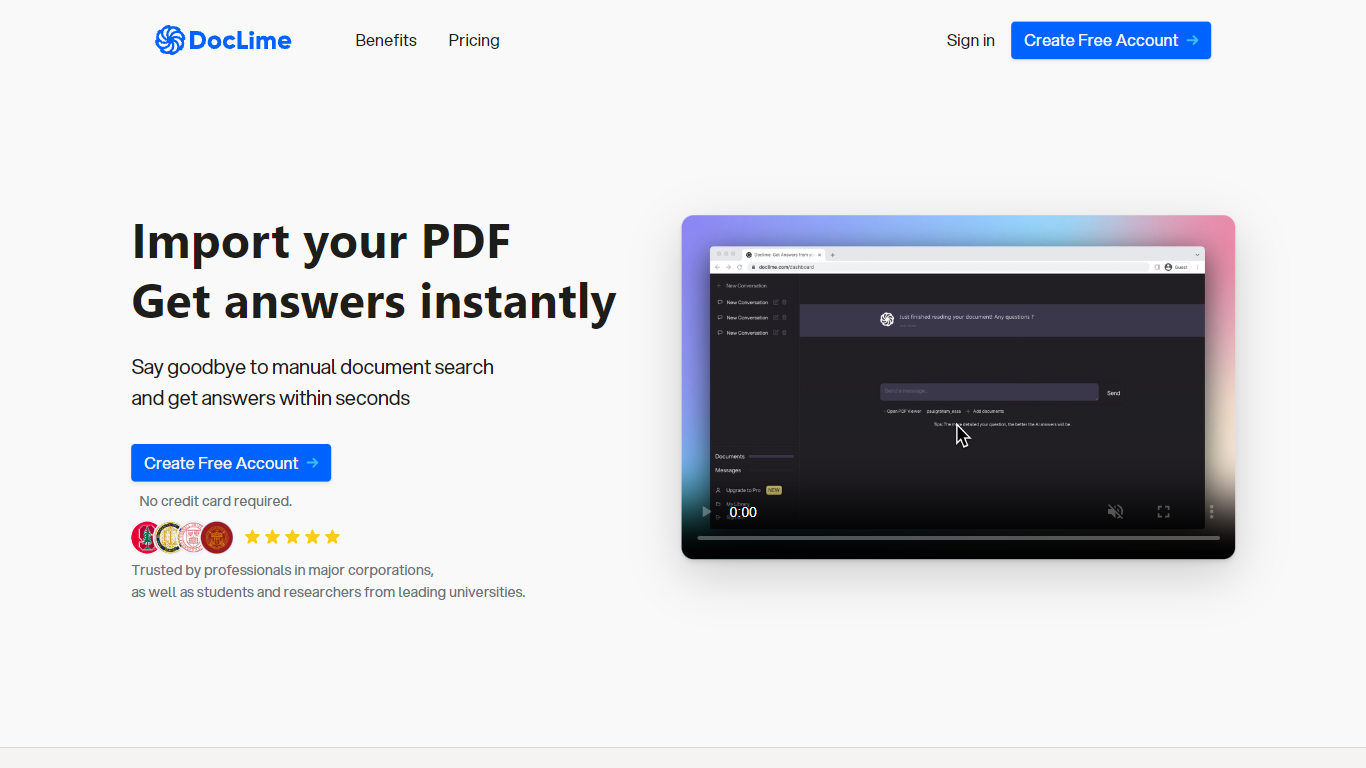

What is Doclime?
Doclime lets you upload PDFs and ask questions that come back with cited answers pulled from the file. You get a built-in PDF viewer with search and page navigation, a notes editor with version history, and a split-screen layout that keeps chat, documents, and notes open at once. It also reads scanned PDFs through OCR and accepts screenshot questions through its Vision feature.
Most PDF chat tools stop at a single file and a text box. Doclime stacks a hierarchical file tree, multi-document context for one conversation, and frontier models from OpenAI and Anthropic in the same workspace. That combination targets people cross-referencing textbooks, contracts, or research papers rather than doing one-off summaries.
The homepage lists use cases like lesson planning from textbooks, chapter summaries, and pulling obligations from contract sections, with example answers showing bracketed source references. Stanford, Berkeley, Cornell, and USC logos appear on the landing page, and the interface ships in nine languages including English, Spanish, French, German, Japanese, Korean, Arabic, and Chinese.
Save ChatGPT
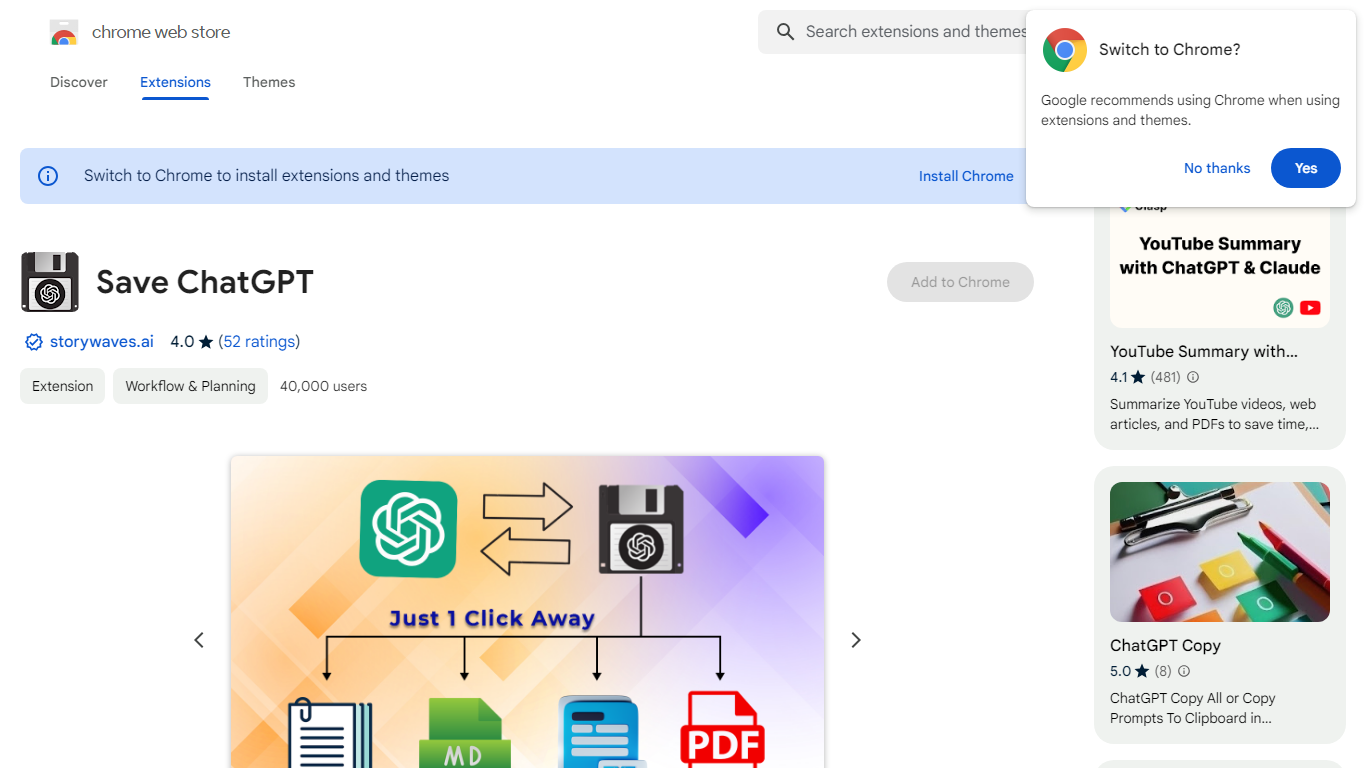
What is Save ChatGPT?
Preserve your valuable ChatGPT conversations with just a few clicks using our intuitive website. Designed for efficiency, our service allows you to convert and download your dialogues into PDF, Text, or Markdown files. Whether you want to archive a memorable interaction or reference a particular exchange later, our platform ensures you have permanent access to your AI conversations. The user-friendly interface ensures seamless navigation and operation, providing an accessible solution for securing your digital discussions.
Doclime Upvotes
Save ChatGPT Upvotes
Doclime Top Features
Ask questions about uploaded PDFs and receive answers with bracketed citation references to source passages
Built-in PDF viewer includes search, zoom, and page navigation alongside the chat panel
Split-screen layout opens PDF, notes, and chat views simultaneously in one workspace
Vision support lets you screenshot any document section and ask questions about that image
OCR converts scanned PDF files into searchable text before answering questions
Context-aware search adds multiple PDFs and notes as context files to a single AI conversation
Save ChatGPT Top Features
PDF Downloads: Seamlessly convert ChatGPT conversations into PDF format for easy sharing and printing.
Text File Saving: Download transcripts of your chats in plain Text formats to retain the information.
Markdown Conversion: Transform your conversations into Markdown files allowing for more sophisticated formatting options.
User-Friendly Interface: Our platform offers an intuitive user experience for hassle-free navigation and operation.
Permanent Access: Ensure you never lose vital ChatGPT interactions with the ability to save them for future referencing.
Doclime Category
- PDF
Save ChatGPT Category
- PDF
Doclime Pricing Type
- Freemium
Save ChatGPT Pricing Type
- Freemium