Dottie vs AIGardenPlanner
Dive into the comparison of Dottie vs AIGardenPlanner and discover which AI Assistant tool stands out. We examine alternatives, upvotes, features, reviews, pricing, and beyond.
When comparing Dottie and AIGardenPlanner , which one rises above the other?
When we compare Dottie and AIGardenPlanner , two exceptional assistant tools powered by artificial intelligence, and place them side by side, several key similarities and differences come to light. The upvote count reveals a draw, with both tools earning the same number of upvotes. Be a part of the decision-making process. Your vote could determine the winner.
Feeling rebellious? Cast your vote and shake things up!
Dottie

What is Dottie?
Dottie is a native Mac voice assistant that listens, reasons, and runs tasks on your computer instead of stopping at chat replies. Say "Hey Dottie" or hold Option+Space to dictate, and it can send email, schedule calendar events, search files, control apps, and read what is on your screen through built-in vision.
Most Mac assistants answer questions in a separate window. Dottie chains 134 system tools to finish work end to end, from drafting an email to creating a calendar invite. You pick how models run: local Ollama or MLX models on device, your own API keys for OpenAI, Anthropic, xAI, or Cerebras, or Dottie Pro for keyless Grok access at $20 per month.
The app ships as a free .zip download with no account required for local or bring-your-own-key use. It targets Apple Silicon Macs on macOS 15.4 or later, with sandboxed permissions defaulting off until you grant them. Developers get an open-source CLI engine called Dotbot plus a local Agent API on port 1317.
AIGardenPlanner
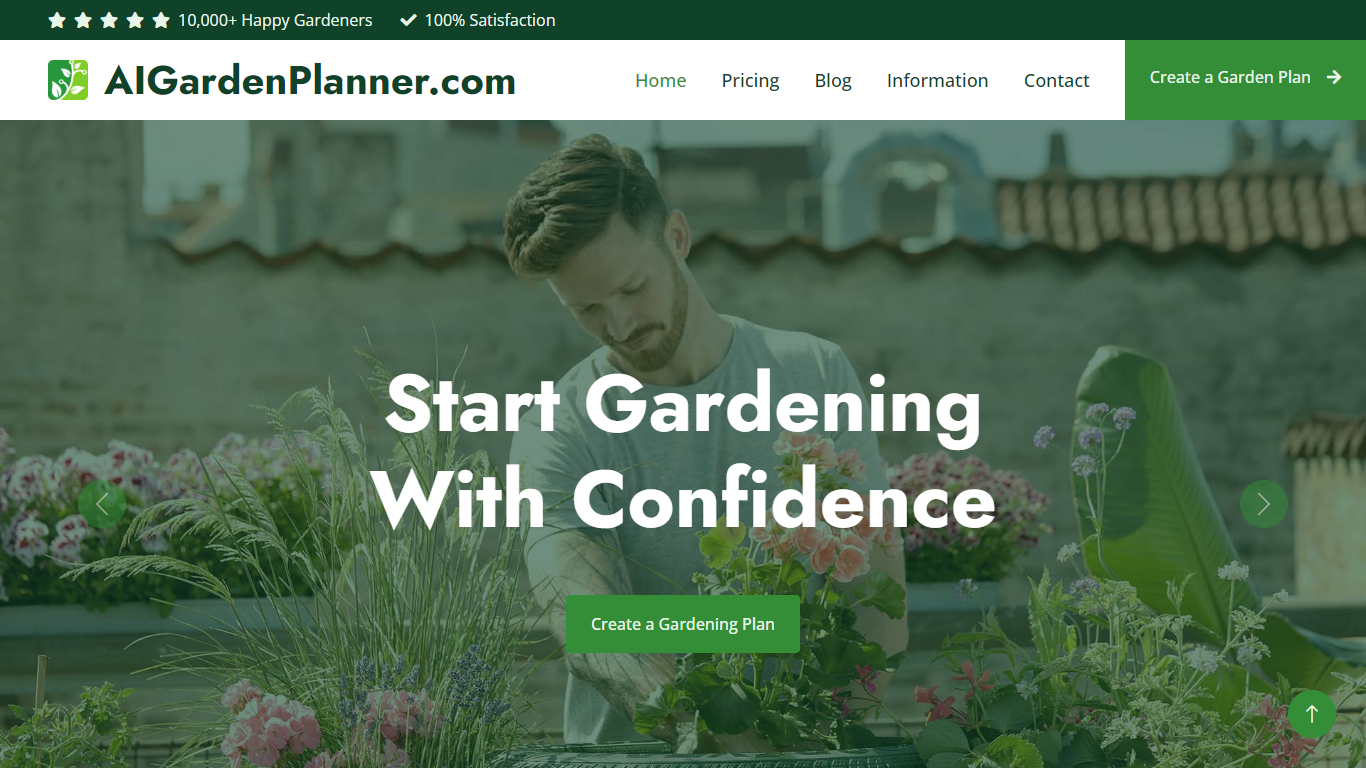
What is AIGardenPlanner ?
AIGardenPlanner is a browser-based garden design platform for homeowners and landscaping pros who want to see yard ideas before buying plants or hiring crews. Upload a photo of your outdoor space, pick from 50+ garden styles, and get a rendered design back in about 60 seconds. A free 3D editor lets you drag plants, paths, and structures into a walkthrough model without paying first.
What sets it apart is how many visualization formats it covers from one photo. You can turn sketches or 3D model screenshots into photorealistic renders, step through interpretive photo edits, animate results into short videos, and explore generated 3D walkthroughs. Plant tools include identification from photos, climate-aware plant advisor plans, and a quick quiz for first-time planners.
Landscapers get commercial licensing, white-label branding, and batch generation on higher tiers. Home gardeners get a free editor, a gallery of community transformations, and garden calculators for soil, mulch, irrigation, and more.
Dottie Upvotes
AIGardenPlanner Upvotes
Dottie Top Features
134 built-in system tools covering email, iMessage, calendar, Safari tabs, and file management
Hold Option+Space for instant voice dictation into any app without a separate window
"Hey Dottie" wake word for hands-free requests from anywhere on the Mac
Three model paths: local Ollama or MLX, bring-your-own API keys, or Dottie Pro keyless Grok
Screen reading through OCR and visual analysis so Dottie can act on what you see
3,800 plus local models from HuggingFace via Ollama and MLX for on-device inference
AIGardenPlanner Top Features
Upload a yard photo and preview 50+ garden styles in about 60 seconds
Free browser 3D editor with 400+ drag-and-drop models and first-person walk mode
Turn sketches or SketchUp screenshots into photorealistic renders and videos
Plant Advisor builds location-specific plant lists with care guides for 5 credits
Animate any garden image into HD video with breeze or walkthrough styles
Identify plants in photos with species data and health checks for 1 credit
Batch-generate up to 16 designs at once on the Business plan
Dottie Category
- Assistant
AIGardenPlanner Category
- Assistant
Dottie Pricing Type
- Freemium
AIGardenPlanner Pricing Type
- Freemium