Dottie vs Skywork.ai
In the clash of Dottie vs Skywork.ai, which AI Assistant tool emerges victorious? We assess reviews, pricing, alternatives, features, upvotes, and more.
When we put Dottie and Skywork.ai head to head, which one emerges as the victor?
Let's take a closer look at Dottie and Skywork.ai, both of which are AI-driven assistant tools, and see what sets them apart. The users have made their preference clear, Skywork.ai leads in upvotes. The upvote count for Skywork.ai is 88, and for Dottie it's 6.
Want to flip the script? Upvote your favorite tool and change the game!
Dottie


What is Dottie?
Dottie is a native Mac voice assistant that listens, reasons, and runs tasks on your computer instead of stopping at chat replies. Say "Hey Dottie" or hold Option+Space to dictate, and it can send email, schedule calendar events, search files, control apps, and read what is on your screen through built-in vision.
Most Mac assistants answer questions in a separate window. Dottie chains 134 system tools to finish work end to end, from drafting an email to creating a calendar invite. You pick how models run: local Ollama or MLX models on device, your own API keys for OpenAI, Anthropic, xAI, or Cerebras, or Dottie Pro for keyless Grok access at $20 per month.
The app ships as a free .zip download with no account required for local or bring-your-own-key use. It targets Apple Silicon Macs on macOS 15.4 or later, with sandboxed permissions defaulting off until you grant them. Developers get an open-source CLI engine called Dotbot plus a local Agent API on port 1317.
Skywork.ai
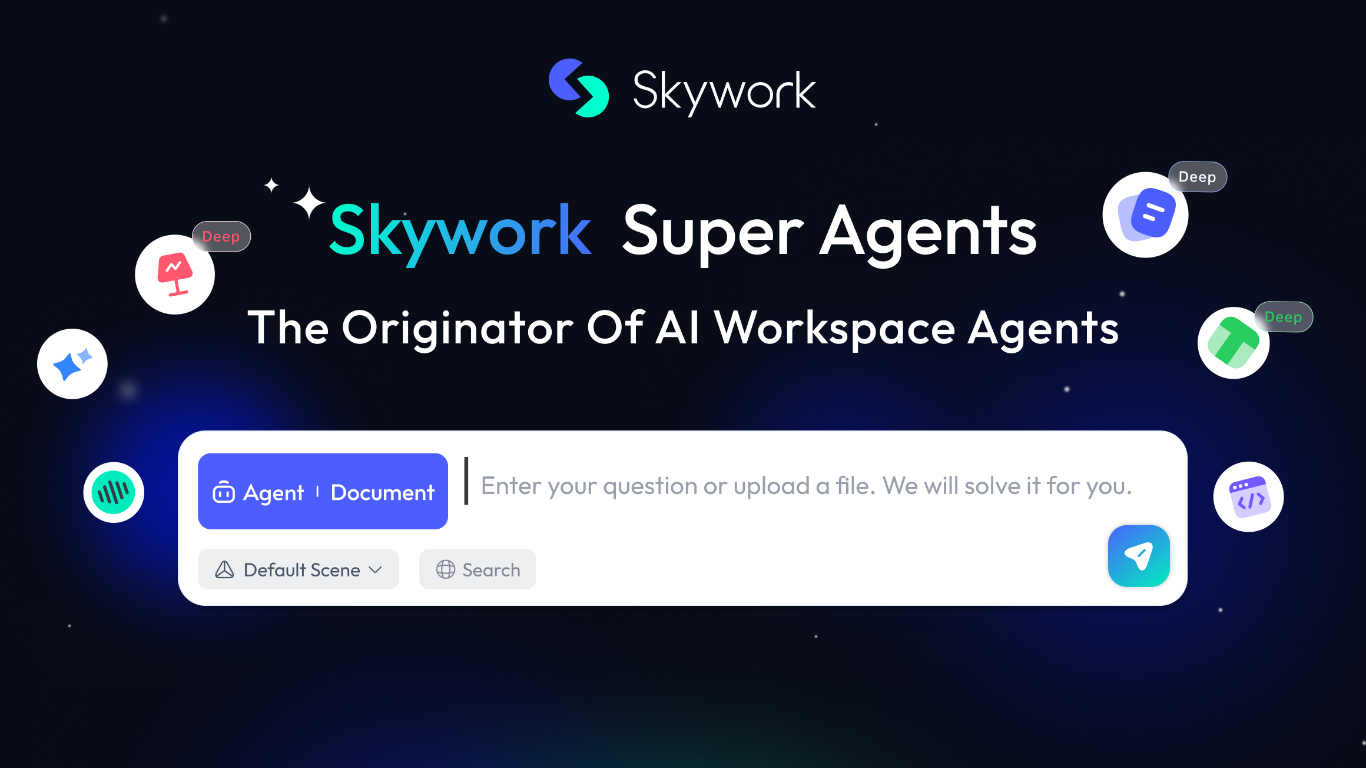
What is Skywork.ai?
Skywork is a cloud workspace that turns a short prompt into finished documents, slides, spreadsheets, websites, videos, and more. Marketed as the originator of AI workspace agents, it combines research, creation, and execution so analysts, educators, and teams can move from an idea to a polished deliverable without juggling separate apps.
The product spans multiple output modes from one interface: Slides, Documents, Sheets, Images, Videos, and an AI Developer mode. A built-in Knowledge Base stores reference material, Notes capture quick ideas, and SkillHub offers prepackaged skill packs for workflows like deep research with citations, sprint planning, and product video creation.
Skywork also supports longer-running work. Scheduled tasks can run automatically at set times even when you are away, and Skywork Browser provides a remote sandboxed browser for web tasks with encrypted session storage. The trust center documents ISO/IEC 27001, ISO/IEC 27701, and SOC 2 Type I compliance, with user data stored in the United States.
Educators building course slides, consultants drafting client reports, and marketers producing multi-format campaigns are the kinds of users Skywork targets. Sign-in supports Microsoft, Facebook, GitHub, Apple, or email from the browser workspace.
Dottie Upvotes
Skywork.ai Upvotes
Dottie Top Features
134 built-in system tools covering email, iMessage, calendar, Safari tabs, and file management
Hold Option+Space for instant voice dictation into any app without a separate window
"Hey Dottie" wake word for hands-free requests from anywhere on the Mac
Three model paths: local Ollama or MLX, bring-your-own API keys, or Dottie Pro keyless Grok
Screen reading through OCR and visual analysis so Dottie can act on what you see
3,800 plus local models from HuggingFace via Ollama and MLX for on-device inference
Skywork.ai Top Features
Turn a prompt into slides, docs, sheets, websites, or videos from one workspace
SkillHub ships ready-made skill packs for research, recruiting, marketing, and more
Knowledge Base stores uploads so notes and files feed context into every project
Scheduled tasks run on a timer or trigger, even when you are offline
Skywork Browser keeps cloud sessions encrypted across devices after one login
AI Developer mode builds apps and scripts alongside documents and slides
Sign in with Microsoft, GitHub, Apple, Facebook, or email
Dottie Category
- Assistant
Skywork.ai Category
- Assistant
Dottie Pricing Type
- Freemium
Skywork.ai Pricing Type
- Freemium