
Last updated 07-23-2026
Category:
Reviews:
Join thousands of AI enthusiasts in the World of AI!
Skywork.ai
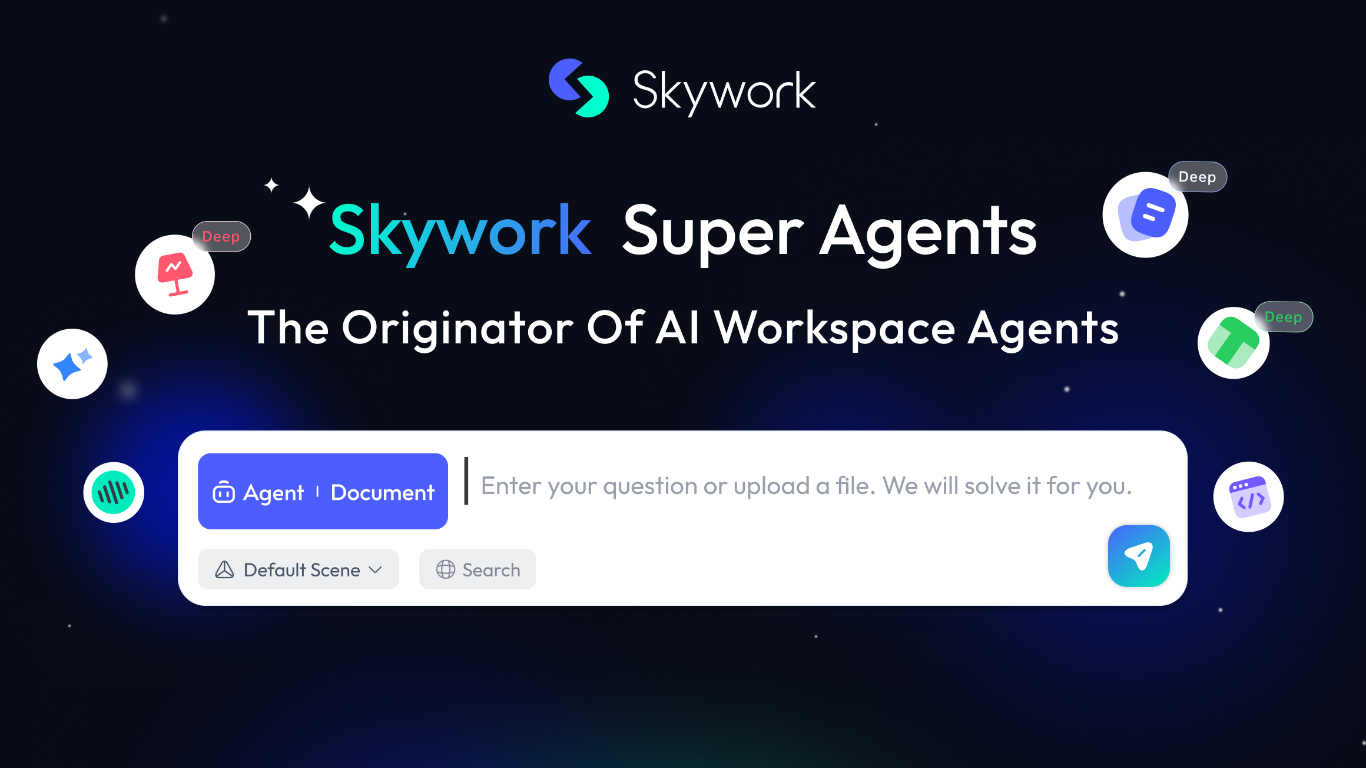
Skywork is a cloud workspace that turns a short prompt into finished documents, slides, spreadsheets, websites, videos, and more. Marketed as the originator of AI workspace agents, it combines research, creation, and execution so analysts, educators, and teams can move from an idea to a polished deliverable without juggling separate apps.
The product spans multiple output modes from one interface: Slides, Documents, Sheets, Images, Videos, and an AI Developer mode. A built-in Knowledge Base stores reference material, Notes capture quick ideas, and SkillHub offers prepackaged skill packs for workflows like deep research with citations, sprint planning, and product video creation.
Skywork also supports longer-running work. Scheduled tasks can run automatically at set times even when you are away, and Skywork Browser provides a remote sandboxed browser for web tasks with encrypted session storage. The trust center documents ISO/IEC 27001, ISO/IEC 27701, and SOC 2 Type I compliance, with user data stored in the United States.
Educators building course slides, consultants drafting client reports, and marketers producing multi-format campaigns are the kinds of users Skywork targets. Sign-in supports Microsoft, Facebook, GitHub, Apple, or email from the browser workspace.
Turn a prompt into slides, docs, sheets, websites, or videos from one workspace
SkillHub ships ready-made skill packs for research, recruiting, marketing, and more
Knowledge Base stores uploads so notes and files feed context into every project
Scheduled tasks run on a timer or trigger, even when you are offline
Skywork Browser keeps cloud sessions encrypted across devices after one login
AI Developer mode builds apps and scripts alongside documents and slides
Sign in with Microsoft, GitHub, Apple, Facebook, or email
Creates docs, slides, sheets, websites, videos, and images from a single prompt-driven workspace.
SkillHub offers dozens of prebuilt skill packs for specialized workflows like research, marketing, and recruiting.
Published trust center covers ISO 27001, ISO 27701, and SOC 2 Type I with data stored in the United States.
Scheduled tasks and Skywork Browser extend the workspace beyond one-off chat sessions.
Multiple sign-in options including Microsoft, GitHub, and Apple reduce onboarding friction.
Public pricing details require signing in to view plans on skywork.ai/sku.
Marketing pages are heavily app-driven, so much product detail is only visible after account creation.
No dedicated mobile app is mentioned on public marketing pages; access is browser-based.
What content types can Skywork create?
Skywork creates multimodal output including documents, slides, spreadsheets, websites, videos, images, and podcasts from simple input. The workspace also includes an AI Developer mode for building apps and scripts alongside those formats.
Does Skywork offer a free way to try the product?
Yes. Skywork promotes a free entry point on its SkyPage landing with a Try Skywork Free call to action. Detailed plan pricing is shown after signing in at skywork.ai/sku.
How do I sign in to Skywork?
Skywork supports sign-in with Microsoft, Facebook, GitHub, Apple, or email. The login screen on skywork.ai/sku lists all of these options when you open an account.
What is Skywork SkillHub?
Skywork SkillHub is a marketplace of prebuilt skill packs inside Skywork. Packs cover workflows such as cited deep research, sprint planning, product video creation, and campus recruiting, each packaged as a ready-to-run agent workflow.
Where does Skywork store user data?
Skywork stores user data in the United States. Its trust center states that international transfers follow applicable legal safeguards for adequate protection.
What security certifications does Skywork hold?
Skywork holds ISO/IEC 27001:2022 for information security management, ISO/IEC 27701:2019 for privacy information management, and SOC 2 Type I certification under AICPA Trust Services Criteria. Details are published on skywork.ai/security.
Can Skywork run tasks while I am away?
Yes. Skywork scheduled tasks execute automatically at a set time or when trigger conditions are met, even when you are offline. Results are stored in your task history with the same security controls as live tasks.