
Last updated 08-11-2026
Category:
Reviews:
Join thousands of AI enthusiasts in the World of AI!
InPage AI
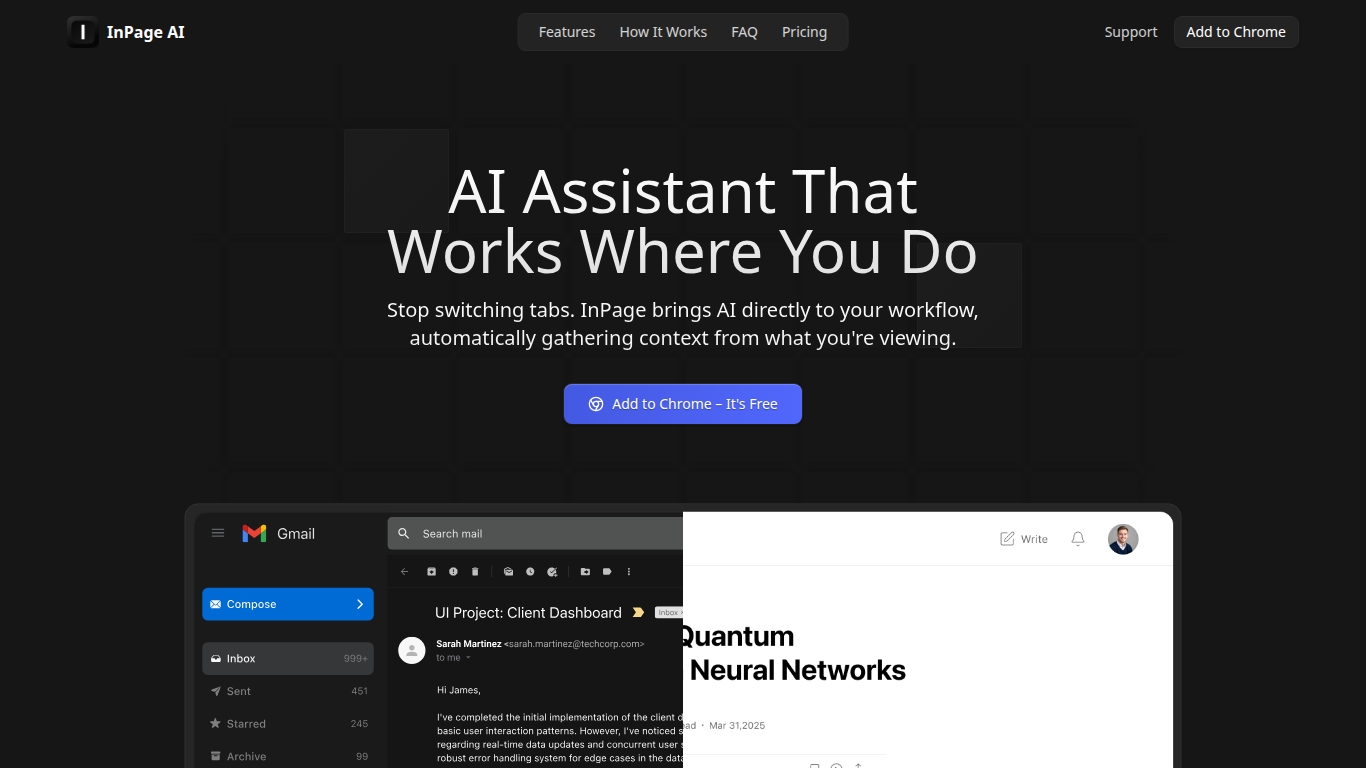
InPage AI is a Chrome assistant that opens on whatever page you are already on. Press Alt+I and it reads the article, email thread, or doc in view, then drafts replies or summaries without copying text into another tab. It routes prompts to OpenAI, Anthropic, Gemini, Perplexity, xAI, and Meta AI models from one extension.
Browser chat sidebars still make you explain context from scratch. InPage AI pulls context from Gmail, Google Docs, GitHub, Twitter, and other sites automatically, with a Safe Preview Mode that highlights suggestions before you apply them. Google Docs access uses the official API only after you grant permission.
Writers, developers, and anyone who lives in the browser will get the most from it. The free tier includes 50 prompts with no credit card, Professional is $9 per month for unlimited prompts, and a $90 lifetime plan covers future updates.
Alt+I keyboard shortcut opens AI help with the current page context already loaded
Supports OpenAI, Anthropic, Gemini, Perplexity, xAI, and Meta AI from one extension
Works in Gmail, Google Docs, GitHub, Twitter, and other sites without extra setup
Safe Preview Mode highlights AI suggestions before you apply them to a text field
Free plan includes 50 AI prompts with writing assistance and webpage summarization
Professional plan ($9/mo) adds unlimited prompts, faster responses, and priority support
Lifetime plan ($90 one-time) includes all Professional features plus future updates
Alt+I opens context-aware help on Gmail, Google Docs, GitHub, and other sites without tab switching.
Multiple model providers (OpenAI, Anthropic, Gemini, and others) are available without bringing your own API keys.
Safe Preview Mode lets you review highlighted suggestions before applying them to a text field.
Available only as a Chrome extension, not Firefox, Safari, or mobile browsers.
Free tier stops after 50 prompts, then requires a paid plan to continue.
Google Docs and other integrations require explicit permission grants before the extension can read content.
What is InPage AI?
InPage AI is a Chrome extension that brings AI assistance directly into your browser. It reads the page you are viewing and lets you ask questions or generate content without switching tabs or copying text.
How much does InPage AI cost?
InPage AI Free costs $0 per month and includes 50 AI prompts. Professional costs $9 per month with unlimited prompts and priority support. The Lifetime plan is a one-time $90 payment for permanent access.
Which AI models does InPage AI support?
InPage AI connects to OpenAI, Anthropic, Gemini, Perplexity, xAI, and Meta AI models. You use them from the extension without providing your own API keys.
How do I activate InPage AI?
InPage AI opens with the Alt+I keyboard shortcut on any webpage. The extension automatically gathers context from what you are reading or writing before you send a prompt.
Does InPage AI work with Google Docs?
Yes. InPage AI integrates with Google Docs through the official Google Docs API. It reads document content and can insert responses only after you grant explicit permission through Google's authorization flow.
How many free prompts does InPage AI include?
InPage AI gives free-tier users 50 AI prompts with no credit card required. After those are used, you need a Professional or Lifetime plan to continue.