
Last updated 08-21-2026
Category:
Reviews:
Join thousands of AI enthusiasts in the World of AI!
Clico (formerly Invoko)
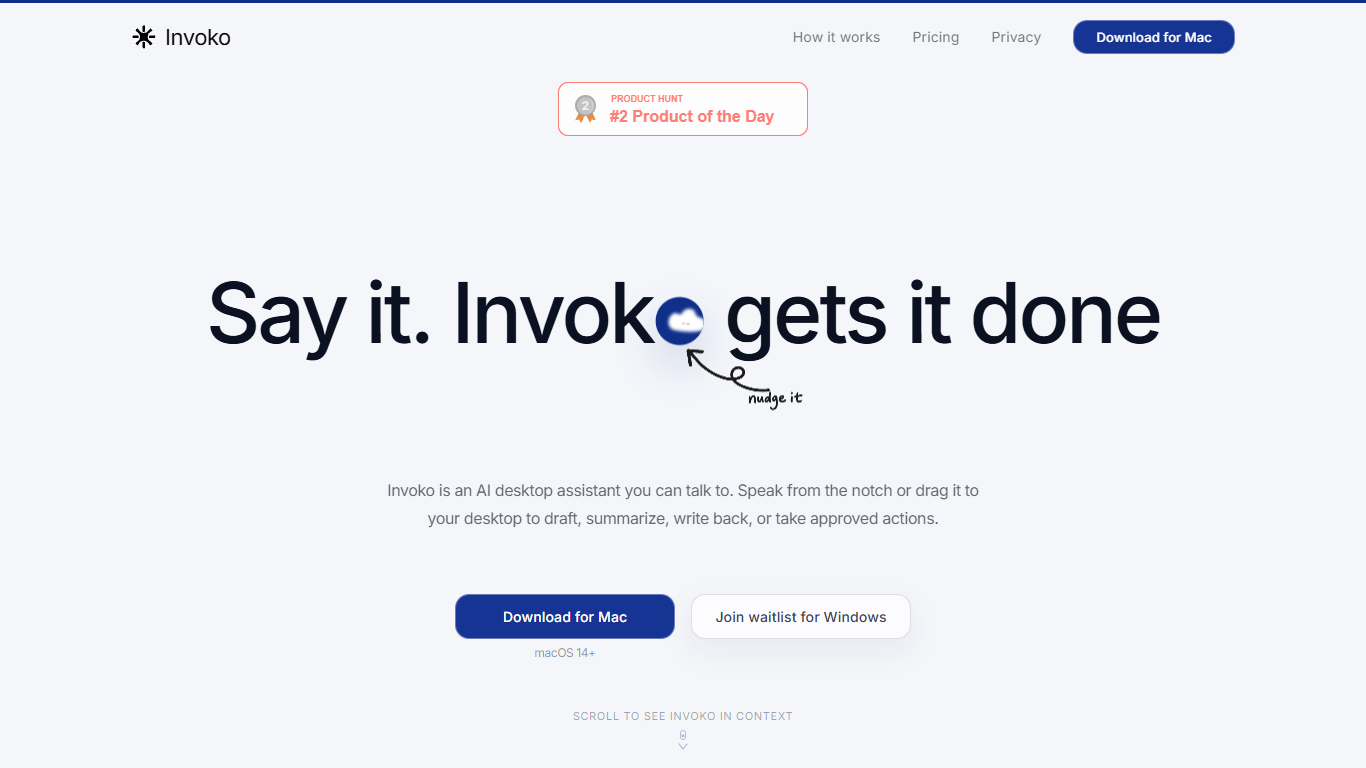
Clico is a screen-context assistant for Mac, Chrome, and the web. You pick the page, app, file, or selection in front of you, and Clico answers or drafts from that context without copying text into a separate chat window. Hold Fn to ask by voice, double-tap Command for suggestions on what's open, or use the web workspace for longer browser tasks.
Most AI assistants start blank and make you rebuild context by hand. Clico inverts that: the screen you choose is the prompt. It can carry steps across apps but asks before it writes, sends, creates, or clicks, which matters when you're working inside email threads, spreadsheets, or docs where a wrong send is costly.
The product fits knowledge workers who live in tabs and hate tab-hopping: drafting replies from open threads, summarizing dense pages, cleaning selected spreadsheet data, or finding the next step in a multi-app workflow. Free, Pro, and Max plans differ mainly by monthly credit limits shared across Mac, Chrome, and web.
Hold Fn to ask about the screen in front of you without copying context into another chat
Double-tap Command for next-step suggestions on the open app, page, or selection
Free plan includes 200 credits per month across Mac, Chrome, and web with no card required
Pro plan at $19.90 per month raises the shared allowance to 2,000 credits per month
Max plan at $49.90 per month includes 5,000 credits per month for heavier daily use
Asks for approval before writing, sending, creating, or clicking on your behalf
Starts from the screen you choose, so you spend less time copying context into a separate chat.
Runs on Mac, Chrome, and web with credits shared across all three surfaces.
Free tier needs no card and includes 200 credits per month to test the workflow.
Mac desktop app is the primary surface; Chrome and web cover browser work but not every OS.
Credit limits on Free and paid tiers can cap heavy daily use before you need Max.
Does Clico have a free plan?
Yes, Clico offers a Free plan at $0 with 200 credits per month shared across Mac, Chrome, and web. No credit card is required to start, and you can try the full workflow before upgrading to Pro or Max.
How much does Clico Pro cost?
Clico Pro is $19.90 per month billed monthly and includes 2,000 credits per month shared across Mac, Chrome, and web. It adds expanded web model access and enhanced routing compared with the Free plan.
What platforms does Clico support?
Clico runs as a Mac desktop app, a Chrome extension, and a web workspace at app.tryclico.com. Credits and history are shared across those surfaces on every plan.
Can Clico take actions without my approval?
No. Clico can prepare work and carry steps across supported tools, but it asks before it writes, sends, creates, or clicks on your behalf. You should review proposed actions before approving them, especially for messages or account changes.
Does Clico see everything on my screen?
No. You choose when to use Clico and which page, app, file, or selection is relevant. On Mac, system permissions control screen, microphone, file, and accessibility access. The Chrome extension uses the active page or selected content when a feature needs it.
How is Clico different from a normal AI chatbot?
A typical chatbot starts with an empty thread, so you copy text or explain what is open. Clico starts from the screen you select, which cuts the setup time on context-heavy tasks like drafting from an email thread or summarizing a page you already have open.