
Last updated 07-02-2026
Category:
Reviews:
Join thousands of AI enthusiasts in the World of AI!
Martin
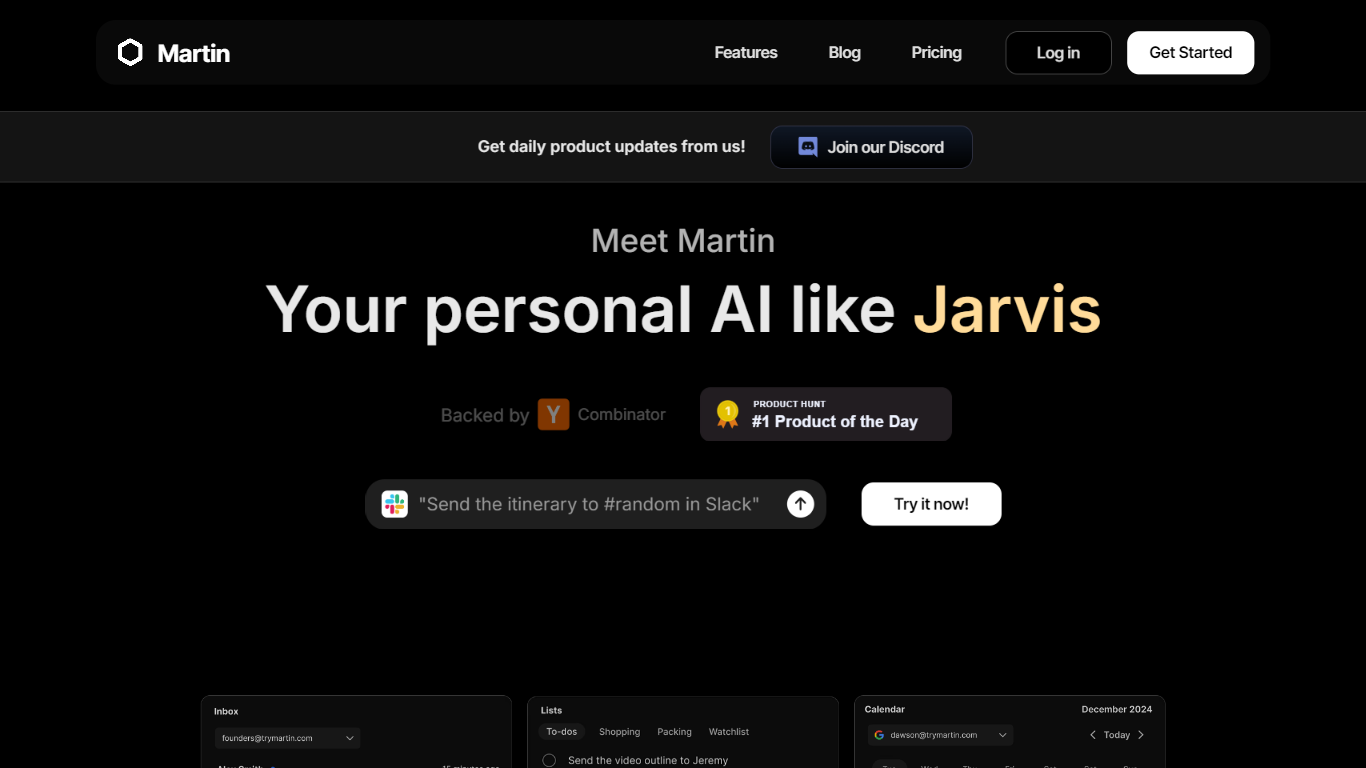
Martin is a personal assistant you reach by phone call, text, email, or Slack. It manages your calendar, inbox, reminders, and everyday tasks through conversation instead of clicking through separate productivity apps.
The product is built around the idea of a Jarvis-style helper that plugs into tools you already use. Gmail and Outlook inboxes, Google and Outlook calendars, SMS, WhatsApp, and Slack workspaces can be connected so Martin can search mail, draft replies, schedule events, and set reminders on request.
CC to Schedule is a standout workflow: copy [email protected] on an email thread and ask Martin to propose meeting times from your calendar. Pro subscribers also get morning email drafts, wake-up calls with weather and your daily schedule, and priority access to advanced models.
Martin runs as a web app and an iOS app with voice mode, push notifications, and shortcuts. DCWU, Inc. builds it as a Y Combinator company and announced a $2M seed round in January 2025.
Cc [email protected] and Martin proposes meeting times from your calendar
Morning email drafts ready before you wake up on the Pro plan
Wake-up calls with weather, schedule, and news read aloud
Gmail and Outlook search, draft, send, label, and archive from any channel
Reach Martin by phone, SMS, WhatsApp, email, Slack, or the iOS app
Parses images and PDF, TXT, or CSV files across every interface
Reach the same assistant by call, text, email, Slack, or WhatsApp without switching apps.
CC to Schedule handles meeting coordination directly on email threads.
Seven-day free trial on paid plans with cancel-anytime billing.
No Android app yet; only a waitlist is offered on the homepage.
Basic plan limits you to two concurrent tasks and basic AI models.
Google Drive integration remains in beta for select users.
Does Martin offer a free trial?
Yes. Martin offers a 7-day free trial on its paid plans with cancel-anytime billing, as stated on the Martin pricing page.
How can I contact Martin?
Martin can be reached by phone call, text message, email, Slack, WhatsApp, the web app at app.trymartin.com, and the Martin iOS app. The homepage lists text, call, email, and Slack as primary channels.
Does Martin integrate with Gmail and Outlook?
Yes. Martin integrates with Gmail and Outlook inboxes for composing drafts, sending mail, searching threads, labeling messages, and managing read or archive status. It also supports Google and Outlook calendars for scheduling.
How much does Martin cost?
Martin Basic costs $21 per month billed yearly or $35 per month billed monthly. Martin Pro costs $30 per month billed yearly or $49 per month billed monthly. Both plans include a 7-day free trial.
Does Martin have a mobile app?
Martin has an iOS app on the App Store with voice mode, notifications, and shortcuts. An Android waitlist is listed on the Martin homepage; no Google Play listing is offered yet.
What is CC to Schedule on Martin?
CC to Schedule lets you copy [email protected] on an email thread and ask Martin to check your calendar and propose meeting times. Once everyone confirms, Martin creates the calendar event with a meeting link.
What apps does Martin integrate with?
Martin connects to Gmail, Outlook, Google and Outlook calendars, Slack, SMS, WhatsApp, and Google Drive in beta. Integrations are managed from the Integrations panel in the Martin app.