Dottie vs Keep It Shot
Explore the showdown between Dottie vs Keep It Shot and find out which AI Assistant tool wins. We analyze upvotes, features, reviews, pricing, alternatives, and more.
When comparing Dottie and Keep It Shot, which one rises above the other?
When we contrast Dottie with Keep It Shot, both of which are exceptional AI-operated assistant tools, and place them side by side, we can spot several crucial similarities and divergences. The community has spoken, Keep It Shot leads with more upvotes. Keep It Shot has received 7 upvotes from aitools.fyi users, while Dottie has received 6 upvotes.
Want to flip the script? Upvote your favorite tool and change the game!
Dottie

What is Dottie?
Dottie is a native Mac voice assistant that listens, reasons, and runs tasks on your computer instead of stopping at chat replies. Say "Hey Dottie" or hold Option+Space to dictate, and it can send email, schedule calendar events, search files, control apps, and read what is on your screen through built-in vision.
Most Mac assistants answer questions in a separate window. Dottie chains 134 system tools to finish work end to end, from drafting an email to creating a calendar invite. You pick how models run: local Ollama or MLX models on device, your own API keys for OpenAI, Anthropic, xAI, or Cerebras, or Dottie Pro for keyless Grok access at $20 per month.
The app ships as a free .zip download with no account required for local or bring-your-own-key use. It targets Apple Silicon Macs on macOS 15.4 or later, with sandboxed permissions defaulting off until you grant them. Developers get an open-source CLI engine called Dotbot plus a local Agent API on port 1317.
Keep It Shot
What is Keep It Shot?
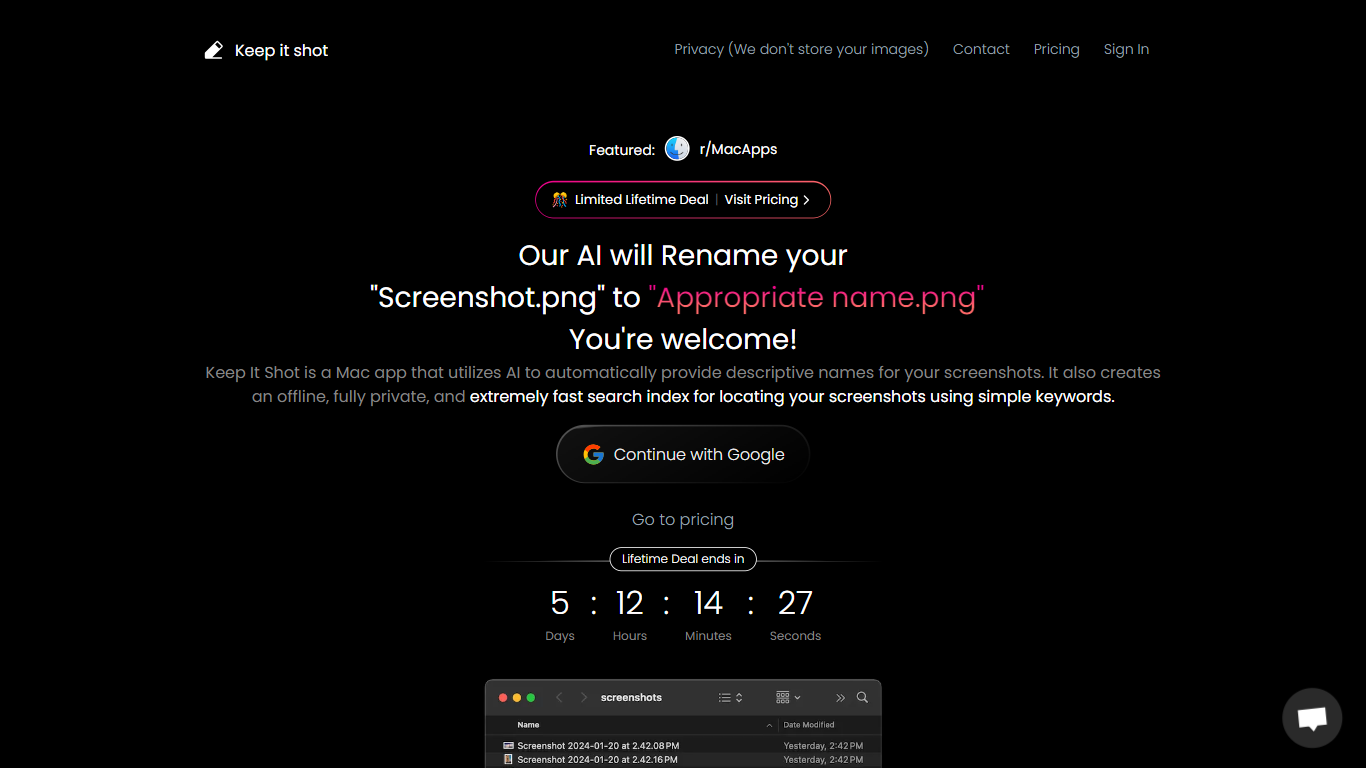
Keep It Shot is an innovative Mac application designed to enhance the way users manage their screenshots. It leverages AI technology to auto-generate descriptive names for screenshots, allowing for quick and easy identification. Moreover, it offers a powerful offline search feature, making it swift to locate specific screenshots using simple keywords. The application ensures complete privacy by not uploading any images to the cloud. It's optimized for speed and simplicity, allowing users to efficiently rename large batches of screenshots with minimal effort. Keep It Shot simplifies screenshot management, transforming it from a cluttered collection into a highly organized and accessible library.
Dottie Upvotes
Keep It Shot Upvotes
Dottie Top Features
134 built-in system tools covering email, iMessage, calendar, Safari tabs, and file management
Hold Option+Space for instant voice dictation into any app without a separate window
"Hey Dottie" wake word for hands-free requests from anywhere on the Mac
Three model paths: local Ollama or MLX, bring-your-own API keys, or Dottie Pro keyless Grok
Screen reading through OCR and visual analysis so Dottie can act on what you see
3,800 plus local models from HuggingFace via Ollama and MLX for on-device inference
Keep It Shot Top Features
Automated Descriptive Naming: Automatically provides descriptive names for screenshots using AI.
Offline and Private Search Index: Creates a fast local search index for screenshots using keywords, with complete privacy.
Bulk Rename in Two Clicks: Quickly rename large batches of screenshots with a progress bar to track changes.
Tailored Renaming Preferences: Customize naming conventions and automate renaming for new screenshots.
Easy Reversion: Single-click option to revert any changes and go back to the original screenshot names.
Dottie Category
- Assistant
Keep It Shot Category
- Assistant
Dottie Pricing Type
- Freemium
Keep It Shot Pricing Type
- Freemium