Dottie vs ridvay
In the clash of Dottie vs ridvay, which AI Assistant tool emerges victorious? We assess reviews, pricing, alternatives, features, upvotes, and more.
When we put Dottie and ridvay head to head, which one emerges as the victor?
Let's take a closer look at Dottie and ridvay, both of which are AI-driven assistant tools, and see what sets them apart. The upvote count favors ridvay, making it the clear winner. The number of upvotes for ridvay stands at 7, and for Dottie it's 6.
Not your cup of tea? Upvote your preferred tool and stir things up!
Dottie

What is Dottie?
Dottie is a native Mac voice assistant that listens, reasons, and runs tasks on your computer instead of stopping at chat replies. Say "Hey Dottie" or hold Option+Space to dictate, and it can send email, schedule calendar events, search files, control apps, and read what is on your screen through built-in vision.
Most Mac assistants answer questions in a separate window. Dottie chains 134 system tools to finish work end to end, from drafting an email to creating a calendar invite. You pick how models run: local Ollama or MLX models on device, your own API keys for OpenAI, Anthropic, xAI, or Cerebras, or Dottie Pro for keyless Grok access at $20 per month.
The app ships as a free .zip download with no account required for local or bring-your-own-key use. It targets Apple Silicon Macs on macOS 15.4 or later, with sandboxed permissions defaulting off until you grant them. Developers get an open-source CLI engine called Dotbot plus a local Agent API on port 1317.
ridvay
What is ridvay?
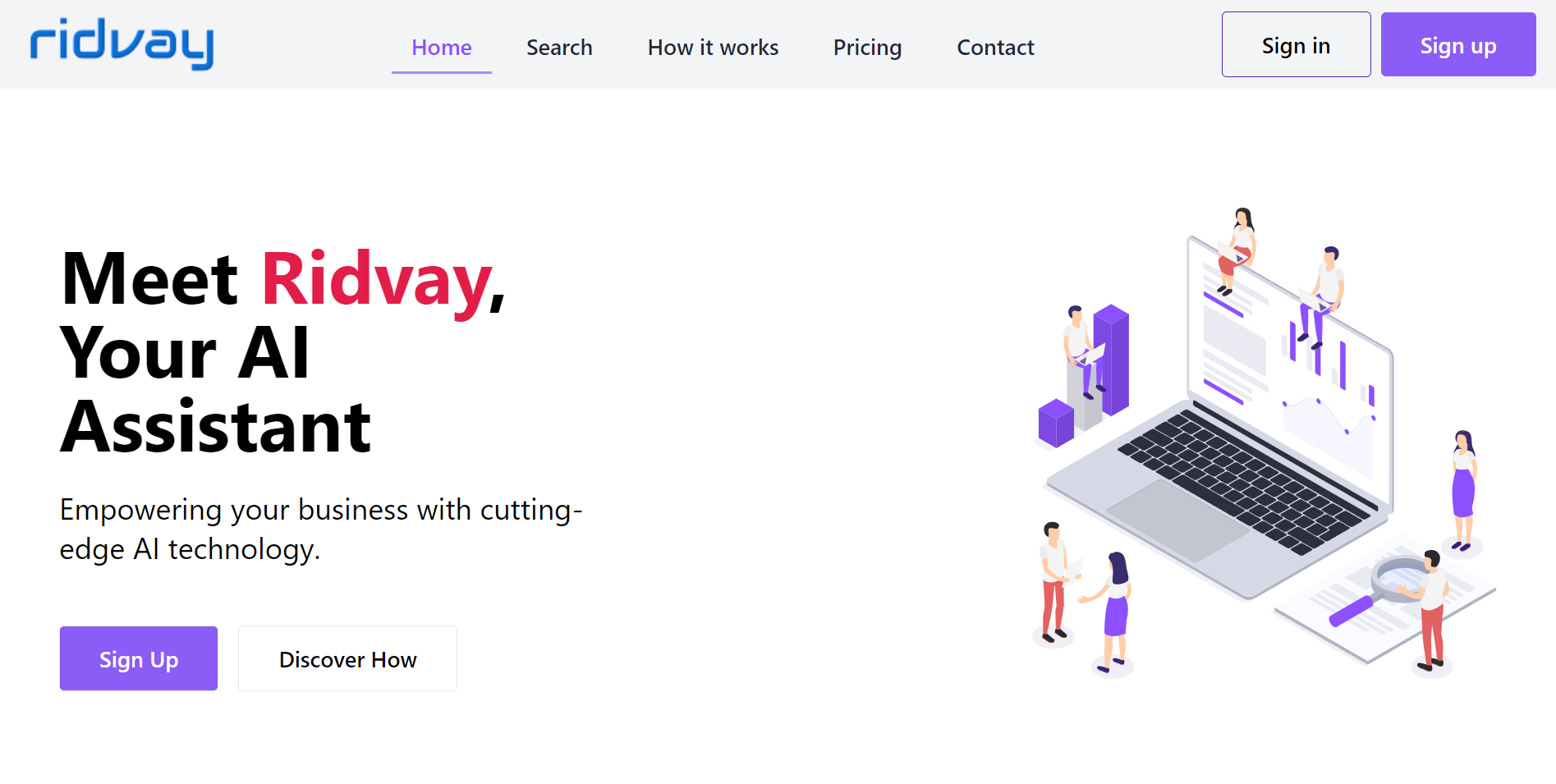
Ridvay is an all-in-one creative workspace that turns plain text into editable designs, diagrams, images, and chat responses. Its Studio product generates posters, social posts, slides, thumbnails, and other layouts from a single sentence, with real fonts and layered objects you can move or restyle instead of flat image exports.
Beyond design, Ridvay includes an AI diagram generator for flowcharts, UML, sequence, ER, architecture, and C4 diagrams, plus AI image tools and a multi-model chat hub. Designs export to PNG, SVG, PDF, or PPTX, and slides can go straight to PowerPoint.
It fits marketers, founders, and solo creators who need quick visual assets without opening a full design suite. Ridvay SIA, based in Latvia, operates the platform with a free starting tier and credit-based billing for heavier AI usage.
Dottie Upvotes
ridvay Upvotes
Dottie Top Features
134 built-in system tools covering email, iMessage, calendar, Safari tabs, and file management
Hold Option+Space for instant voice dictation into any app without a separate window
"Hey Dottie" wake word for hands-free requests from anywhere on the Mac
Three model paths: local Ollama or MLX, bring-your-own API keys, or Dottie Pro keyless Grok
Screen reading through OCR and visual analysis so Dottie can act on what you see
3,800 plus local models from HuggingFace via Ollama and MLX for on-device inference
ridvay Top Features
Ridvay Studio turns a sentence into editable posters, social posts, slides, and thumbnails with real Google Fonts
Every generated design uses layered objects you can move, restyle, or refine through chat before export
AI diagram generator builds flowcharts, UML, sequence, ER, architecture, and C4 diagrams from plain English
Export finished work as PNG, SVG, PDF, or PPTX, with presentation decks ready for PowerPoint
AI Chat hub and image tools sit alongside design and diagram features in one account
Dottie Category
- Assistant
ridvay Category
- Assistant
Dottie Pricing Type
- Freemium
ridvay Pricing Type
- Freemium