DPTH vs InPixio
Compare DPTH vs InPixio and see which AI Photo Editing tool is better when we compare features, reviews, pricing, alternatives, upvotes, etc.
Which one is better? DPTH or InPixio?
When we compare DPTH with InPixio, which are both AI-powered photo editing tools, Both tools are equally favored, as indicated by the identical upvote count. The power is in your hands! Cast your vote and have a say in deciding the winner.
Feeling rebellious? Cast your vote and shake things up!
DPTH
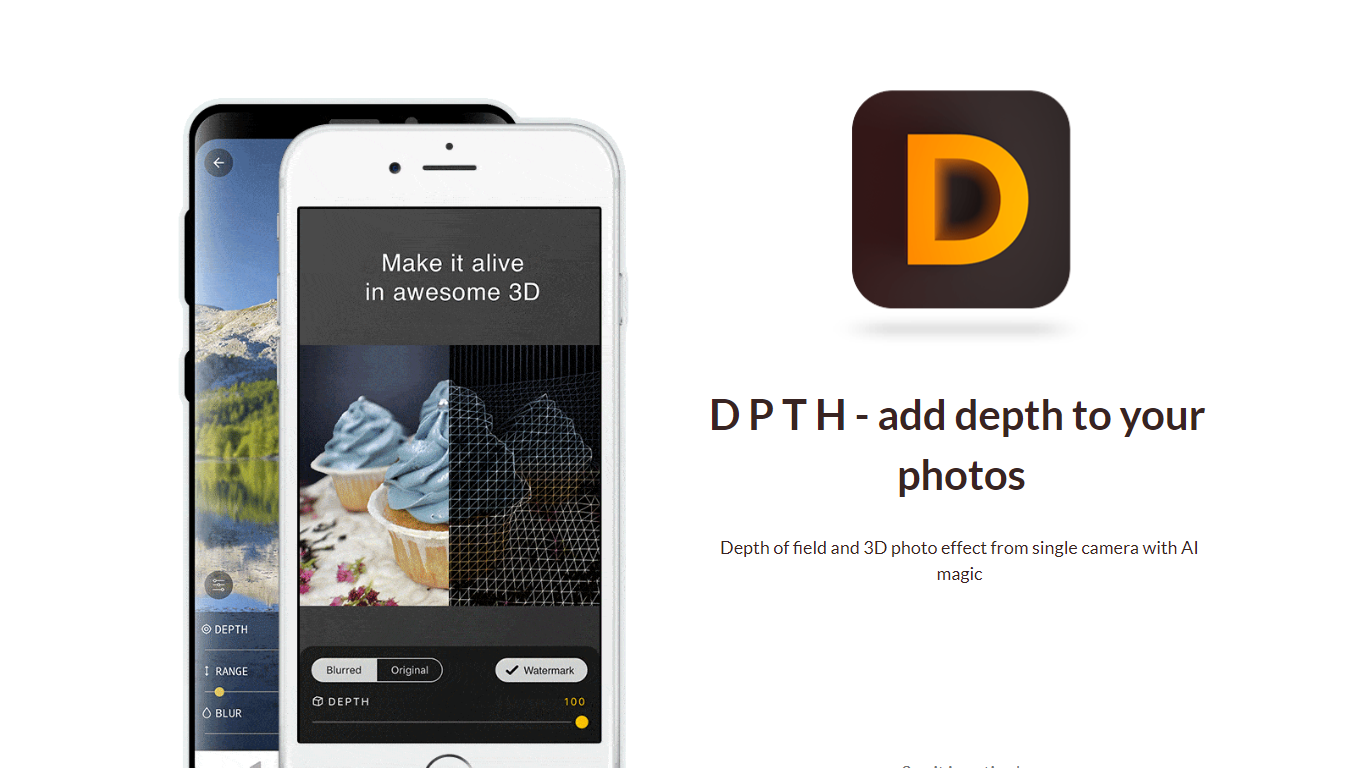

What is DPTH?
DPTH lets you change focus distance after you take a picture on a phone camera. It predicts depth from a single-camera shot so you can add depth of field and a 3D-style look without extra lenses or gear.
Compared with dual-lens portrait modes or desktop blur tools, DPTH targets post-capture refocus on ordinary single-camera photos. The public site stays a short Strikingly landing page with a demo video, not a full feature manual.
Phone photographers who want portrait-style blur or parallax-style depth from everyday snapshots are the audience. Roadly, Inc. publishes DPTH, links iOS access through TestFlight, and lists [email protected] for contact.
InPixio

What is InPixio?
InPixio lets you remove backgrounds, erase objects, swap skies, and polish photos through a free online editor, a Windows desktop app, and a mobile app. Upload an image, click remove background, and the AI separates hair and fine edges without manual masking.
Where heavyweight editors assume you already know layers and masks, InPixio sells speed for ecommerce sellers and casual creators. The free web tools handle quick crops and background cuts, while paid plans unlock HD downloads and premium features across the same interface on desktop and phone.
The site cites more than 10 million users and targets small business owners, social sellers, and beginners who need product photos, transparent PNGs, and social-ready edits. You can edit in the browser instantly or download the Windows app for offline work.
DPTH Upvotes
InPixio Upvotes
DPTH Top Features
Change focus distance on photos you already captured
Predicts depth from a single-camera image for blur simulation
iOS access is linked from the site through TestFlight at testflight.apple.com
Contact email on the site is [email protected] for Roadly, Inc.
Demo video on the site links to youtu.be/vCd6k60lnkM
InPixio Top Features
One-click AI background remover handles hair and complex edges on JPG, PNG, and RAW files
Online editor runs in the browser with no install, while Windows software works offline
Magic eraser removes unwanted objects and reconstructs the background automatically
AI background generator swaps skies and dull backdrops for new scenes in seconds
Supports more than 50 image formats including JPEG, PNG, and RAW uploads
Mobile app mirrors quick edits for social posts and product photos on the go
DPTH Category
- Photo Editing
InPixio Category
- Photo Editing
DPTH Pricing Type
- Freemium
InPixio Pricing Type
- Freemium