
Last updated 08-30-2026
Category:
Reviews:
Join thousands of AI enthusiasts in the World of AI!
DPTH
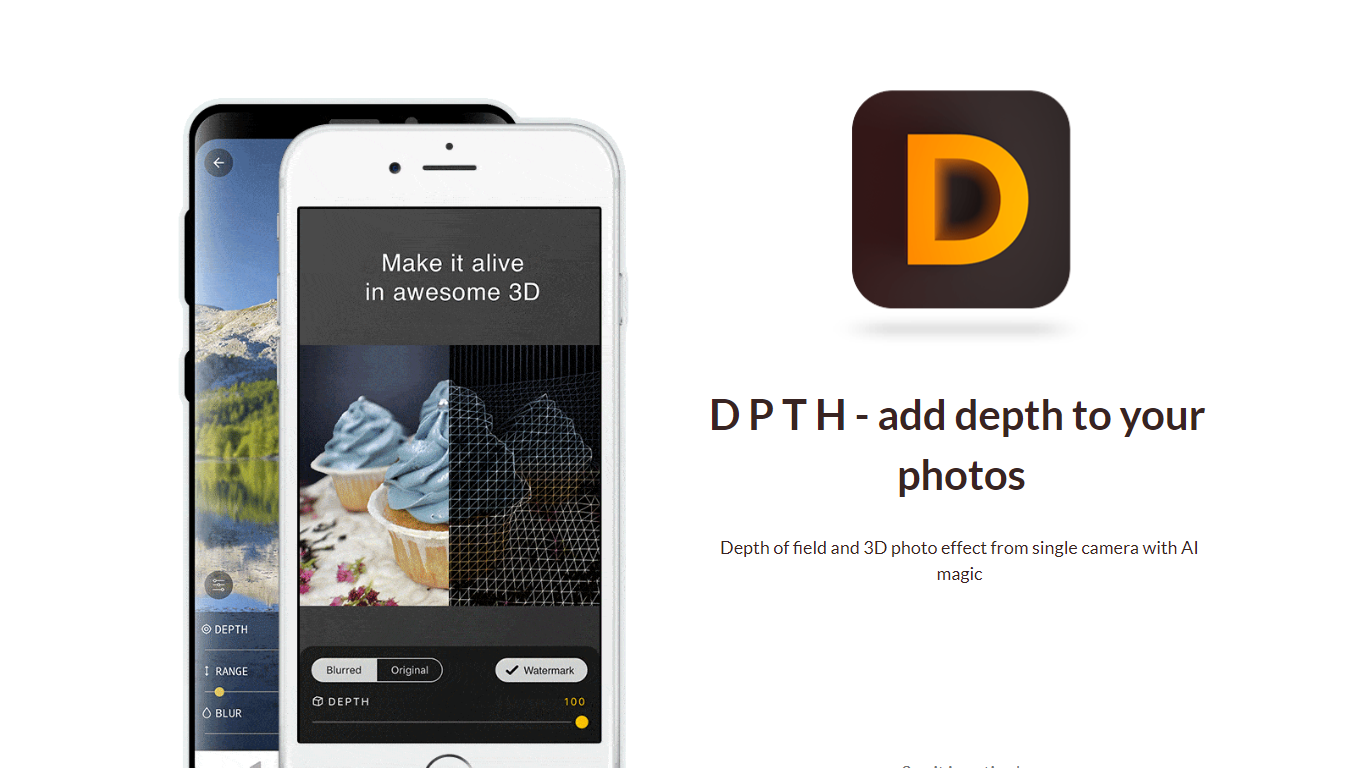
DPTH lets you change focus distance after you take a picture on a phone camera. It predicts depth from a single-camera shot so you can add depth of field and a 3D-style look without extra lenses or gear.
Compared with dual-lens portrait modes or desktop blur tools, DPTH targets post-capture refocus on ordinary single-camera photos. The public site stays a short Strikingly landing page with a demo video, not a full feature manual.
Phone photographers who want portrait-style blur or parallax-style depth from everyday snapshots are the audience. Roadly, Inc. publishes DPTH, links iOS access through TestFlight, and lists [email protected] for contact.
Change focus distance on photos you already captured
Predicts depth from a single-camera image for blur simulation
iOS access is linked from the site through TestFlight at testflight.apple.com
Contact email on the site is [email protected] for Roadly, Inc.
Demo video on the site links to youtu.be/vCd6k60lnkM
Simulates depth of field from single-camera photos without extra lenses.
Lets you adjust focus distance after capture instead of at shoot time.
iOS access is linked through TestFlight from the official site.
The website does not publish pricing or plan details.
The linked iOS TestFlight beta is not accepting new testers.
The public site is a minimal Strikingly landing page with limited product documentation.
What is DPTH?
DPTH is a photo editing app from Roadly, Inc. that lets you adjust focus distance after capture and simulate depth of field on single-camera photos.
Can DPTH add depth of field after a photo is taken?
Yes. DPTH uses depth prediction so you can change focus distance and apply depth of field effects after the shot, according to the app's site description.
Does DPTH work with a single camera?
Yes. DPTH is built for photos from a single camera and does not require multiple lenses or special capture hardware.
How do I install DPTH?
The DPTH website links to an iOS TestFlight invite at testflight.apple.com. That beta page states it is not accepting new testers, and the landing page does not list an Android or web editor.
How can I contact DPTH?
The DPTH site lists [email protected] as the contact email for Roadly, Inc., the company behind the app.