DPTH vs PhotoAid's AI Image Enlarger
In the clash of DPTH vs PhotoAid's AI Image Enlarger, which AI Photo Editing tool emerges victorious? We assess reviews, pricing, alternatives, features, upvotes, and more.
When we put DPTH and PhotoAid's AI Image Enlarger head to head, which one emerges as the victor?
Let's take a closer look at DPTH and PhotoAid's AI Image Enlarger, both of which are AI-driven photo editing tools, and see what sets them apart. There's no clear winner in terms of upvotes, as both tools have received the same number. Be a part of the decision-making process. Your vote could determine the winner.
Disagree with the result? Upvote your favorite tool and help it win!
DPTH
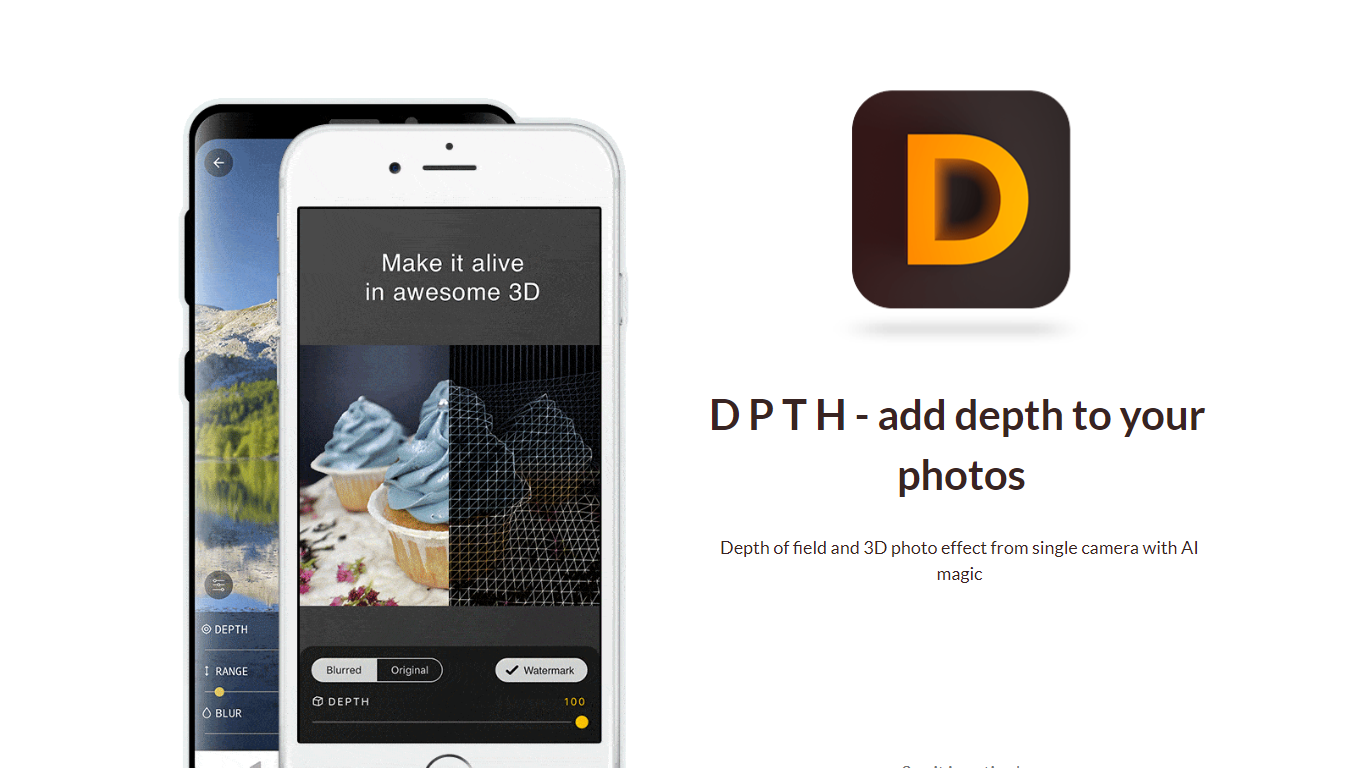

What is DPTH?
DPTH lets you change focus distance after you take a picture on a phone camera. It predicts depth from a single-camera shot so you can add depth of field and a 3D-style look without extra lenses or gear.
Compared with dual-lens portrait modes or desktop blur tools, DPTH targets post-capture refocus on ordinary single-camera photos. The public site stays a short Strikingly landing page with a demo video, not a full feature manual.
Phone photographers who want portrait-style blur or parallax-style depth from everyday snapshots are the audience. Roadly, Inc. publishes DPTH, links iOS access through TestFlight, and lists [email protected] for contact.
PhotoAid's AI Image Enlarger

What is PhotoAid's AI Image Enlarger?
PhotoAid's AI Image Enlarger upscales photos in the browser without a software download. You upload a JPEG, WEBP, or PNG file up to 30MB or 10,000 by 10,000 pixels, pick a 1x or 2x zoom level, and the tool doubles dimensions while smoothing detail instead of leaving blocky pixels.
Standard resize tools stretch pixels and blur faces fast. PhotoAid's upscaler uses AI smoothing tuned especially for portraits, so a 1000 by 1000 px image can become 2000 by 2000 px with fewer artifacts than a basic bicubic stretch.
The enlarger is free and hosted by PhotoAiD, the same team behind passport and visa photo tools on photoaid.com. They released it as a standalone browser utility alongside their biometric photo pipeline, with multilingual site options and links back to other PhotoAid tools.
PhotoAid's AI Image Enlarger fits photographers, ecommerce sellers, and anyone who needs a quick upscale for profile shots or product images. It also helps travelers who already use PhotoAid for passport photos and want a separate enlargement step in the same ecosystem.
DPTH Upvotes
PhotoAid's AI Image Enlarger Upvotes
DPTH Top Features
Change focus distance on photos you already captured
Predicts depth from a single-camera image for blur simulation
iOS access is linked from the site through TestFlight at testflight.apple.com
Contact email on the site is [email protected] for Roadly, Inc.
Demo video on the site links to youtu.be/vCd6k60lnkM
PhotoAid's AI Image Enlarger Top Features
2x zoom doubles image dimensions, for example 1000 by 1000 px to 2000 by 2000 px
Maximum upload size is 30MB or 10,000 by 10,000 pixels
Supports JPEG, WEBP, and PNG input formats
Browser-based workflow requires no desktop software download
AI upscaler emphasizes face photos but handles other image types
Free access with share and tell-friends prompts on the tool page
Multilingual PhotoAid site lists 15 language options in the footer
DPTH Category
- Photo Editing
PhotoAid's AI Image Enlarger Category
- Photo Editing
DPTH Pricing Type
- Freemium
PhotoAid's AI Image Enlarger Pricing Type
- Free