PNG Maker vs DPTH
In the face-off between PNG Maker vs DPTH, which AI Photo Editing tool takes the crown? We scrutinize features, alternatives, upvotes, reviews, pricing, and more.
In a face-off between PNG Maker and DPTH, which one takes the crown?
If we were to analyze PNG Maker and DPTH, both of which are AI-powered photo editing tools, what would we find? Both tools have received the same number of upvotes from aitools.fyi users. The power is in your hands! Cast your vote and have a say in deciding the winner.
You don't agree with the result? Cast your vote to help us decide!
PNG Maker

What is PNG Maker?
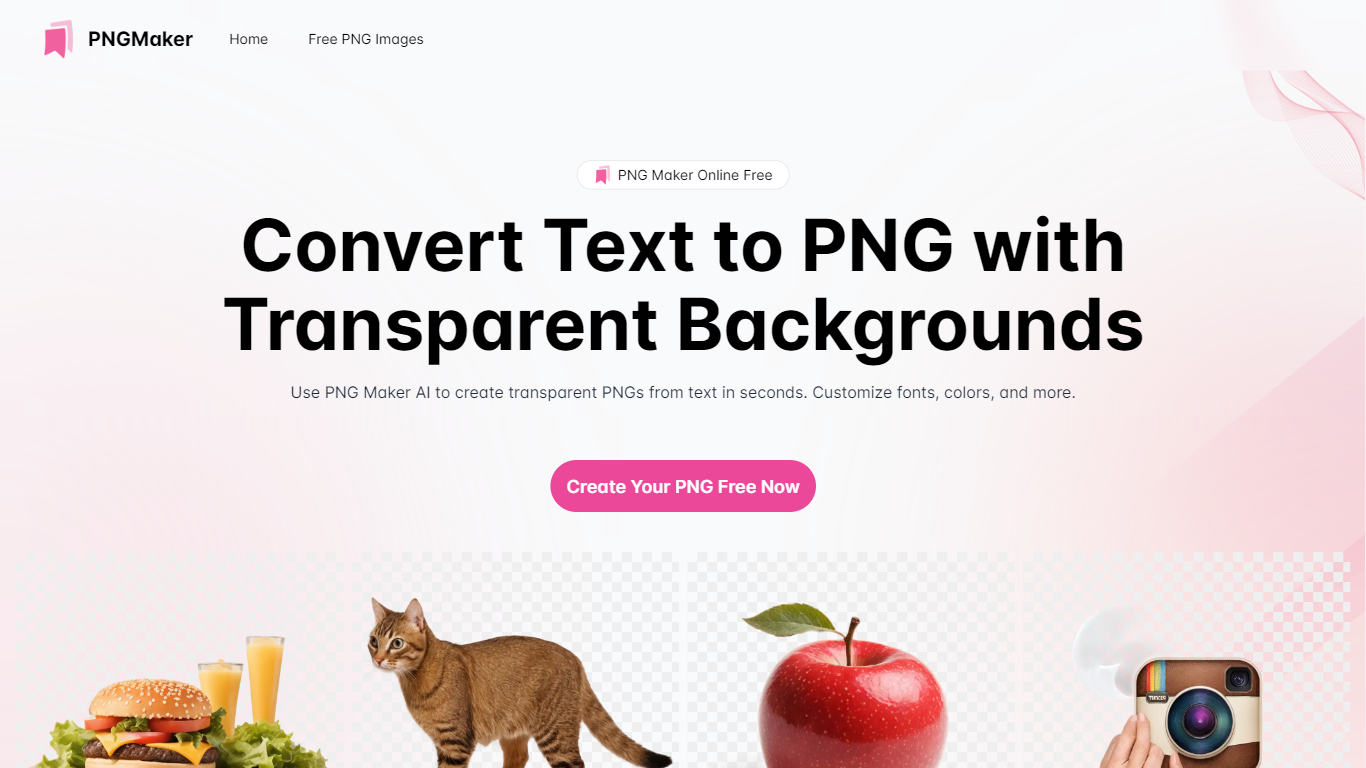
PNG Maker is an online tool that turns text prompts into PNG images with transparent backgrounds. It targets designers, marketers, and content creators who need clip-art style assets, logos, or graphics without opening desktop editing software.
You type a description of what you want, pick an aspect ratio, and the app generates one or more PNG files you can download. The web app also supports image-to-image generation, so you can upload a reference and refine the output from there. Free users get 9 credits per day; paid plans unlock higher monthly credit limits, batch generation, and private outputs.
The site also organizes outputs by tags and runs a blog with tips for writing better prompts. If you need quick transparent PNGs for slides, social posts, or web layouts, it keeps the workflow in the browser with no install required.
DPTH
What is DPTH?
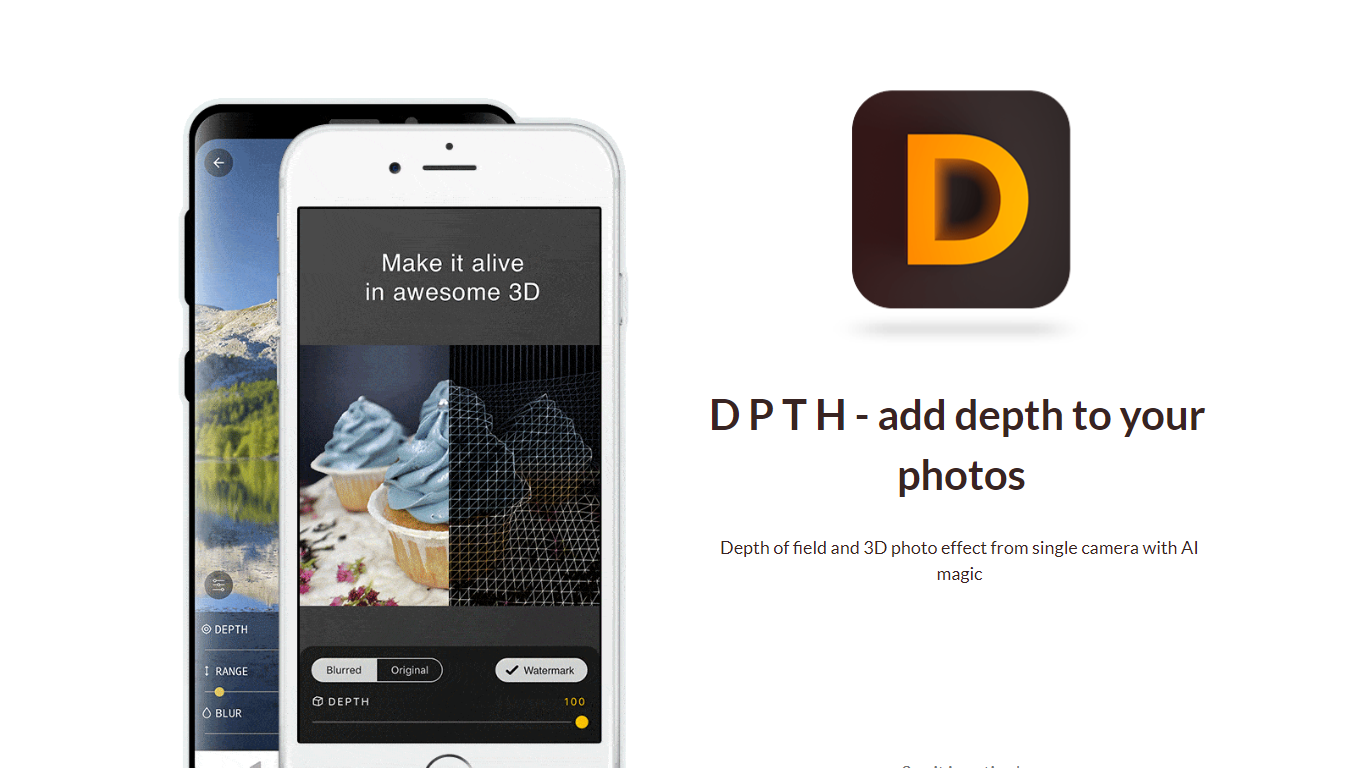
DPTH lets you change focus distance after you take a picture on a phone camera. It predicts depth from a single-camera shot so you can add depth of field and a 3D-style look without extra lenses or gear.
Compared with dual-lens portrait modes or desktop blur tools, DPTH targets post-capture refocus on ordinary single-camera photos. The public site stays a short Strikingly landing page with a demo video, not a full feature manual.
Phone photographers who want portrait-style blur or parallax-style depth from everyday snapshots are the audience. Roadly, Inc. publishes DPTH, links iOS access through TestFlight, and lists [email protected] for contact.
PNG Maker Upvotes
DPTH Upvotes
PNG Maker Top Features
Turn text prompts into transparent PNG images without desktop software
Switch between text-to-image and image-to-image modes in one web app
Pick aspect ratios like 1:1, 3:2, and 2:3 before generating
Generate up to four images at once on paid plans
Browse community creations organized by tags for prompt inspiration
DPTH Top Features
Change focus distance on photos you already captured
Predicts depth from a single-camera image for blur simulation
iOS access is linked from the site through TestFlight at testflight.apple.com
Contact email on the site is [email protected] for Roadly, Inc.
Demo video on the site links to youtu.be/vCd6k60lnkM
PNG Maker Category
- Photo Editing
DPTH Category
- Photo Editing
PNG Maker Pricing Type
- Freemium
DPTH Pricing Type
- Freemium