DPTH vs Profile Picture Maker By Picsart
In the battle of DPTH vs Profile Picture Maker By Picsart, which AI Photo Editing tool comes out on top? We compare reviews, pricing, alternatives, upvotes, features, and more.
Between DPTH and Profile Picture Maker By Picsart, which one is superior?
Upon comparing DPTH with Profile Picture Maker By Picsart, which are both AI-powered photo editing tools, The users have made their preference clear, Profile Picture Maker By Picsart leads in upvotes. The number of upvotes for Profile Picture Maker By Picsart stands at 9, and for DPTH it's 6.
You don't agree with the result? Cast your vote to help us decide!
DPTH
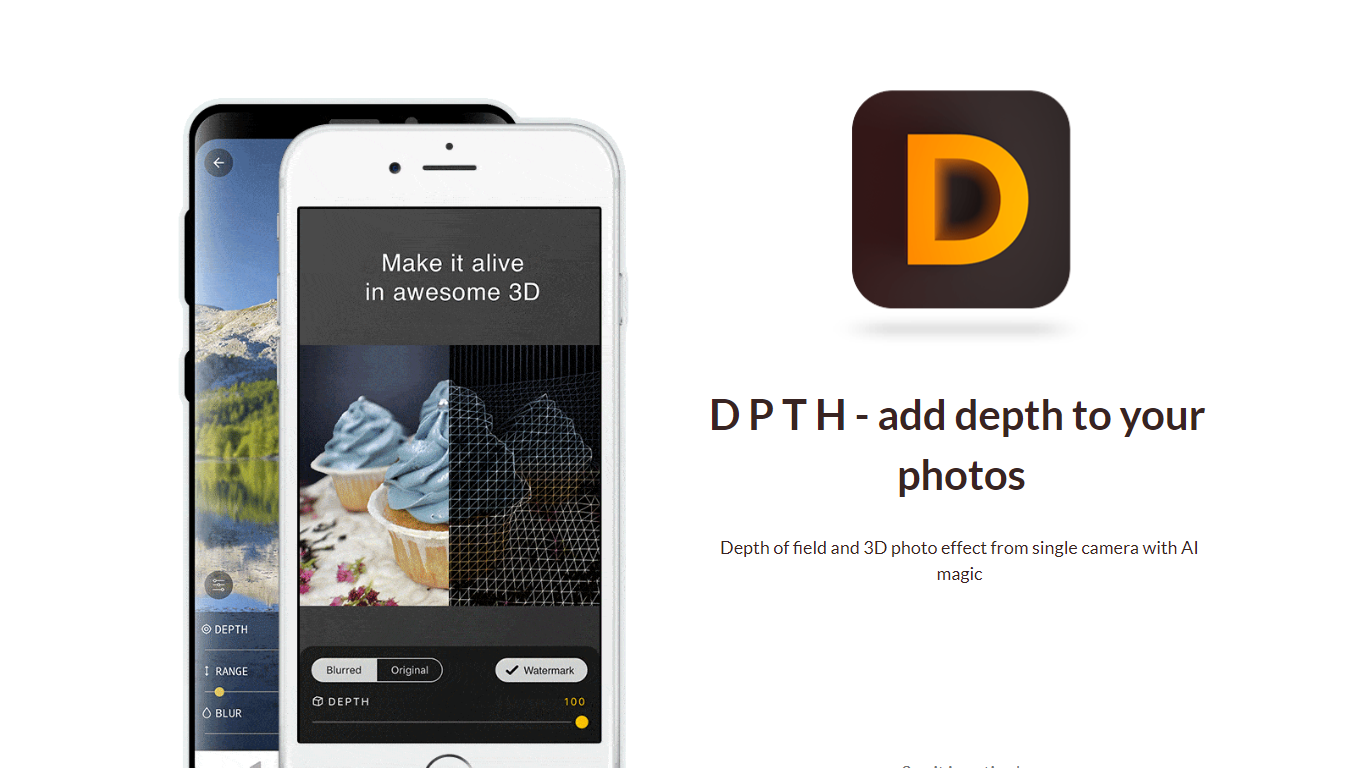

What is DPTH?
DPTH lets you change focus distance after you take a picture on a phone camera. It predicts depth from a single-camera shot so you can add depth of field and a 3D-style look without extra lenses or gear.
Compared with dual-lens portrait modes or desktop blur tools, DPTH targets post-capture refocus on ordinary single-camera photos. The public site stays a short Strikingly landing page with a demo video, not a full feature manual.
Phone photographers who want portrait-style blur or parallax-style depth from everyday snapshots are the audience. Roadly, Inc. publishes DPTH, links iOS access through TestFlight, and lists [email protected] for contact.
Profile Picture Maker By Picsart

What is Profile Picture Maker By Picsart?
Profile Picture Maker By Picsart crops, reframes, and styles square avatars for social platforms inside the free Quicktools browser editor. You upload a photo, optionally swap the background, add borders or colors, then export preset sizes for Instagram, LinkedIn, Discord, and other networks.
Most avatar editors auto-remove backgrounds whether you want that or not. Picsart's version lets you keep or replace the backdrop, then rotate, scale, and position the subject before picking platform-specific dimensions like 400x400 for LinkedIn or 128x128 for Discord.
Creators refreshing Instagram, Zoom, or Slack avatars use it because it needs no account, stores no images, and advertises 1 to 2 minute results. The page rates 4.8 out of 5 from 51 reviews and sits inside Picsart's broader Quicktools suite launched in 2021.
DPTH Upvotes
Profile Picture Maker By Picsart Upvotes
DPTH Top Features
Change focus distance on photos you already captured
Predicts depth from a single-camera image for blur simulation
iOS access is linked from the site through TestFlight at testflight.apple.com
Contact email on the site is [email protected] for Roadly, Inc.
Demo video on the site links to youtu.be/vCd6k60lnkM
Profile Picture Maker By Picsart Top Features
100% free profile picture editor with no sign-up required
Optional background removal or custom colored and patterned backdrops
Border and fine-tune controls for rotate, scale, and positioning
Preset export sizes for Instagram (320x320), LinkedIn (400x400), Discord (128x128), and more
Drag-and-drop upload with advertised 1 to 2 minute processing
No image storage policy stated on the tool page
4.8 star Quicktools rating from 51 reviews
DPTH Category
- Photo Editing
Profile Picture Maker By Picsart Category
- Photo Editing
DPTH Pricing Type
- Freemium
Profile Picture Maker By Picsart Pricing Type
- Free