DPTH vs Instant AI for Google Slides
In the contest of DPTH vs Instant AI for Google Slides, which AI Photo Editing tool is the champion? We evaluate pricing, alternatives, upvotes, features, reviews, and more.
If you had to choose between DPTH and Instant AI for Google Slides, which one would you go for?
When we examine DPTH and Instant AI for Google Slides, both of which are AI-enabled photo editing tools, what unique characteristics do we discover? The users have made their preference clear, Instant AI for Google Slides leads in upvotes. Instant AI for Google Slides has attracted 7 upvotes from aitools.fyi users, and DPTH has attracted 6 upvotes.
Think we got it wrong? Cast your vote and show us who's boss!
DPTH
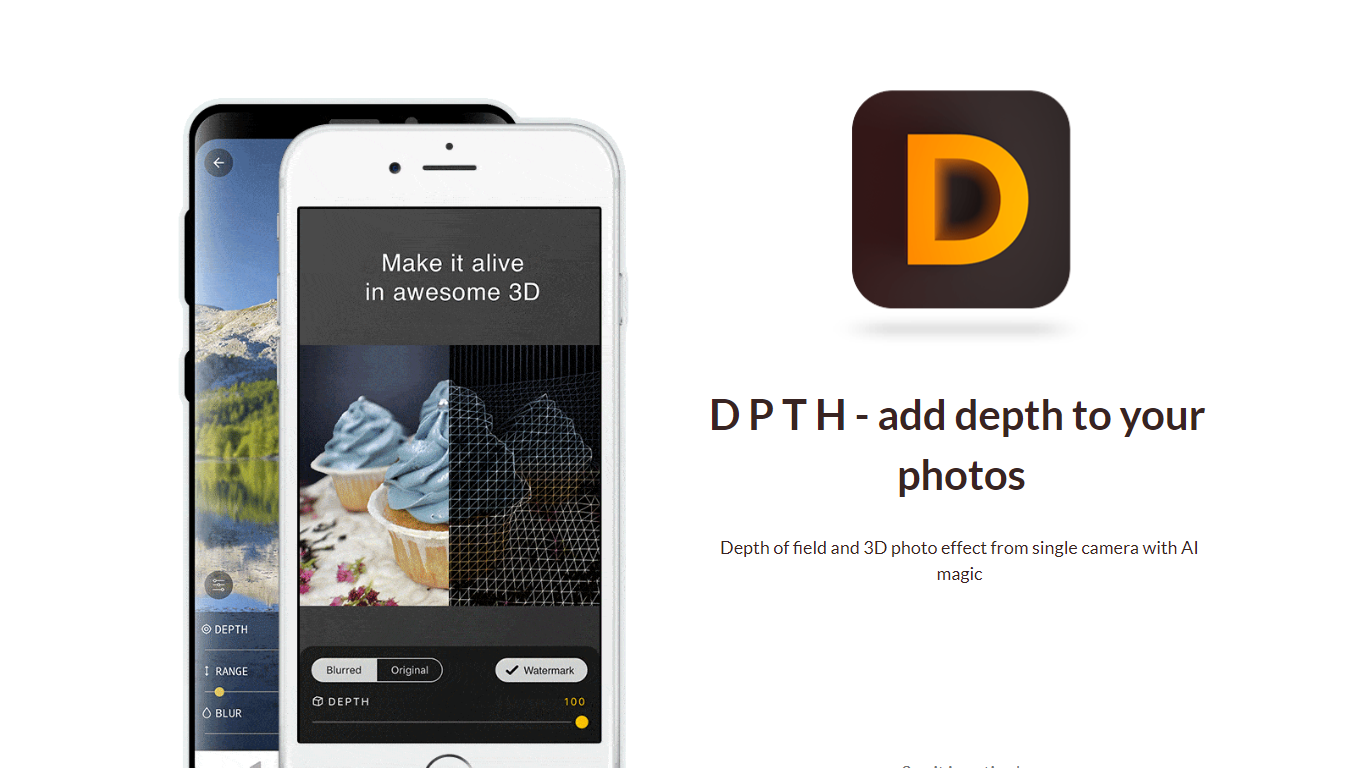

What is DPTH?
DPTH lets you change focus distance after you take a picture on a phone camera. It predicts depth from a single-camera shot so you can add depth of field and a 3D-style look without extra lenses or gear.
Compared with dual-lens portrait modes or desktop blur tools, DPTH targets post-capture refocus on ordinary single-camera photos. The public site stays a short Strikingly landing page with a demo video, not a full feature manual.
Phone photographers who want portrait-style blur or parallax-style depth from everyday snapshots are the audience. Roadly, Inc. publishes DPTH, links iOS access through TestFlight, and lists [email protected] for contact.
Instant AI for Google Slides
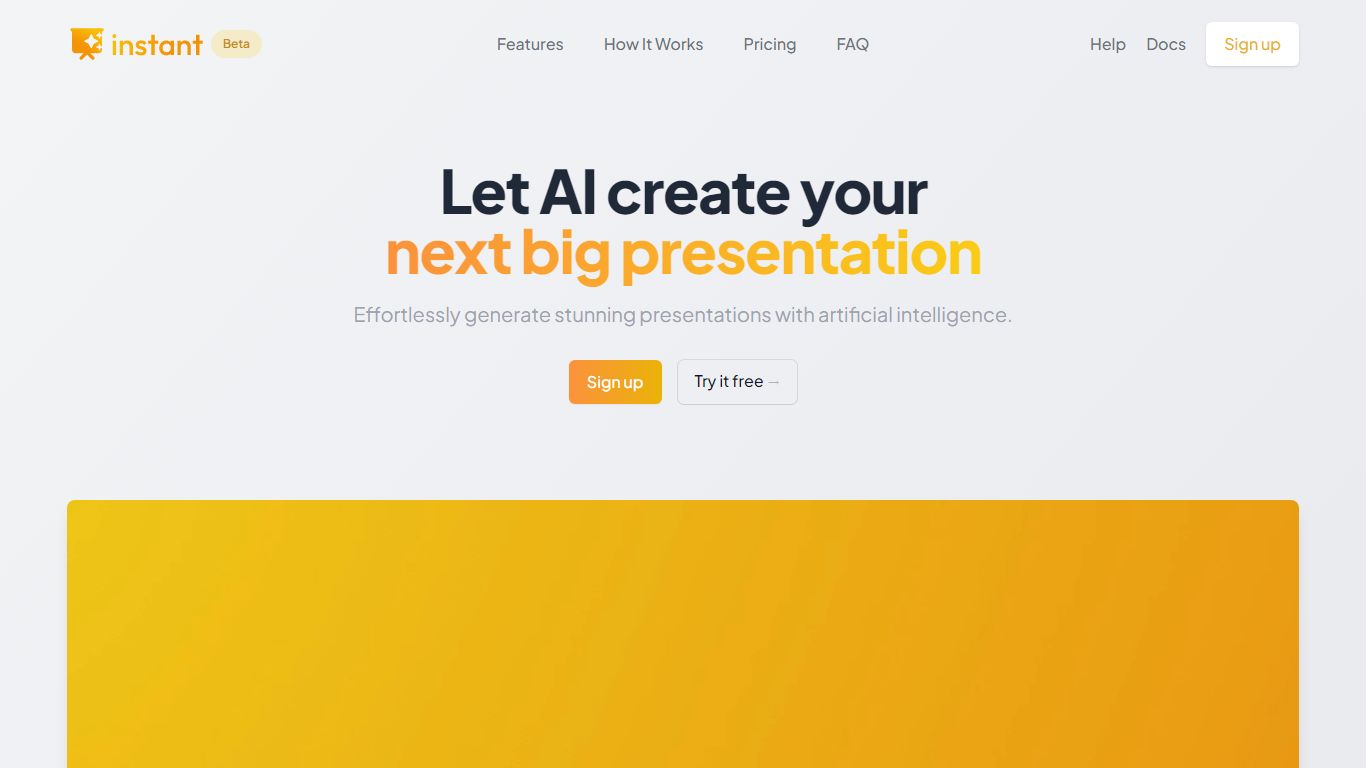
What is Instant AI for Google Slides?
Instant AI for Google Slides drafts full presentations inside Google Slides from a topic prompt. You pick length and deck type (investor, sales, and others), edit the AI outline, then auto-generate slides with suggested layouts. Finished decks stay fully editable in the Slides editor you already use.
Generic slide generators export static files or dump text blocks into default templates. Instant combines layout suggestions with 100+ designer-built templates, including flowcharts and infographics, and runs natively under the Extensions menu in Google Slides. That keeps your team in one tool instead of copying from a separate web app.
Startup founders, sales teams, and consultants who live in Google Workspace fit the workflow. The entry tier includes 15 slides and 10 rewrites at $0, while paid plans scale to 150 slides per month on Pro ($99) or unlimited slides on Premium ($199 per month).
DPTH Upvotes
Instant AI for Google Slides Upvotes
DPTH Top Features
Change focus distance on photos you already captured
Predicts depth from a single-camera image for blur simulation
iOS access is linked from the site through TestFlight at testflight.apple.com
Contact email on the site is [email protected] for Roadly, Inc.
Demo video on the site links to youtu.be/vCd6k60lnkM
Instant AI for Google Slides Top Features
Installs as a Google Workspace extension with access under the Extensions menu in Slides
100+ expert-designed templates with flowchart and infographic layout support
$0 entry tier includes 15 slides and 10 rewrites
Pro plan includes 150 slides per month for $99 and 90 rewrites
Premium plan at $199 per month offers unlimited slides and rewrites
Customize brand colors and fonts before generating each deck
DPTH Category
- Photo Editing
Instant AI for Google Slides Category
- Photo Editing
DPTH Pricing Type
- Freemium
Instant AI for Google Slides Pricing Type
- Freemium