Dragonfly vs GitWit
Explore the showdown between Dragonfly vs GitWit and find out which AI Web Apps tool wins. We analyze upvotes, features, reviews, pricing, alternatives, and more.
When comparing Dragonfly and GitWit, which one rises above the other?
When we contrast Dragonfly with GitWit, both of which are exceptional AI-operated web apps tools, and place them side by side, we can spot several crucial similarities and divergences. GitWit is the clear winner in terms of upvotes. GitWit has received 8 upvotes from aitools.fyi users, while Dragonfly has received 6 upvotes.
Want to flip the script? Upvote your favorite tool and change the game!
Dragonfly

What is Dragonfly?
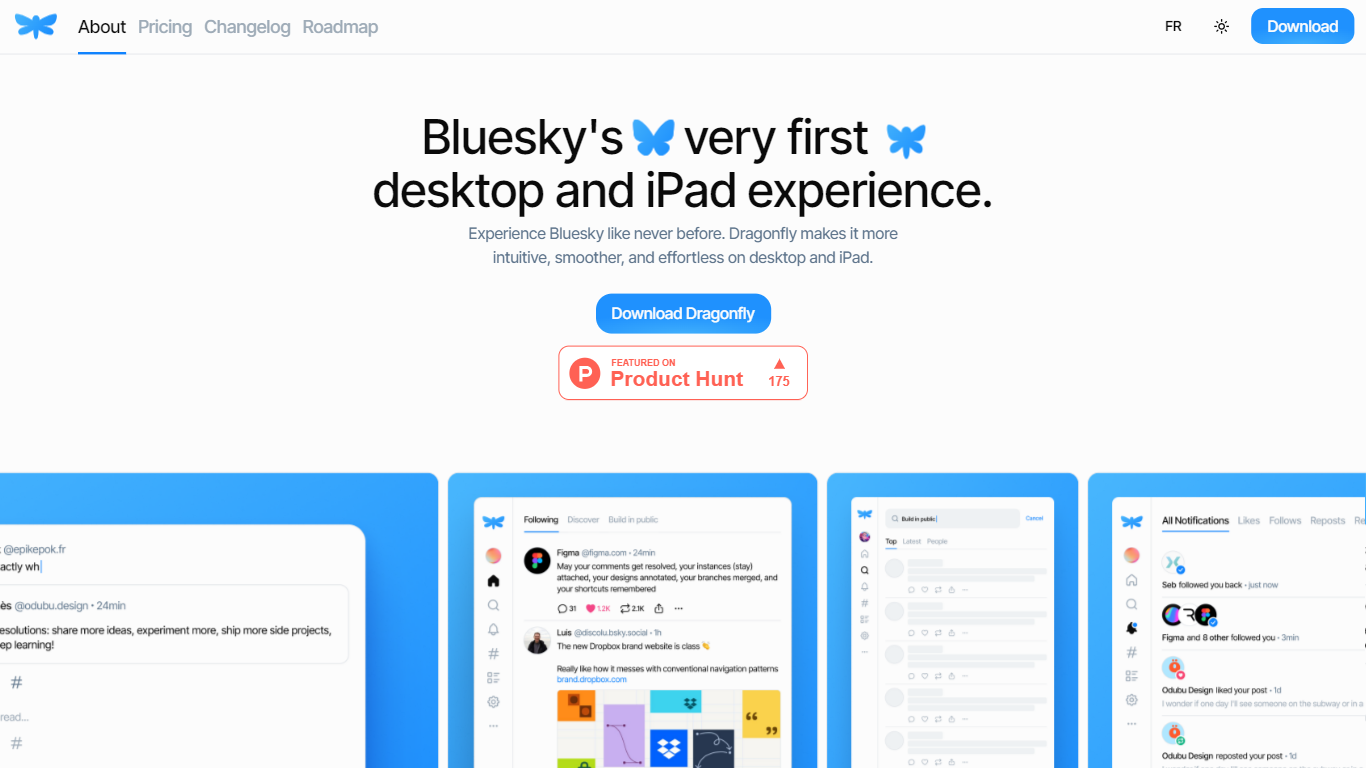
Dragonfly is a desktop and iPad client for Bluesky, built to make the social network feel smoother and more at home on Apple hardware. It is the first dedicated desktop and tablet experience for Bluesky, with a timeline, posting tools, and account controls wrapped in a native-style interface.
S?bastien Gruhier and In?s Gruhier, a father-daughter team behind Async Development and Odubu Design, built Dragonfly in Flutter after years of mobile game and app work. The app focuses on a cleaner reading and writing flow than browsing Bluesky in a web tab.
Dragonfly targets Bluesky users who want a focused Mac or iPad app with push notifications, theme switching, and roadmap features like synced bookmarks, custom feeds, and chat. Windows, Linux, iPhone, and Android versions are listed as coming soon on the site.
GitWit
What is GitWit?
GitWit puts a browser-based IDE, AI coding help, and GitHub sync in one tab so you can sketch, edit, and ship Next.js projects without setting up a local toolchain first. The marketing site pitches it to developers who want to turn ideas into working apps in minutes rather than wrestling with editor installs and deployment scripts on day one.
Where many AI builders hide their stack behind a closed editor, GitWit publishes its codebase and invites contributors to extend the platform itself. That open model matters if you plan to self-host on AWS or audit how prompts, previews, and GitHub sync behave before trusting a hosted workspace.
The homepage targets student developers, indie builders, and small teams who need syntax highlighting, auto-completion, AI suggestions, real-time collaboration, and GitHub integration in one place. Weekly YouTube live streams and Discord community links signal the product is still actively maintained for learners who want to follow along while the team ships features.
Dragonfly Upvotes
GitWit Upvotes
Dragonfly Top Features
Read your Bluesky timeline and trending posts on Mac or iPad
Like, repost, and quote posts without leaving the app
Push notifications when someone interacts with your account
Switch between light and dark themes at any time
Compose threads and posts in a dedicated writing screen
Follow, unfollow, block, and unblock accounts from profile views
Drafts and bookmarks for saving posts and unfinished writing
GitWit Top Features
Browser-based IDE with syntax highlighting and auto-completion so you write code without a local editor setup
AI suggestions and real-time collaboration for building, testing, and deploying faster from the same workspace
GitHub integration to connect repositories and sync work from the GitWit editor
Next.js-focused workflow that adds a full backend into your app instead of treating the frontend as a separate sandbox
Open source codebase you can fork, self-host on AWS, and extend with community contributions
Weekly YouTube live streams and walkthroughs that document setup, demos, and AWS deployment steps
Dragonfly Category
- Web Apps
GitWit Category
- Web Apps
Dragonfly Pricing Type
- Paid
GitWit Pricing Type
- Free