
Last updated 08-12-2026
Category:
Reviews:
Join thousands of AI enthusiasts in the World of AI!
GitWit
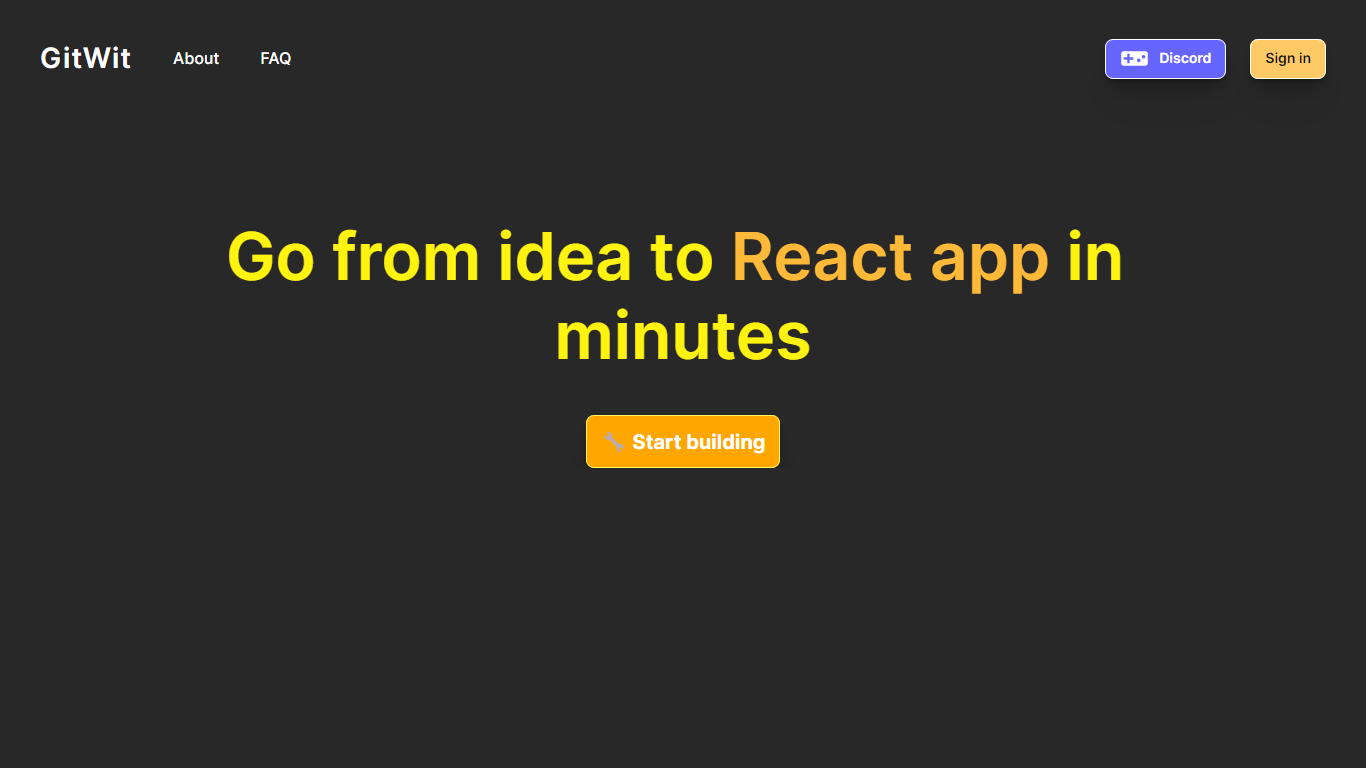
GitWit puts a browser-based IDE, AI coding help, and GitHub sync in one tab so you can sketch, edit, and ship Next.js projects without setting up a local toolchain first. The marketing site pitches it to developers who want to turn ideas into working apps in minutes rather than wrestling with editor installs and deployment scripts on day one.
Where many AI builders hide their stack behind a closed editor, GitWit publishes its codebase and invites contributors to extend the platform itself. That open model matters if you plan to self-host on AWS or audit how prompts, previews, and GitHub sync behave before trusting a hosted workspace.
The homepage targets student developers, indie builders, and small teams who need syntax highlighting, auto-completion, AI suggestions, real-time collaboration, and GitHub integration in one place. Weekly YouTube live streams and Discord community links signal the product is still actively maintained for learners who want to follow along while the team ships features.
Browser-based IDE with syntax highlighting and auto-completion so you write code without a local editor setup
AI suggestions and real-time collaboration for building, testing, and deploying faster from the same workspace
GitHub integration to connect repositories and sync work from the GitWit editor
Next.js-focused workflow that adds a full backend into your app instead of treating the frontend as a separate sandbox
Open source codebase you can fork, self-host on AWS, and extend with community contributions
Weekly YouTube live streams and walkthroughs that document setup, demos, and AWS deployment steps
Open source codebase you can inspect, fork, and self-host on AWS.
Browser IDE keeps Next.js editing, AI help, and GitHub sync in one tab.
Active community content with weekly YouTube live streams and Discord links.
Homepage Start Building links to backgrounder.dev rather than a gitwit.dev subdomain, which can confuse first-time users.
AWS self-hosting is documented, but setup is aimed at developers comfortable managing cloud infrastructure.
No pricing page on gitwit.dev, so paid tiers or usage limits for the hosted builder are not spelled out on the marketing site.
Is GitWit free to use?
Yes. GitWit advertises a free Start Building option on its homepage, and the open source repository lets you run the platform yourself without paying for a proprietary editor license.
What kind of projects does GitWit support?
GitWit focuses on Next.js web apps. Its browser IDE is built to add a full backend into your Next.js project, with syntax highlighting, auto-completion, and AI coding help in the same interface.
Can I self-host GitWit?
Yes. GitWit is open source and publishes an AWS setup walkthrough on its site. Developers who want their own instance can deploy the platform on AWS infrastructure instead of relying on the hosted builder.
Does GitWit integrate with GitHub?
Yes. GitWit lists GitHub integration as a core feature, and the site links to its public repository so you can connect version control workflows while editing in the browser IDE.
Who maintains GitWit?
GitWit is maintained by a decentralized contributor team listed on the homepage, including engineers focused on AI architecture, sandbox security, and full-stack development. The project also runs weekly YouTube live coding streams.
How do I start using GitWit?
From gitwit.dev, click Start Building to open the hosted workspace. The homepage also points to the open source repository and Discord community for setup help, live streams, and contributor onboarding.