MVP Studio vs GitWit
In the face-off between MVP Studio vs GitWit, which AI Web Apps tool takes the crown? We scrutinize features, alternatives, upvotes, reviews, pricing, and more.
When we put MVP Studio and GitWit head to head, which one emerges as the victor?
If we were to analyze MVP Studio and GitWit, both of which are AI-powered web apps tools, what would we find? The users have made their preference clear, GitWit leads in upvotes. GitWit has attracted 8 upvotes from aitools.fyi users, and MVP Studio has attracted 6 upvotes.
Not your cup of tea? Upvote your preferred tool and stir things up!
MVP Studio


What is MVP Studio?
MVP Studio is a software product development company and global startup incubator based in Auckland, New Zealand. The firm helps founders and enterprises build, launch, and scale software products through four core service lines: incubation, coding consultancy, test automation, and data analytics.
The incubator turns early-stage ideas into MVPs with a professional team and global network support. Coding Studio offers architecture reviews, tech stack assessments, and hands-on training workshops. Hacker Studio covers automated web and mobile testing, plus load and performance testing using tools like Selenium, Cypress, Appium, and JMeter.
Data Studio handles data strategy, warehousing, and BI dashboards. MVP Studio also runs a tech community with managed internship paths, events, and meetups. The company reports 17 shipped projects, operations across 8 countries, a team of 50 professionals, and a community network of 2,800 members since its founding in 2011.
GitWit
What is GitWit?
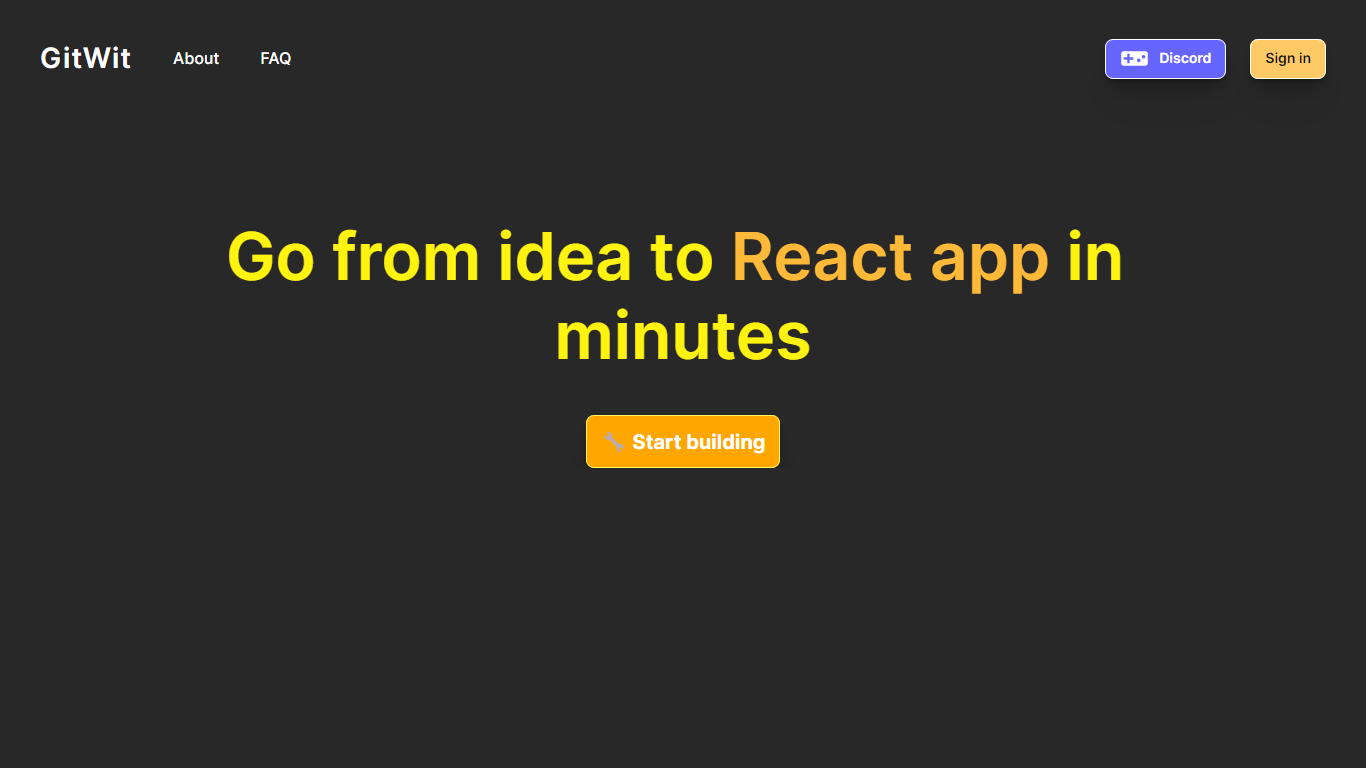
GitWit puts a browser-based IDE, AI coding help, and GitHub sync in one tab so you can sketch, edit, and ship Next.js projects without setting up a local toolchain first. The marketing site pitches it to developers who want to turn ideas into working apps in minutes rather than wrestling with editor installs and deployment scripts on day one.
Where many AI builders hide their stack behind a closed editor, GitWit publishes its codebase and invites contributors to extend the platform itself. That open model matters if you plan to self-host on AWS or audit how prompts, previews, and GitHub sync behave before trusting a hosted workspace.
The homepage targets student developers, indie builders, and small teams who need syntax highlighting, auto-completion, AI suggestions, real-time collaboration, and GitHub integration in one place. Weekly YouTube live streams and Discord community links signal the product is still actively maintained for learners who want to follow along while the team ships features.
MVP Studio Upvotes
GitWit Upvotes
MVP Studio Top Features
Incubator program that turns early-stage ideas into shippable MVPs with a professional team
Coding Studio consultancy covering architecture review, tech stack assessment, and team training
Hacker Studio automated testing for web, mobile, and backend with load and performance testing
Data Studio for data strategy, warehousing, and BI dashboards
Tech community with 2,800 members offering internships, events, and startup support
GitWit Top Features
Browser-based IDE with syntax highlighting and auto-completion so you write code without a local editor setup
AI suggestions and real-time collaboration for building, testing, and deploying faster from the same workspace
GitHub integration to connect repositories and sync work from the GitWit editor
Next.js-focused workflow that adds a full backend into your app instead of treating the frontend as a separate sandbox
Open source codebase you can fork, self-host on AWS, and extend with community contributions
Weekly YouTube live streams and walkthroughs that document setup, demos, and AWS deployment steps
MVP Studio Category
- Web Apps
GitWit Category
- Web Apps
MVP Studio Pricing Type
- Paid
GitWit Pricing Type
- Free