FeedMonky vs GitWit
Dive into the comparison of FeedMonky vs GitWit and discover which AI Web Apps tool stands out. We examine alternatives, upvotes, features, reviews, pricing, and beyond.
When comparing FeedMonky and GitWit, which one rises above the other?
When we compare FeedMonky and GitWit, two exceptional web apps tools powered by artificial intelligence, and place them side by side, several key similarities and differences come to light. The upvote count favors GitWit, making it the clear winner. GitWit has received 8 upvotes from aitools.fyi users, while FeedMonky has received 6 upvotes.
Think we got it wrong? Cast your vote and show us who's boss!
FeedMonky

What is FeedMonky?
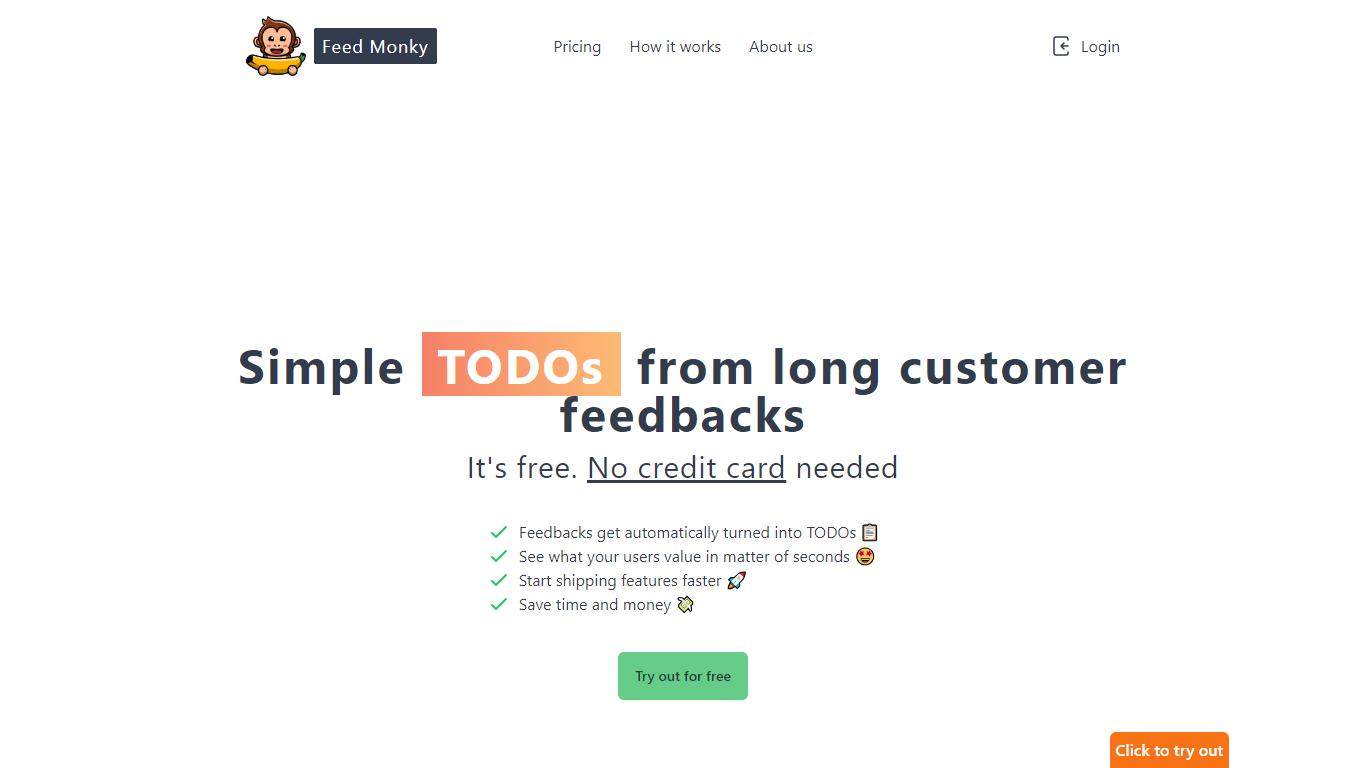
FeedMonky.com is a revolutionary tool that transforms extensive customer feedback into actionable TODO lists. It leverages a state-of-the-art language model to streamline the feedback processing, allowing businesses to quickly identify and address the needs and values of their customers.
With FeedMonky, you can integrate the service easily using various programming languages such as Vanilla JS, Vue, React, Angular, and PHP. This efficiency booster is available at no initial cost and requires no credit card to start.
Users can select between a Starter plan, perfect for small businesses, or a Pro plan that caters to the needs of growing companies. With FeedMonky, you'll experience the joy of creating, shipping features quicker, and saving both time and money.
GitWit

What is GitWit?
GitWit puts a browser-based IDE, AI coding help, and GitHub sync in one tab so you can sketch, edit, and ship Next.js projects without setting up a local toolchain first. The marketing site pitches it to developers who want to turn ideas into working apps in minutes rather than wrestling with editor installs and deployment scripts on day one.
Where many AI builders hide their stack behind a closed editor, GitWit publishes its codebase and invites contributors to extend the platform itself. That open model matters if you plan to self-host on AWS or audit how prompts, previews, and GitHub sync behave before trusting a hosted workspace.
The homepage targets student developers, indie builders, and small teams who need syntax highlighting, auto-completion, AI suggestions, real-time collaboration, and GitHub integration in one place. Weekly YouTube live streams and Discord community links signal the product is still actively maintained for learners who want to follow along while the team ships features.
FeedMonky Upvotes
GitWit Upvotes
FeedMonky Top Features
Automated Feedback Processing: Turns customer feedback into TODO lists automatically.
Rapid Insights: Gain quick insights into what customers value.
Faster Feature Deployment: Speed up the shipping of new features.
Money and Time Savings: Save on resources by using FeedMonky to optimize processes.
Easy Integration: Embed the tool into your site using popular languages/frameworks within minutes.
GitWit Top Features
Browser-based IDE with syntax highlighting and auto-completion so you write code without a local editor setup
AI suggestions and real-time collaboration for building, testing, and deploying faster from the same workspace
GitHub integration to connect repositories and sync work from the GitWit editor
Next.js-focused workflow that adds a full backend into your app instead of treating the frontend as a separate sandbox
Open source codebase you can fork, self-host on AWS, and extend with community contributions
Weekly YouTube live streams and walkthroughs that document setup, demos, and AWS deployment steps
FeedMonky Category
- Web Apps
GitWit Category
- Web Apps
FeedMonky Pricing Type
- Freemium
GitWit Pricing Type
- Free