Dream by WOMBO vs Pixlr
In the battle of Dream by WOMBO vs Pixlr, which AI Image Generation tool comes out on top? We compare reviews, pricing, alternatives, upvotes, features, and more.
Between Dream by WOMBO and Pixlr, which one is superior?
Upon comparing Dream by WOMBO with Pixlr, which are both AI-powered image generation tools, The upvote count shows a clear preference for Pixlr. Pixlr has been upvoted 10 times by aitools.fyi users, and Dream by WOMBO has been upvoted 7 times.
Think we got it wrong? Cast your vote and show us who's boss!
Dream by WOMBO

What is Dream by WOMBO?
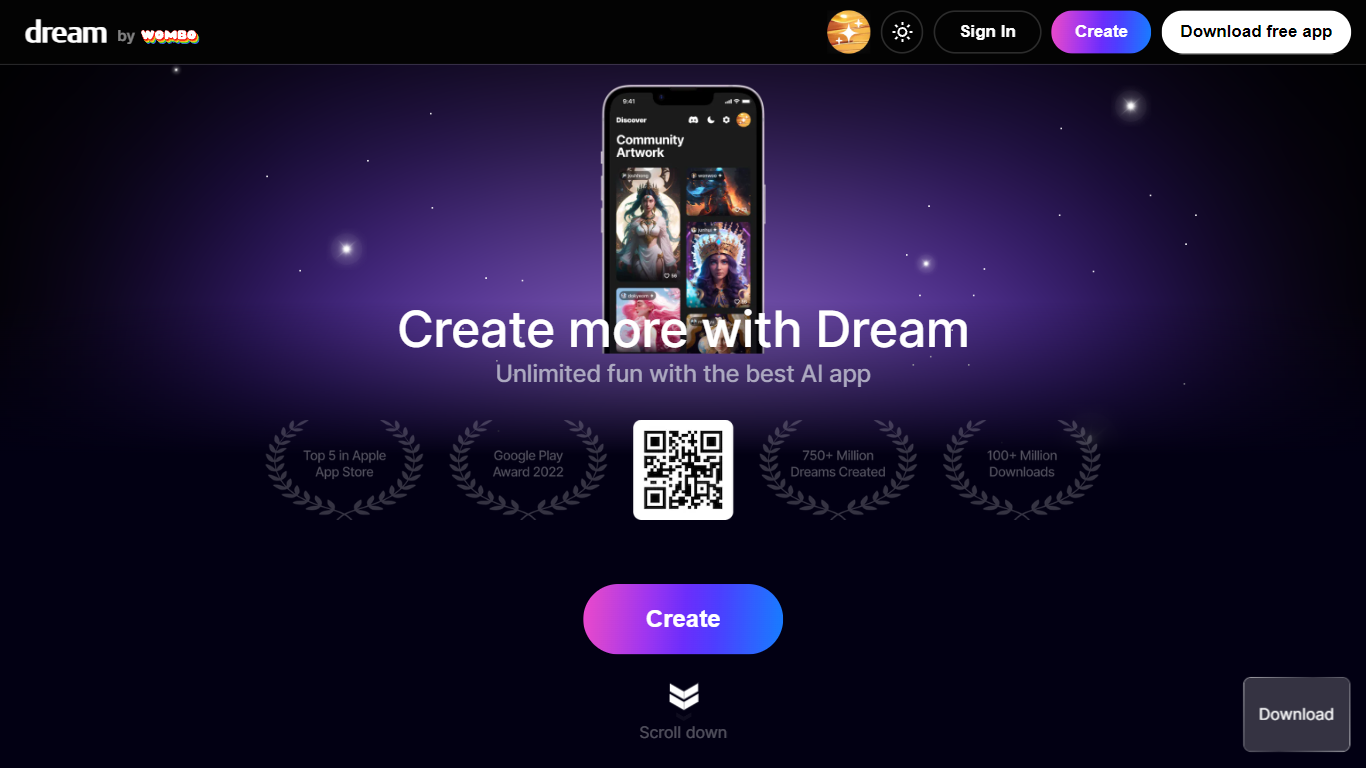
Dream by WOMBO turns text prompts into images and cinematic videos through a web app and mobile apps from WOMBO AI Inc. The homepage highlights more than 100 curated art styles plus text-to-video and image-to-video modes for quick visual drafts.
The create workflow supports prompts up to 2,000 characters, style and aspect ratio choices, and optional reference images. A separate edit flow accepts up to four source images for guided changes. Video generation adds duration controls and style filters split across standard and Pro tiers.
Built for casual creators, illustrators, and social content makers who want finished artwork without opening a full design suite. The gallery stores past generations once you create an account.
Pixlr
What is Pixlr?
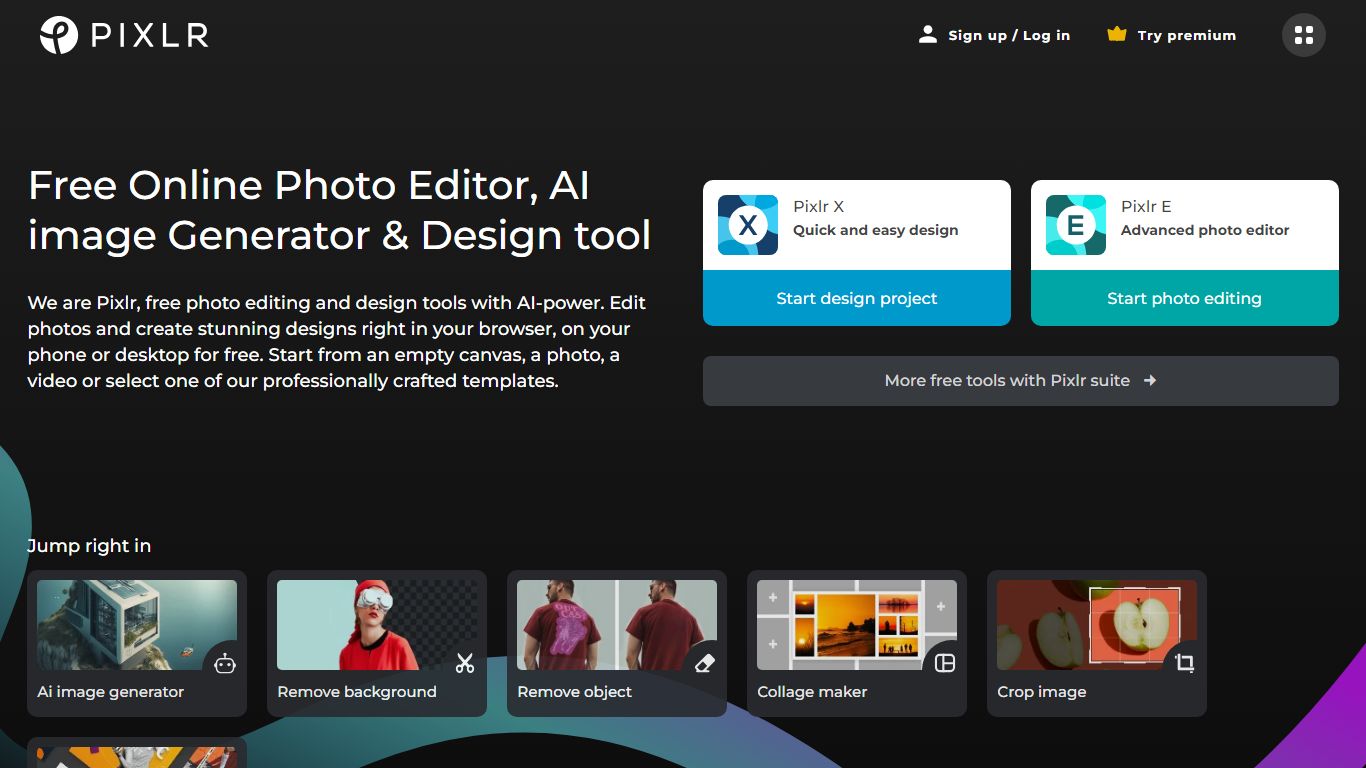
Free Online Photo Editor, AI image Generator & Design tool
We are Pixlr, free photo editing and design tools with AI-power. Edit photos and create stunning designs right in your browser, on your phone or desktop for free. Start from an empty canvas, a photo, a video or select one of our professionally crafted templates.
Photomash Studio by Pixlr:Create high quality visual assets with just one click, for free! The one-click visual creator Photomash Studio instantly removes backgrounds from your photos to create amazing profile pictures, product images, Youtube thumbnails and more..
Design templates:Start designing from professionally crafted templates! Create a YouTube banner, Instagram story, resume, brochure, business card, presentation or the perfect sales pitch with a growing library of thousands of stunning and free templates.
Animations:Animate any design in just a few clicks with Pixlr. Use professional-looking animation presets or get into the gritty timeline details and capture your audience in way that simple images just can't.
Remove background:Erase backgrounds in your photos with ease! Instant AI-powered background removal in a single click! So fast, too easy. Now you can remove backgrounds from portraits, selfies, profile pictures and more in mere seconds.
Collage maker:Need to assemble photos on the fly? Create photo collages free online with our built-in pre-made collage templates. Just select a layout, upload images and start editing.
Filters & Effects:Transform your photos into artistic visuals with a variety of creative photo filters. Achieve the desired photo effects effortlessly in easy clicks!
Dream by WOMBO Upvotes
Pixlr Upvotes
Dream by WOMBO Top Features
Turn text prompts into finished images with 100+ curated styles like Baroque, Cartoon, and Whimsical
Generate cinematic or anime videos from text or reference images at up to 1080p
Edit existing work by uploading up to four source images and describing the changes you want
Prompt box accepts up to 2,000 characters with a Suggest button when you need a starting idea
Native iOS and Android apps mirror the web experience for creating on the go
Pixlr Top Features
No top features listedDream by WOMBO Category
- Image Generation
Pixlr Category
- Image Generation
Dream by WOMBO Pricing Type
- Freemium
Pixlr Pricing Type
- Freemium