Dreamhouse AI vs Remove.bg
In the contest of Dreamhouse AI vs Remove.bg, which AI tool is the champion? We evaluate pricing, alternatives, upvotes, features, reviews, and more.
If you had to choose between Dreamhouse AI and Remove.bg, which one would you go for?
When we examine Dreamhouse AI and Remove.bg, both of which are AI-enabled tools, what unique characteristics do we discover? With more upvotes, Dreamhouse AI is the preferred choice. Dreamhouse AI has been upvoted 11 times by aitools.fyi users, and Remove.bg has been upvoted 9 times.
Want to flip the script? Upvote your favorite tool and change the game!
Dreamhouse AI

What is Dreamhouse AI?
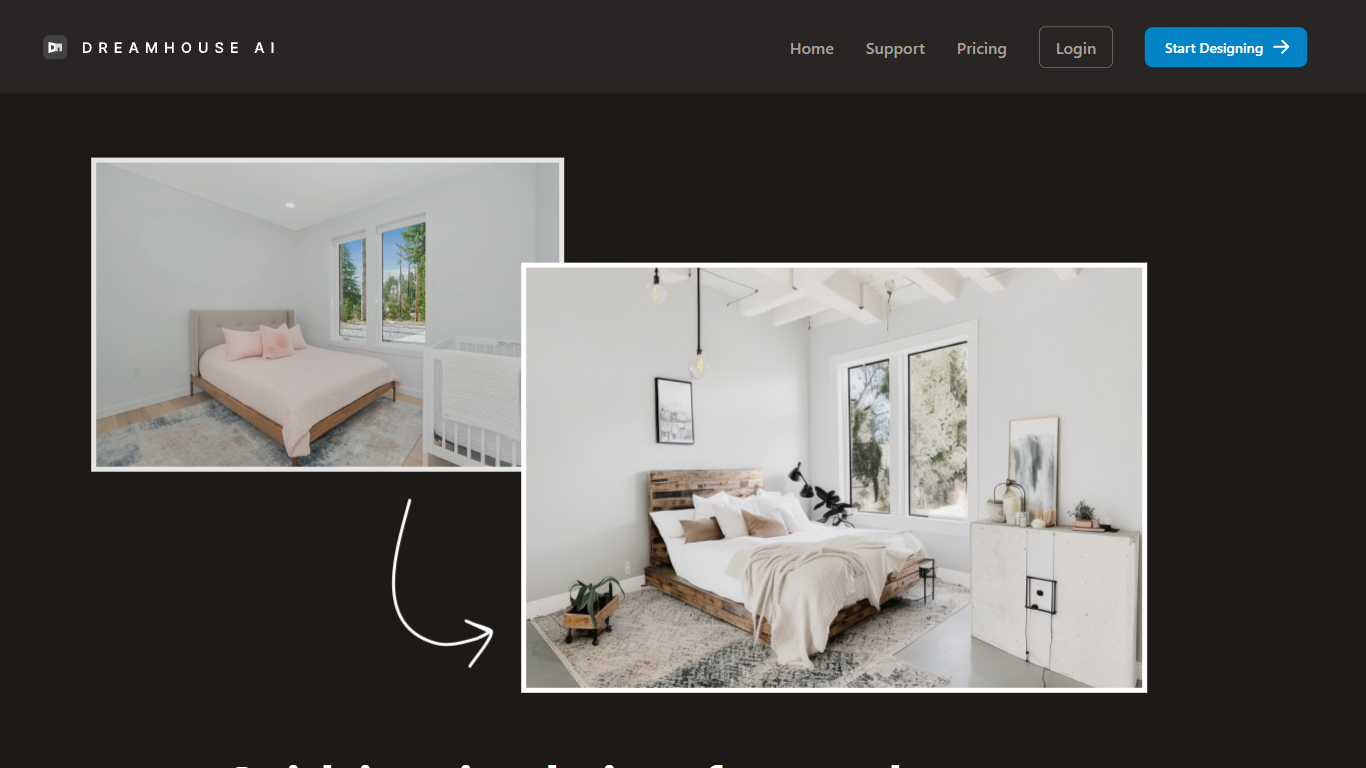
DreamHouse AI previews room and exterior makeovers for real estate projects from a single photo upload. You pick from 20+ design styles, generate a redesign in under 30 seconds, then refine it through chat or by adding product photos directly into the scene. The platform covers living rooms, kitchens, facades, landscaping, and curb appeal projects.
Room-only redesign apps stop at furniture swaps. DreamHouse AI handles both interior and exterior spaces in one workflow, with product photo integration so you can see how a specific chair or paint color looks before buying. You also get a find-similar-products feature and 4x upscaling for contractor-ready images.
Home sellers staging empty rooms, homeowners planning renovations, and interior designers pitching clients use DreamHouse AI to skip $500 to $2,000 per-room consultations. Plans start at $24 per month for 50 AI generations, with 5,000+ rooms already redesigned on the platform.
Remove.bg
What is Remove.bg?
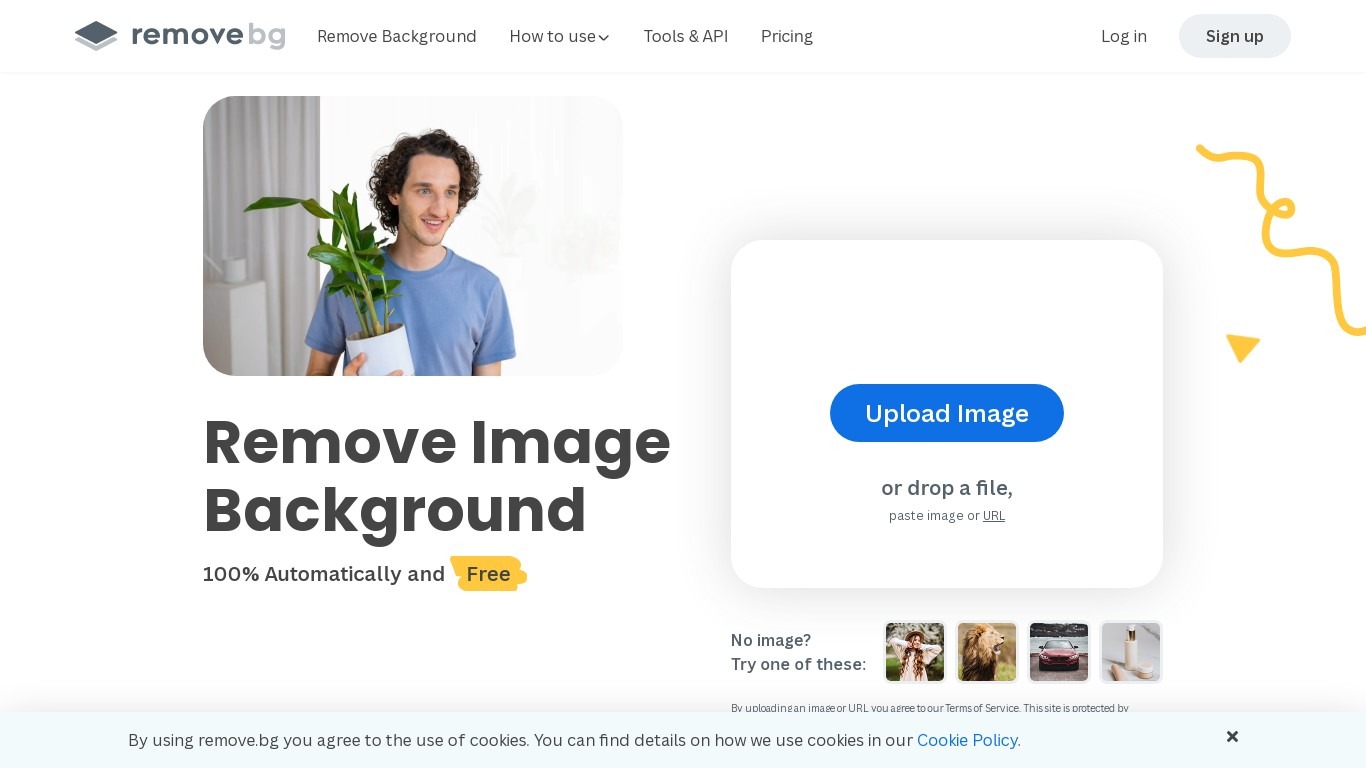
Remove.bg strips backgrounds from photos in about five seconds after you upload an image, drop a file, or paste a URL. You get a cutout on a transparent PNG, which is the format most ecommerce and design workflows expect for product shots, logos, and headshots.
Unlike a full photo editor where background removal sits behind layers and masks, Remove.bg treats cutouts as the whole job. It also sells credits for max-quality exports, an HTTP API with 50 free calls per month, bulk editing on higher tiers, and plugins for Photoshop and desktop apps.
The free tier covers low-resolution previews so you can test results before buying credits. Photographers, ecommerce teams, marketers, and developers use it when they need clean cutouts without hand-tracing hair or product edges.
Dreamhouse AI Upvotes
Remove.bg Upvotes
Dreamhouse AI Top Features
Interior and exterior redesign from a single photo upload
20+ design styles including Modern, Scandinavian, Farmhouse, and Japandi
AI chat refinement for requests like changing wall color or adding plants
Add product photos and see items placed inside your generated design
Find similar real-world furniture and decor that match generated designs
4x AI upscaling for high-resolution, print-ready output
50 AI generations per month on the $24 per month plan
Remove.bg Top Features
Processes backgrounds in about five seconds per upload with no manual masking
API supports direct file uploads or URL references with output up to 50 megapixels
First 50 API calls per month are free on the official API documentation page
Lite plan includes 40 credits per month at $8.10 per month when billed yearly
Exports transparent PNG backgrounds for ecommerce product photos and logos
Bulk editing and Photoshop plugin available on paid Pro and Volume+ plans
Pay-as-you-go option starts at 3 credits for $3 without a subscription
Dreamhouse AI Category
- Real Estate
Remove.bg Category
- Photo Editing
Dreamhouse AI Pricing Type
- Paid
Remove.bg Pricing Type
- Freemium