
Last updated 08-14-2026
Category:
Reviews:
Join thousands of AI enthusiasts in the World of AI!
Remove.bg
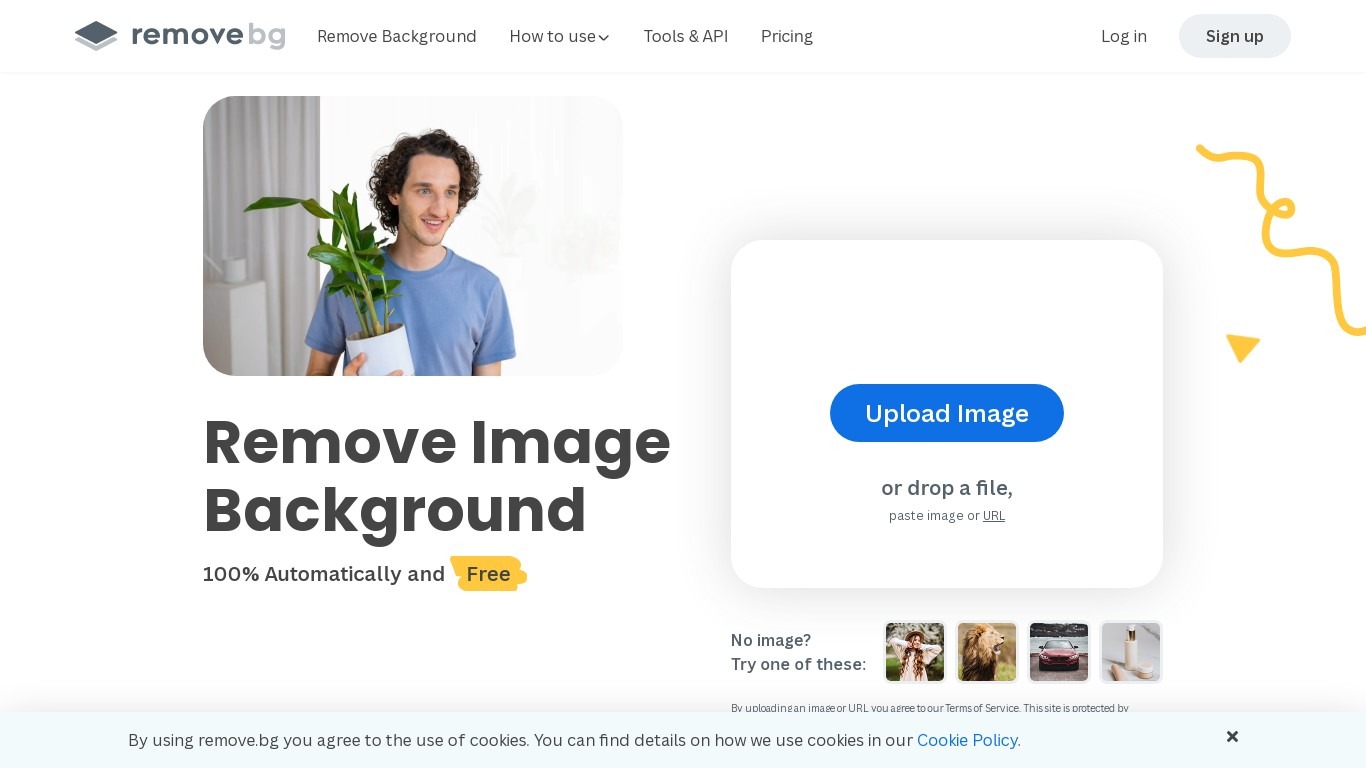
Remove.bg strips backgrounds from photos in about five seconds after you upload an image, drop a file, or paste a URL. You get a cutout on a transparent PNG, which is the format most ecommerce and design workflows expect for product shots, logos, and headshots.
Unlike a full photo editor where background removal sits behind layers and masks, Remove.bg treats cutouts as the whole job. It also sells credits for max-quality exports, an HTTP API with 50 free calls per month, bulk editing on higher tiers, and plugins for Photoshop and desktop apps.
The free tier covers low-resolution previews so you can test results before buying credits. Photographers, ecommerce teams, marketers, and developers use it when they need clean cutouts without hand-tracing hair or product edges.
Processes backgrounds in about five seconds per upload with no manual masking
API supports direct file uploads or URL references with output up to 50 megapixels
First 50 API calls per month are free on the official API documentation page
Lite plan includes 40 credits per month at $8.10 per month when billed yearly
Exports transparent PNG backgrounds for ecommerce product photos and logos
Bulk editing and Photoshop plugin available on paid Pro and Volume+ plans
Pay-as-you-go option starts at 3 credits for $3 without a subscription
Produces cutouts in seconds without manual selection tools.
Free API tier includes 50 calls per month for testing integrations.
Subscription credits roll over while you remain subscribed.
Plugins and bulk editing support production workflows beyond the website.
Max-quality exports require credits; free tier is limited to previews.
Pay-as-you-go packs cost more per image than subscription plans.
Enterprise-scale volume starts at 100,000 images per year on custom terms.
Is Remove.bg free to use?
Remove.bg offers free low-resolution previews and one trial credit for AI edits on the pricing page. Full max-quality exports require credits from a subscription or pay-as-you-go purchase.
How much does Remove.bg Lite cost?
Remove.bg Lite costs $8.10 per month when billed yearly at $97.20 per year. The plan includes up to 40 credits per month with max-quality exports, API access, and integrations.
What is a Remove.bg credit?
A Remove.bg credit pays for one max-quality background removal or AI edit. Subscription plans allocate monthly credits, and unused subscription credits roll over while you stay subscribed per the pricing FAQ.
Does Remove.bg have an API?
Yes, Remove.bg provides an HTTP API at api.remove.bg with sample code for curl, Node.js, Python, Ruby, PHP, Java, and more. Your first 50 API calls per month are free according to the API docs.
What file types can I upload to Remove.bg?
Remove.bg accepts image uploads from your device, drag-and-drop files, pasted images, or image URLs on the homepage. The API documentation notes images need a clear foreground such as people, products, animals, or cars.
Can I cancel a Remove.bg subscription?
Yes, Remove.bg states on its pricing FAQ that you can cancel, upgrade, or downgrade subscriptions at any time. Pay-as-you-go credits can also top up an active plan when you need more volume.