Instant AI for Google Slides vs Remove.bg
In the contest of Instant AI for Google Slides vs Remove.bg, which AI Photo Editing tool is the champion? We evaluate pricing, alternatives, upvotes, features, reviews, and more.
If you had to choose between Instant AI for Google Slides and Remove.bg, which one would you go for?
When we examine Instant AI for Google Slides and Remove.bg, both of which are AI-enabled photo editing tools, what unique characteristics do we discover? The upvote count favors Remove.bg, making it the clear winner. Remove.bg has been upvoted 9 times by aitools.fyi users, and Instant AI for Google Slides has been upvoted 7 times.
Don't agree with the result? Cast your vote and be a part of the decision-making process!
Instant AI for Google Slides
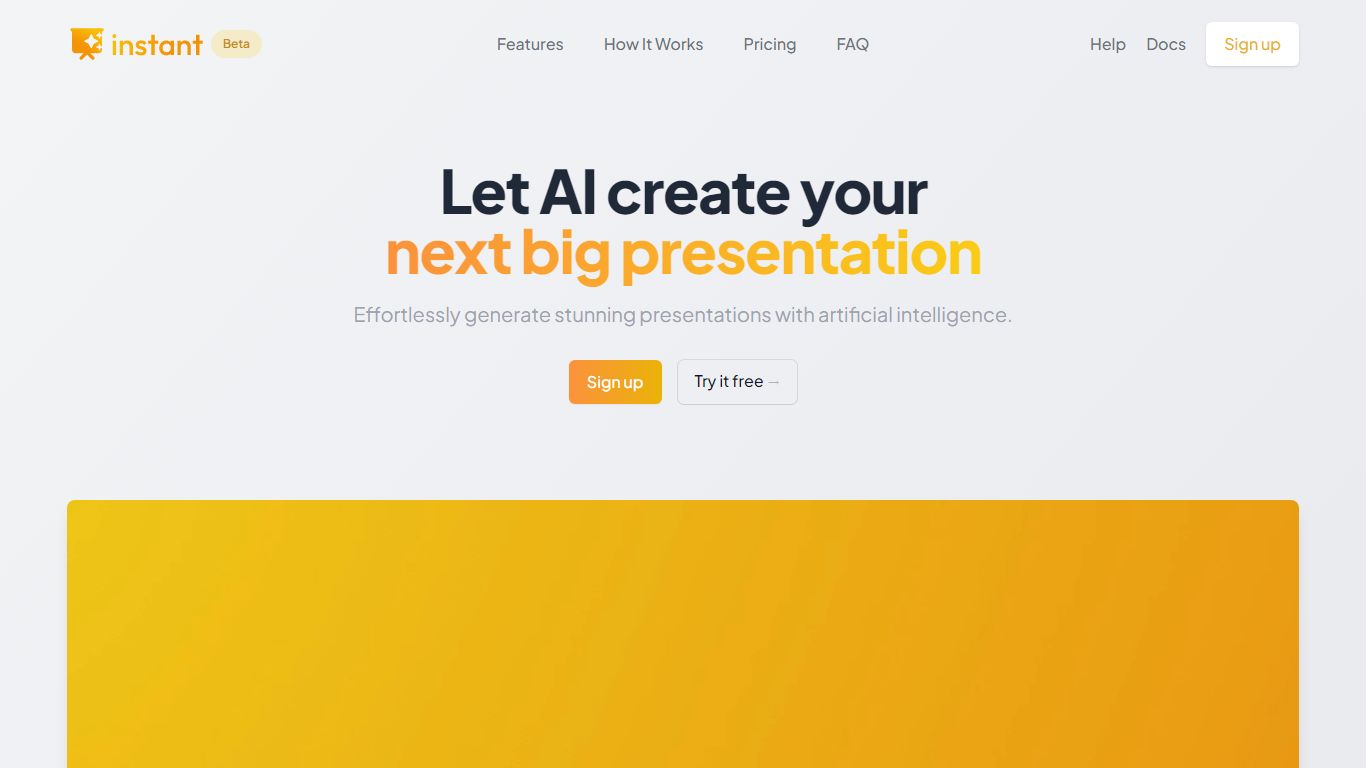

What is Instant AI for Google Slides?
Instant AI for Google Slides drafts full presentations inside Google Slides from a topic prompt. You pick length and deck type (investor, sales, and others), edit the AI outline, then auto-generate slides with suggested layouts. Finished decks stay fully editable in the Slides editor you already use.
Generic slide generators export static files or dump text blocks into default templates. Instant combines layout suggestions with 100+ designer-built templates, including flowcharts and infographics, and runs natively under the Extensions menu in Google Slides. That keeps your team in one tool instead of copying from a separate web app.
Startup founders, sales teams, and consultants who live in Google Workspace fit the workflow. The entry tier includes 15 slides and 10 rewrites at $0, while paid plans scale to 150 slides per month on Pro ($99) or unlimited slides on Premium ($199 per month).
Remove.bg

What is Remove.bg?
Remove.bg strips backgrounds from photos in about five seconds after you upload an image, drop a file, or paste a URL. You get a cutout on a transparent PNG, which is the format most ecommerce and design workflows expect for product shots, logos, and headshots.
Unlike a full photo editor where background removal sits behind layers and masks, Remove.bg treats cutouts as the whole job. It also sells credits for max-quality exports, an HTTP API with 50 free calls per month, bulk editing on higher tiers, and plugins for Photoshop and desktop apps.
The free tier covers low-resolution previews so you can test results before buying credits. Photographers, ecommerce teams, marketers, and developers use it when they need clean cutouts without hand-tracing hair or product edges.
Instant AI for Google Slides Upvotes
Remove.bg Upvotes
Instant AI for Google Slides Top Features
Installs as a Google Workspace extension with access under the Extensions menu in Slides
100+ expert-designed templates with flowchart and infographic layout support
$0 entry tier includes 15 slides and 10 rewrites
Pro plan includes 150 slides per month for $99 and 90 rewrites
Premium plan at $199 per month offers unlimited slides and rewrites
Customize brand colors and fonts before generating each deck
Remove.bg Top Features
Processes backgrounds in about five seconds per upload with no manual masking
API supports direct file uploads or URL references with output up to 50 megapixels
First 50 API calls per month are free on the official API documentation page
Lite plan includes 40 credits per month at $8.10 per month when billed yearly
Exports transparent PNG backgrounds for ecommerce product photos and logos
Bulk editing and Photoshop plugin available on paid Pro and Volume+ plans
Pay-as-you-go option starts at 3 credits for $3 without a subscription
Instant AI for Google Slides Category
- Photo Editing
Remove.bg Category
- Photo Editing
Instant AI for Google Slides Pricing Type
- Freemium
Remove.bg Pricing Type
- Freemium