Profile Picture Maker By Picsart vs Remove.bg
In the battle of Profile Picture Maker By Picsart vs Remove.bg, which AI Photo Editing tool comes out on top? We compare reviews, pricing, alternatives, upvotes, features, and more.
Between Profile Picture Maker By Picsart and Remove.bg, which one is superior?
Upon comparing Profile Picture Maker By Picsart with Remove.bg, which are both AI-powered photo editing tools, Both tools are equally favored, as indicated by the identical upvote count. Your vote matters! Help us decide the winner among aitools.fyi users by casting your vote.
Want to flip the script? Upvote your favorite tool and change the game!
Profile Picture Maker By Picsart


What is Profile Picture Maker By Picsart?
Profile Picture Maker By Picsart crops, reframes, and styles square avatars for social platforms inside the free Quicktools browser editor. You upload a photo, optionally swap the background, add borders or colors, then export preset sizes for Instagram, LinkedIn, Discord, and other networks.
Most avatar editors auto-remove backgrounds whether you want that or not. Picsart's version lets you keep or replace the backdrop, then rotate, scale, and position the subject before picking platform-specific dimensions like 400x400 for LinkedIn or 128x128 for Discord.
Creators refreshing Instagram, Zoom, or Slack avatars use it because it needs no account, stores no images, and advertises 1 to 2 minute results. The page rates 4.8 out of 5 from 51 reviews and sits inside Picsart's broader Quicktools suite launched in 2021.
Remove.bg
What is Remove.bg?
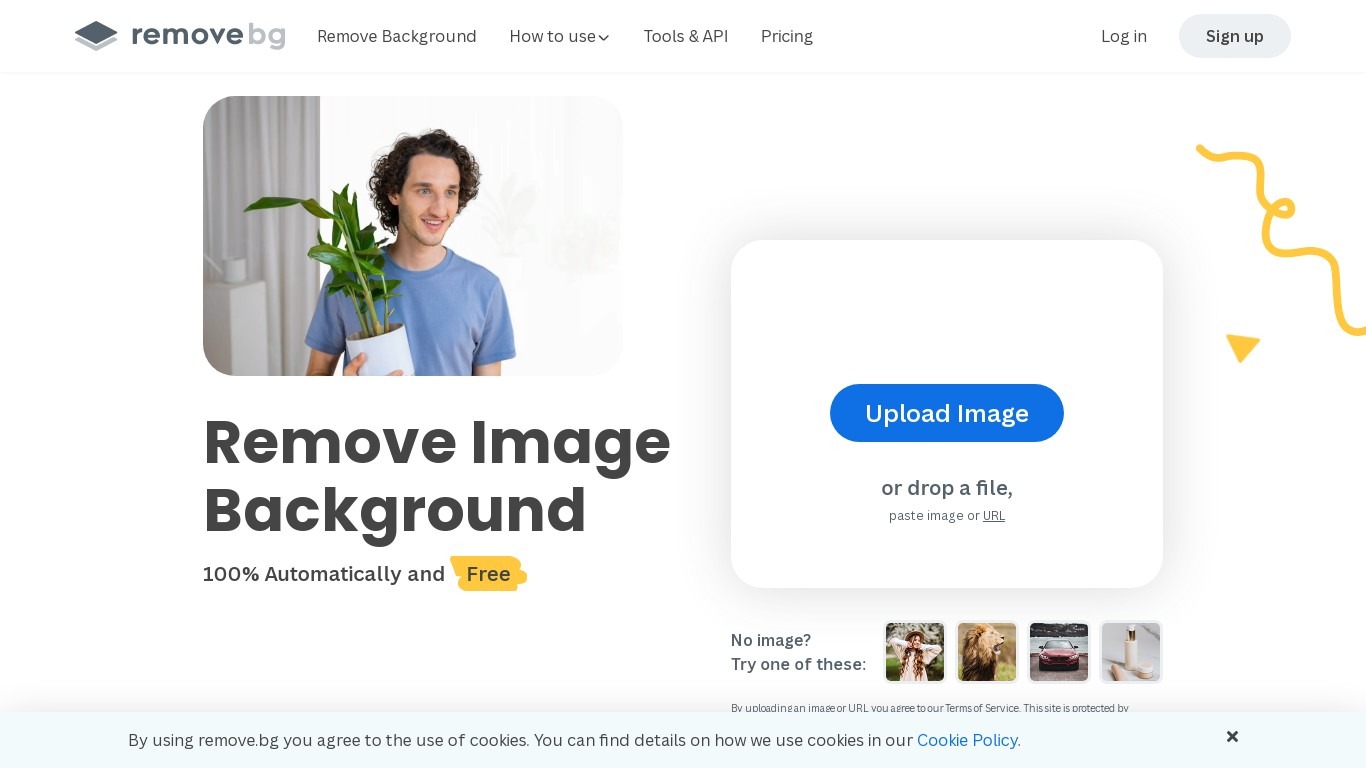
Remove.bg strips backgrounds from photos in about five seconds after you upload an image, drop a file, or paste a URL. You get a cutout on a transparent PNG, which is the format most ecommerce and design workflows expect for product shots, logos, and headshots.
Unlike a full photo editor where background removal sits behind layers and masks, Remove.bg treats cutouts as the whole job. It also sells credits for max-quality exports, an HTTP API with 50 free calls per month, bulk editing on higher tiers, and plugins for Photoshop and desktop apps.
The free tier covers low-resolution previews so you can test results before buying credits. Photographers, ecommerce teams, marketers, and developers use it when they need clean cutouts without hand-tracing hair or product edges.
Profile Picture Maker By Picsart Upvotes
Remove.bg Upvotes
Profile Picture Maker By Picsart Top Features
100% free profile picture editor with no sign-up required
Optional background removal or custom colored and patterned backdrops
Border and fine-tune controls for rotate, scale, and positioning
Preset export sizes for Instagram (320x320), LinkedIn (400x400), Discord (128x128), and more
Drag-and-drop upload with advertised 1 to 2 minute processing
No image storage policy stated on the tool page
4.8 star Quicktools rating from 51 reviews
Remove.bg Top Features
Processes backgrounds in about five seconds per upload with no manual masking
API supports direct file uploads or URL references with output up to 50 megapixels
First 50 API calls per month are free on the official API documentation page
Lite plan includes 40 credits per month at $8.10 per month when billed yearly
Exports transparent PNG backgrounds for ecommerce product photos and logos
Bulk editing and Photoshop plugin available on paid Pro and Volume+ plans
Pay-as-you-go option starts at 3 credits for $3 without a subscription
Profile Picture Maker By Picsart Category
- Photo Editing
Remove.bg Category
- Photo Editing
Profile Picture Maker By Picsart Pricing Type
- Free
Remove.bg Pricing Type
- Freemium