Dreamhouse AI vs RestorePhotos
Explore the showdown between Dreamhouse AI vs RestorePhotos and find out which AI tool wins. We analyze upvotes, features, reviews, pricing, alternatives, and more.
In a face-off between Dreamhouse AI and RestorePhotos, which one takes the crown?
When we contrast Dreamhouse AI with RestorePhotos, both of which are exceptional AI-operated tools, and place them side by side, we can spot several crucial similarities and divergences. In the race for upvotes, RestorePhotos takes the trophy. The upvote count for RestorePhotos is 254, and for Dreamhouse AI it's 11.
Want to flip the script? Upvote your favorite tool and change the game!
Dreamhouse AI
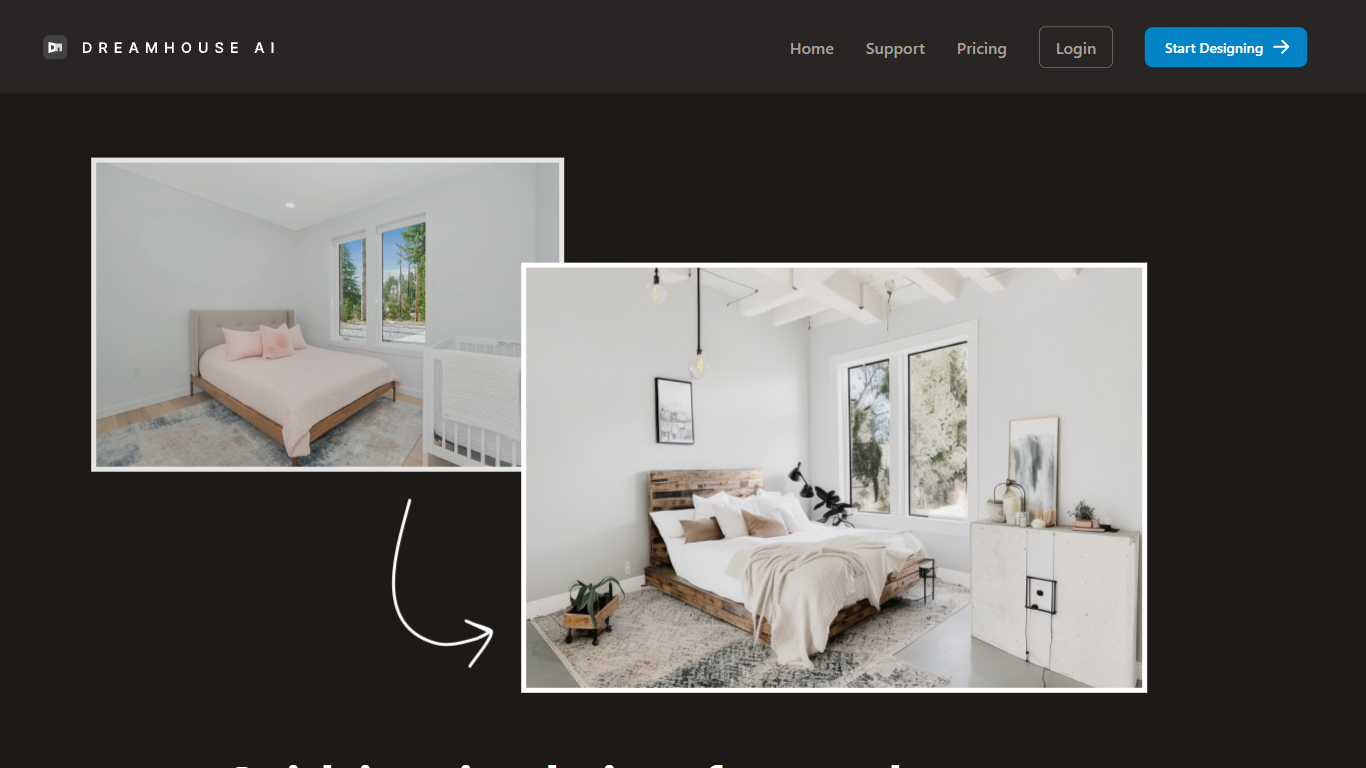

What is Dreamhouse AI?
DreamHouse AI previews room and exterior makeovers for real estate projects from a single photo upload. You pick from 20+ design styles, generate a redesign in under 30 seconds, then refine it through chat or by adding product photos directly into the scene. The platform covers living rooms, kitchens, facades, landscaping, and curb appeal projects.
Room-only redesign apps stop at furniture swaps. DreamHouse AI handles both interior and exterior spaces in one workflow, with product photo integration so you can see how a specific chair or paint color looks before buying. You also get a find-similar-products feature and 4x upscaling for contractor-ready images.
Home sellers staging empty rooms, homeowners planning renovations, and interior designers pitching clients use DreamHouse AI to skip $500 to $2,000 per-room consultations. Plans start at $24 per month for 50 AI generations, with 5,000+ rooms already redesigned on the platform.
RestorePhotos
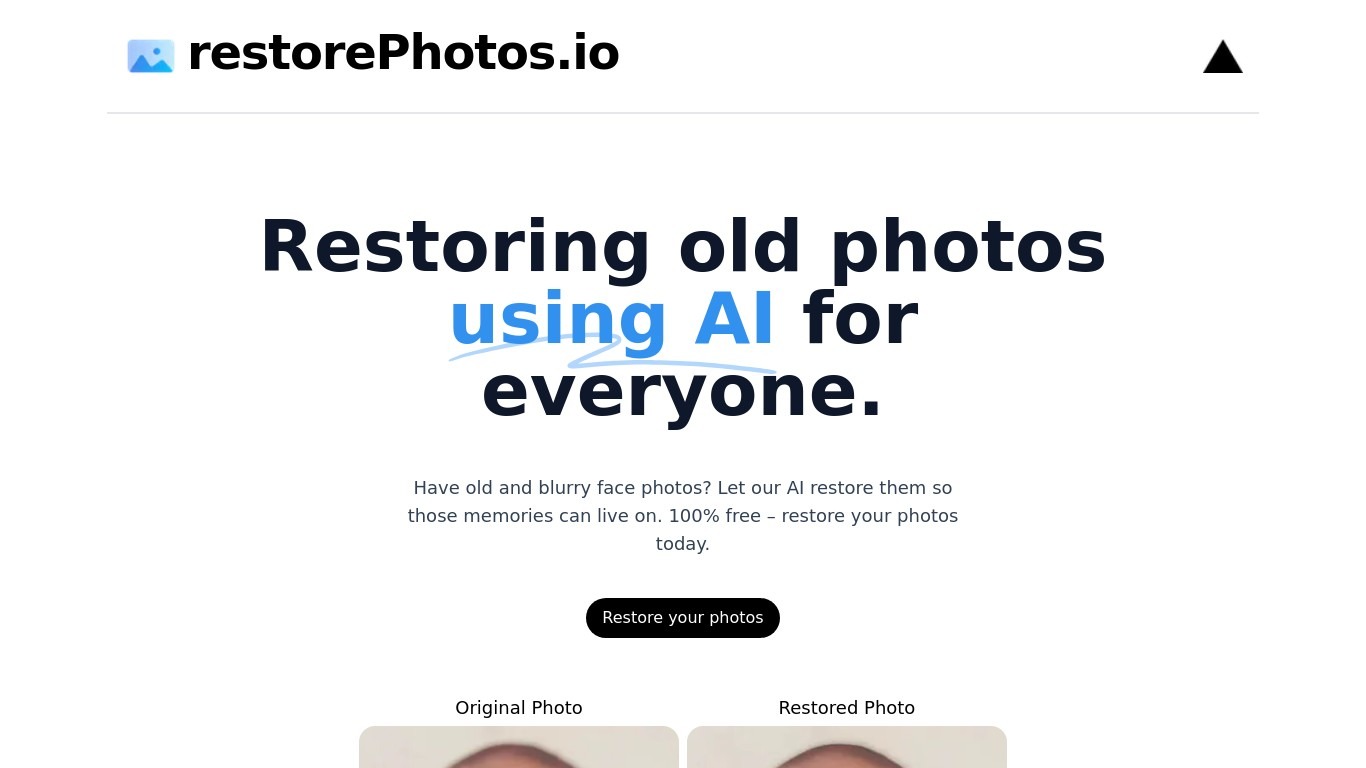
What is RestorePhotos?
RestorePhotos sharpens blurry face photos from old prints, scans, and phone snapshots through a simple browser upload. Upload an image on restorephotos.io, run the restore tool, and compare the original beside the cleaned result in side-by-side or overlay view.
General photo enhancers chase every scene type, which often softens skin tones on vintage portraits. RestorePhotos narrows the job to faces, so the model spends its capacity on eyes, skin texture, and expression rather than backgrounds or landscapes. The stack runs on Vercel and Replicate, which is why Vercel engineers highlighted how fast the open-source deployment feels in production.
Families digitizing albums, genealogists, and anyone fixing a single treasured portrait use it before reprinting or sharing online. The homepage still advertises free restores, while the pricing page sells credit packs when you need more volume, with checkout promo codes such as BF60 for discounted bundles.
Dreamhouse AI Upvotes
RestorePhotos Upvotes
Dreamhouse AI Top Features
Interior and exterior redesign from a single photo upload
20+ design styles including Modern, Scandinavian, Farmhouse, and Japandi
AI chat refinement for requests like changing wall color or adding plants
Add product photos and see items placed inside your generated design
Find similar real-world furniture and decor that match generated designs
4x AI upscaling for high-resolution, print-ready output
50 AI generations per month on the $24 per month plan
RestorePhotos Top Features
Upload a portrait and get an AI-restored face photo in the browser
Side-by-side and compare views show original and restored images together
Marketing site cites use by more than 869,000 users worldwide
Credit packs on restorephotos.io/pricing extend usage beyond free restores
Checkout supports promo codes such as BF60 for 60% off credit bundles
Built on a Vercel and Replicate stack praised for fast inference
Focused on face restoration rather than general photo editing
Dreamhouse AI Category
- Real Estate
RestorePhotos Category
- Photo Editing
Dreamhouse AI Pricing Type
- Paid
RestorePhotos Pricing Type
- Freemium