
Last updated 08-15-2026
Category:
Reviews:
Join thousands of AI enthusiasts in the World of AI!
RestorePhotos
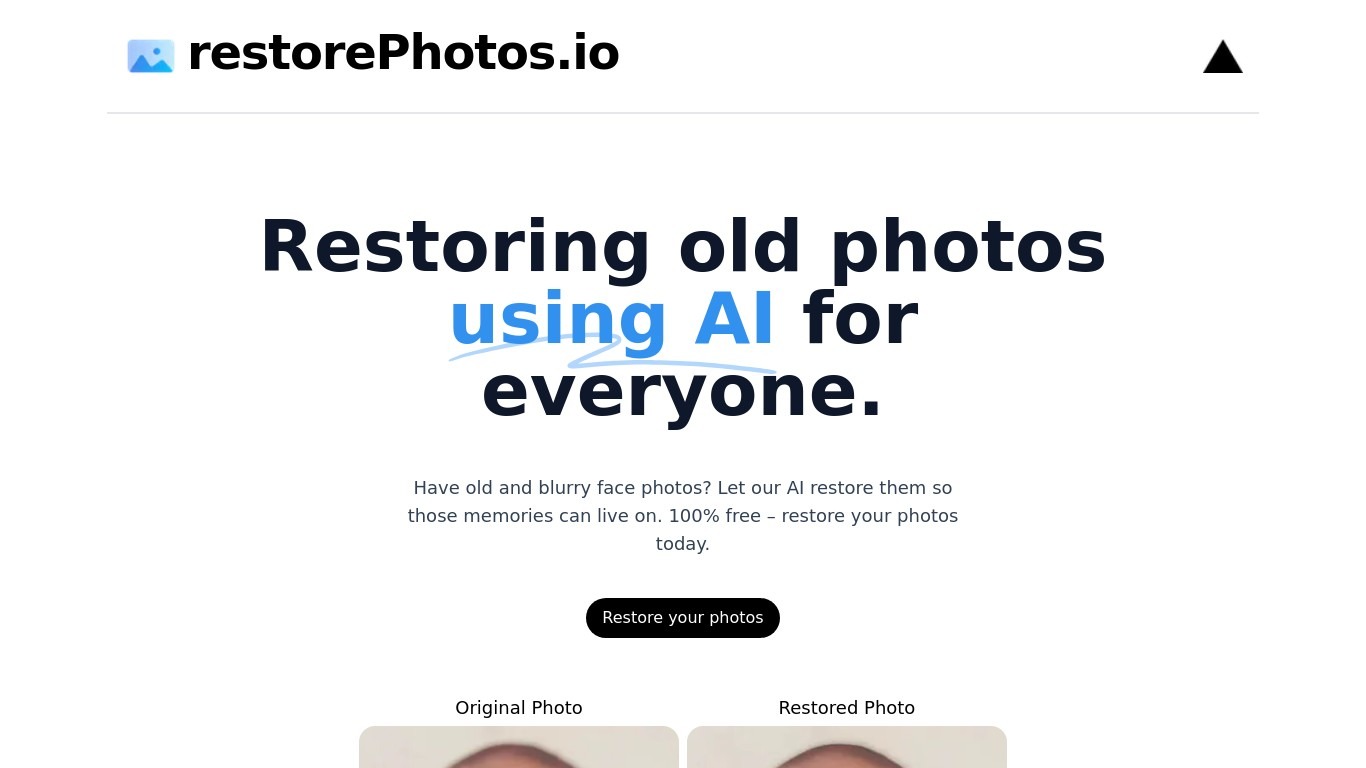
RestorePhotos sharpens blurry face photos from old prints, scans, and phone snapshots through a simple browser upload. Upload an image on restorephotos.io, run the restore tool, and compare the original beside the cleaned result in side-by-side or overlay view.
General photo enhancers chase every scene type, which often softens skin tones on vintage portraits. RestorePhotos narrows the job to faces, so the model spends its capacity on eyes, skin texture, and expression rather than backgrounds or landscapes. The stack runs on Vercel and Replicate, which is why Vercel engineers highlighted how fast the open-source deployment feels in production.
Families digitizing albums, genealogists, and anyone fixing a single treasured portrait use it before reprinting or sharing online. The homepage still advertises free restores, while the pricing page sells credit packs when you need more volume, with checkout promo codes such as BF60 for discounted bundles.
Upload a portrait and get an AI-restored face photo in the browser
Side-by-side and compare views show original and restored images together
Marketing site cites use by more than 869,000 users worldwide
Credit packs on restorephotos.io/pricing extend usage beyond free restores
Checkout supports promo codes such as BF60 for 60% off credit bundles
Built on a Vercel and Replicate stack praised for fast inference
Focused on face restoration rather than general photo editing
Dedicated face restoration beats generic sharpen filters on old portraits
Side-by-side compare makes it easy to judge quality before saving
Free tier on the homepage covers quick one-off family photo fixes
Fast Vercel plus Replicate stack with a documented open-source lineage
Large user base with public testimonials from Vercel leadership
Credit pack prices are not listed in static page content; checkout shows amounts
Restoration quality is tuned for faces, not documents or scenery
Heavy reliance on promotional codes for discounted credit purchases
Thin sub-page coverage beyond home and restore flows on the marketing site
What does RestorePhotos fix?
RestorePhotos restores blurry or low-resolution face photos. RestorePhotos targets portraits and keeps skin detail, eyes, and expressions readable after upload.
Is RestorePhotos free to use?
Yes. RestorePhotos advertises free photo restores on its homepage for casual use. RestorePhotos also sells credit packs on its pricing page when you need additional restorations.
How do I use RestorePhotos?
Open restorephotos.io/restore, upload a face photo, and run the restore flow. RestorePhotos shows the original and restored image in side-by-side or compare mode before you download.
Does RestorePhotos work on group photos?
RestorePhotos is built for face photo restoration, so it performs best on portraits with visible faces. RestorePhotos marketing focuses on individual face shots rather than landscapes or documents.
Where do I buy RestorePhotos credits?
RestorePhotos credit packs are sold at restorephotos.io/pricing. RestorePhotos checkout accepts promo codes such as BF60, which the site lists for 60% off plans during promotions.
What powers RestorePhotos?
RestorePhotos runs on a Vercel-hosted Next.js app that calls Replicate for inference. RestorePhotos creators and Vercel staff have publicly noted the fast open-source deployment behind the site.