InPixio vs RestorePhotos
Compare InPixio vs RestorePhotos and see which AI Photo Editing tool is better when we compare features, reviews, pricing, alternatives, upvotes, etc.
Which one is better? InPixio or RestorePhotos?
When we compare InPixio with RestorePhotos, which are both AI-powered photo editing tools, RestorePhotos stands out as the clear frontrunner in terms of upvotes. RestorePhotos has garnered 254 upvotes, and InPixio has garnered 6 upvotes.
Don't agree with the result? Cast your vote and be a part of the decision-making process!
InPixio


What is InPixio?
InPixio lets you remove backgrounds, erase objects, swap skies, and polish photos through a free online editor, a Windows desktop app, and a mobile app. Upload an image, click remove background, and the AI separates hair and fine edges without manual masking.
Where heavyweight editors assume you already know layers and masks, InPixio sells speed for ecommerce sellers and casual creators. The free web tools handle quick crops and background cuts, while paid plans unlock HD downloads and premium features across the same interface on desktop and phone.
The site cites more than 10 million users and targets small business owners, social sellers, and beginners who need product photos, transparent PNGs, and social-ready edits. You can edit in the browser instantly or download the Windows app for offline work.
RestorePhotos
What is RestorePhotos?
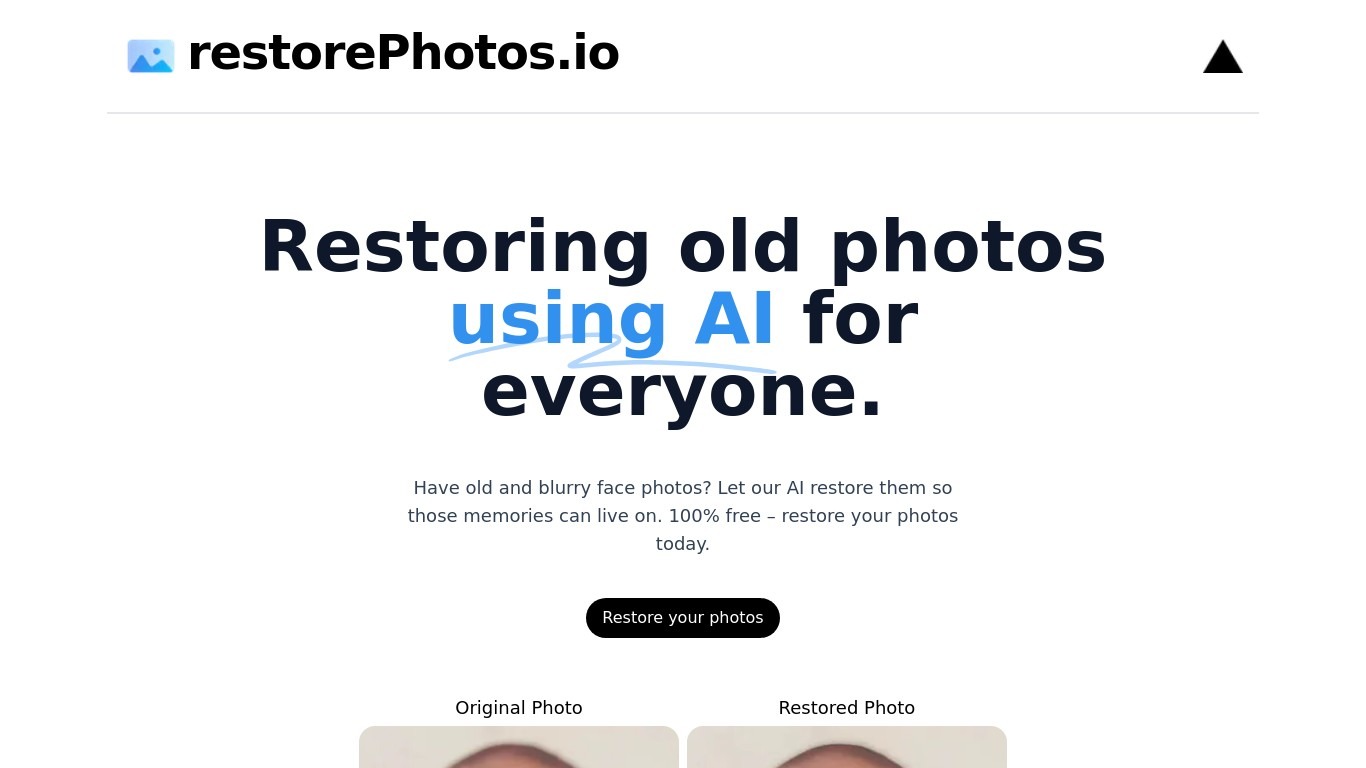
RestorePhotos sharpens blurry face photos from old prints, scans, and phone snapshots through a simple browser upload. Upload an image on restorephotos.io, run the restore tool, and compare the original beside the cleaned result in side-by-side or overlay view.
General photo enhancers chase every scene type, which often softens skin tones on vintage portraits. RestorePhotos narrows the job to faces, so the model spends its capacity on eyes, skin texture, and expression rather than backgrounds or landscapes. The stack runs on Vercel and Replicate, which is why Vercel engineers highlighted how fast the open-source deployment feels in production.
Families digitizing albums, genealogists, and anyone fixing a single treasured portrait use it before reprinting or sharing online. The homepage still advertises free restores, while the pricing page sells credit packs when you need more volume, with checkout promo codes such as BF60 for discounted bundles.
InPixio Upvotes
RestorePhotos Upvotes
InPixio Top Features
One-click AI background remover handles hair and complex edges on JPG, PNG, and RAW files
Online editor runs in the browser with no install, while Windows software works offline
Magic eraser removes unwanted objects and reconstructs the background automatically
AI background generator swaps skies and dull backdrops for new scenes in seconds
Supports more than 50 image formats including JPEG, PNG, and RAW uploads
Mobile app mirrors quick edits for social posts and product photos on the go
RestorePhotos Top Features
Upload a portrait and get an AI-restored face photo in the browser
Side-by-side and compare views show original and restored images together
Marketing site cites use by more than 869,000 users worldwide
Credit packs on restorephotos.io/pricing extend usage beyond free restores
Checkout supports promo codes such as BF60 for 60% off credit bundles
Built on a Vercel and Replicate stack praised for fast inference
Focused on face restoration rather than general photo editing
InPixio Category
- Photo Editing
RestorePhotos Category
- Photo Editing
InPixio Pricing Type
- Freemium
RestorePhotos Pricing Type
- Freemium