RestorePhotos vs Palette.fm
In the contest of RestorePhotos vs Palette.fm, which AI Photo Editing tool is the champion? We evaluate pricing, alternatives, upvotes, features, reviews, and more.
If you had to choose between RestorePhotos and Palette.fm, which one would you go for?
When we examine RestorePhotos and Palette.fm, both of which are AI-enabled photo editing tools, what unique characteristics do we discover? The users have made their preference clear, RestorePhotos leads in upvotes. RestorePhotos has been upvoted 254 times by aitools.fyi users, and Palette.fm has been upvoted 33 times.
Want to flip the script? Upvote your favorite tool and change the game!
RestorePhotos

What is RestorePhotos?
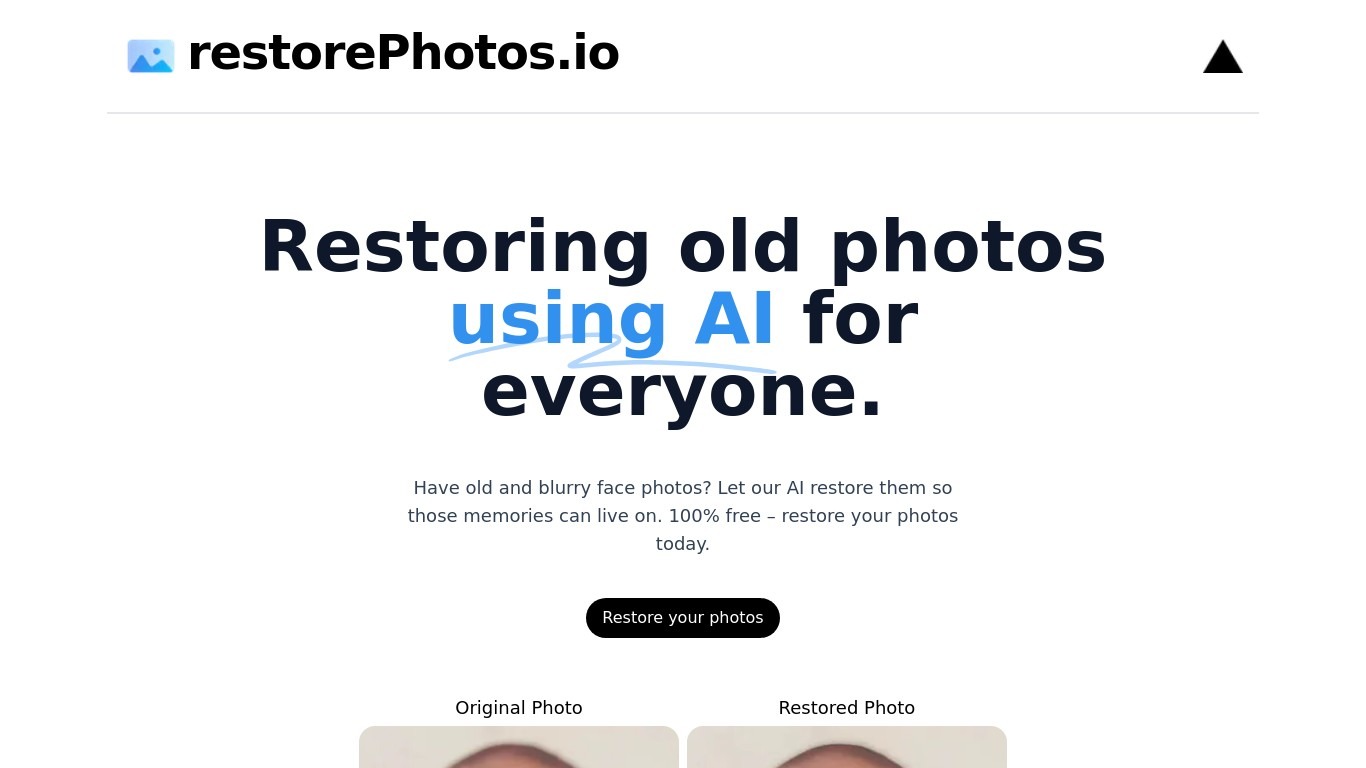
RestorePhotos sharpens blurry face photos from old prints, scans, and phone snapshots through a simple browser upload. Upload an image on restorephotos.io, run the restore tool, and compare the original beside the cleaned result in side-by-side or overlay view.
General photo enhancers chase every scene type, which often softens skin tones on vintage portraits. RestorePhotos narrows the job to faces, so the model spends its capacity on eyes, skin texture, and expression rather than backgrounds or landscapes. The stack runs on Vercel and Replicate, which is why Vercel engineers highlighted how fast the open-source deployment feels in production.
Families digitizing albums, genealogists, and anyone fixing a single treasured portrait use it before reprinting or sharing online. The homepage still advertises free restores, while the pricing page sells credit packs when you need more volume, with checkout promo codes such as BF60 for discounted bundles.
Palette.fm
What is Palette.fm?
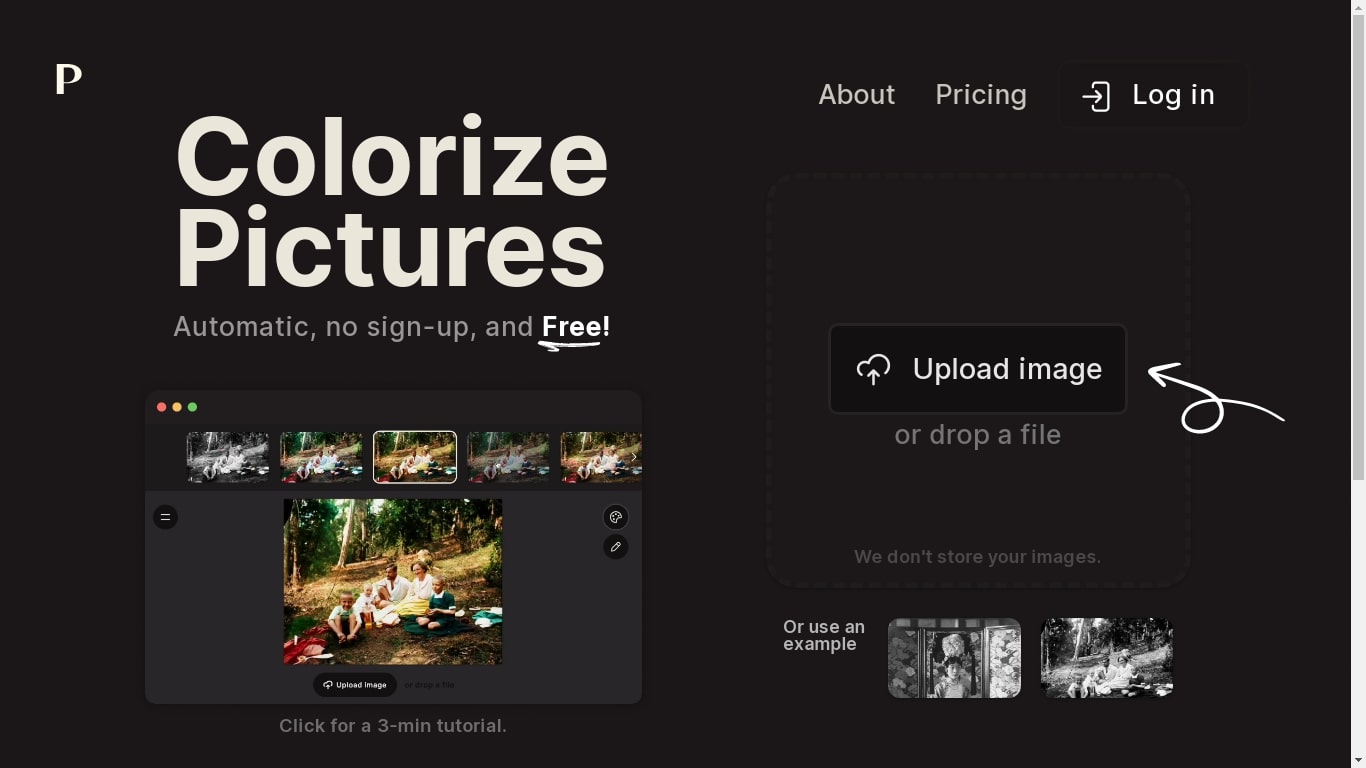
Palette.fm colorizes black-and-white photos through a browser upload flow with 21+ filter presets and keyword-based color tweaks. Upload an image, pick a filter, adjust descriptive keywords if needed, then download a full-resolution result or keep iterating on previews. The photo editing workflow targets family historians, photographers, and creators restoring old prints without opening Photoshop.
Most colorizers lean on heavy sepia and purple casts with little room to steer skin tones or fabric colors. Palette.fm lets you click a filter then fine-tune hues through plain-language keywords, and it sells one-time credit packs alongside subscriptions. Free previews cap at 500x500 pixels with a watermark, while paid credits remove the logo and support files up to 5000x5000 pixels.
Genealogy researchers, photo archivists, and YouTube educators use Palette.fm to batch-test color looks before committing credits. The site reports 54 million photos colorized and 6.6 million registered users, with an API option for teams that want programmatic access.
RestorePhotos Upvotes
Palette.fm Upvotes
RestorePhotos Top Features
Upload a portrait and get an AI-restored face photo in the browser
Side-by-side and compare views show original and restored images together
Marketing site cites use by more than 869,000 users worldwide
Credit packs on restorephotos.io/pricing extend usage beyond free restores
Checkout supports promo codes such as BF60 for 60% off credit bundles
Built on a Vercel and Replicate stack praised for fast inference
Focused on face restoration rather than general photo editing
Palette.fm Top Features
21+ color filters with before-and-after previews on sample photos
Free plan includes unlimited 500x500 previews with Palette watermark
Paid credits export up to 5000x5000 pixels without the logo
Keyword adjustment panel fine-tunes colors after picking a filter
Annual subscription is $72 per year for 480 credits ($0.15 each)
One-time pack is $49 for 75 credits valid for 2 years
API and video integration options listed in the site footer
RestorePhotos Category
- Photo Editing
Palette.fm Category
- Photo Editing
RestorePhotos Pricing Type
- Freemium
Palette.fm Pricing Type
- Freemium