Instant AI for Google Slides vs RestorePhotos
In the face-off between Instant AI for Google Slides vs RestorePhotos, which AI Photo Editing tool takes the crown? We scrutinize features, alternatives, upvotes, reviews, pricing, and more.
In a face-off between Instant AI for Google Slides and RestorePhotos, which one takes the crown?
If we were to analyze Instant AI for Google Slides and RestorePhotos, both of which are AI-powered photo editing tools, what would we find? In the race for upvotes, RestorePhotos takes the trophy. RestorePhotos has been upvoted 254 times by aitools.fyi users, and Instant AI for Google Slides has been upvoted 7 times.
Think we got it wrong? Cast your vote and show us who's boss!
Instant AI for Google Slides
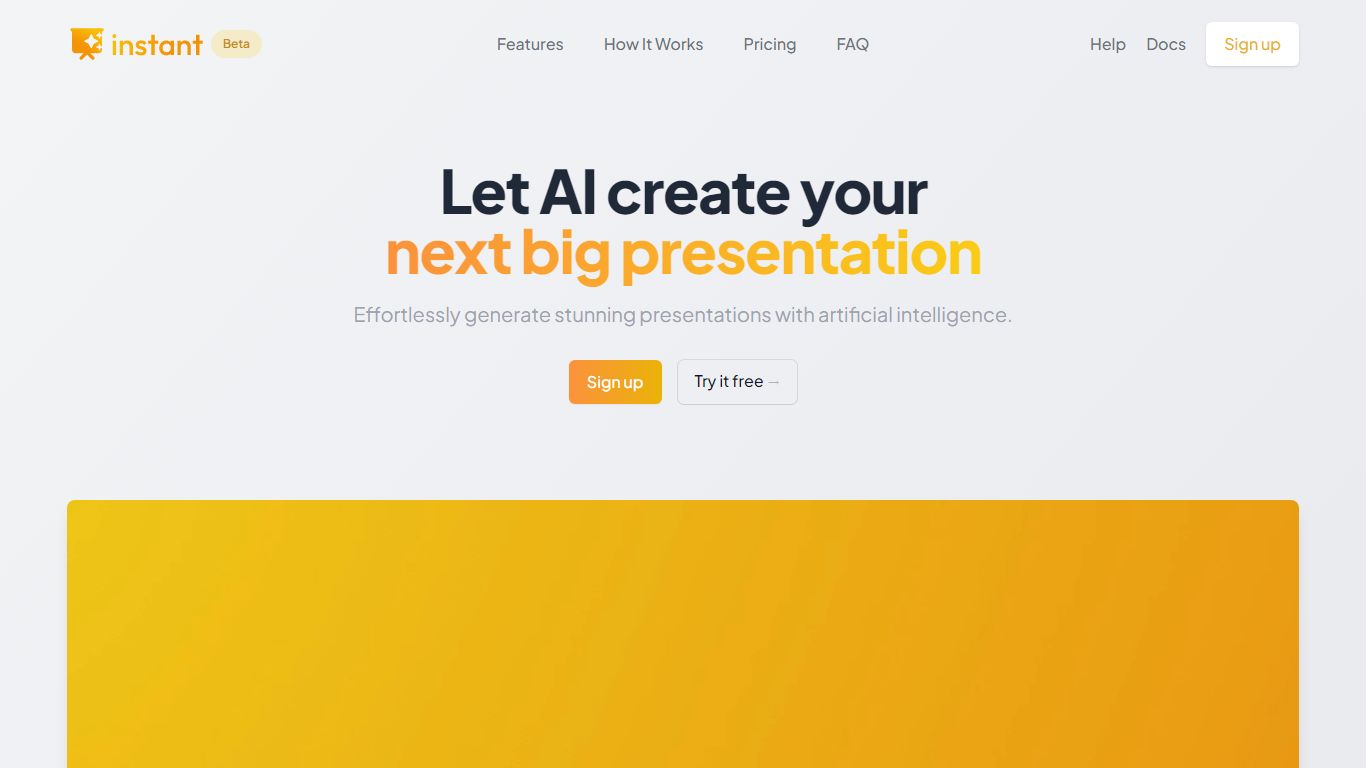

What is Instant AI for Google Slides?
Instant AI for Google Slides drafts full presentations inside Google Slides from a topic prompt. You pick length and deck type (investor, sales, and others), edit the AI outline, then auto-generate slides with suggested layouts. Finished decks stay fully editable in the Slides editor you already use.
Generic slide generators export static files or dump text blocks into default templates. Instant combines layout suggestions with 100+ designer-built templates, including flowcharts and infographics, and runs natively under the Extensions menu in Google Slides. That keeps your team in one tool instead of copying from a separate web app.
Startup founders, sales teams, and consultants who live in Google Workspace fit the workflow. The entry tier includes 15 slides and 10 rewrites at $0, while paid plans scale to 150 slides per month on Pro ($99) or unlimited slides on Premium ($199 per month).
RestorePhotos

What is RestorePhotos?
RestorePhotos sharpens blurry face photos from old prints, scans, and phone snapshots through a simple browser upload. Upload an image on restorephotos.io, run the restore tool, and compare the original beside the cleaned result in side-by-side or overlay view.
General photo enhancers chase every scene type, which often softens skin tones on vintage portraits. RestorePhotos narrows the job to faces, so the model spends its capacity on eyes, skin texture, and expression rather than backgrounds or landscapes. The stack runs on Vercel and Replicate, which is why Vercel engineers highlighted how fast the open-source deployment feels in production.
Families digitizing albums, genealogists, and anyone fixing a single treasured portrait use it before reprinting or sharing online. The homepage still advertises free restores, while the pricing page sells credit packs when you need more volume, with checkout promo codes such as BF60 for discounted bundles.
Instant AI for Google Slides Upvotes
RestorePhotos Upvotes
Instant AI for Google Slides Top Features
Installs as a Google Workspace extension with access under the Extensions menu in Slides
100+ expert-designed templates with flowchart and infographic layout support
$0 entry tier includes 15 slides and 10 rewrites
Pro plan includes 150 slides per month for $99 and 90 rewrites
Premium plan at $199 per month offers unlimited slides and rewrites
Customize brand colors and fonts before generating each deck
RestorePhotos Top Features
Upload a portrait and get an AI-restored face photo in the browser
Side-by-side and compare views show original and restored images together
Marketing site cites use by more than 869,000 users worldwide
Credit packs on restorephotos.io/pricing extend usage beyond free restores
Checkout supports promo codes such as BF60 for 60% off credit bundles
Built on a Vercel and Replicate stack praised for fast inference
Focused on face restoration rather than general photo editing
Instant AI for Google Slides Category
- Photo Editing
RestorePhotos Category
- Photo Editing
Instant AI for Google Slides Pricing Type
- Freemium
RestorePhotos Pricing Type
- Freemium