ChatSlide AI (formerly DrLambda) vs Magic Brush AI
Explore the showdown between ChatSlide AI (formerly DrLambda) vs Magic Brush AI and find out which AI Design tool wins. We analyze upvotes, features, reviews, pricing, alternatives, and more.
When comparing ChatSlide AI (formerly DrLambda) and Magic Brush AI, which one rises above the other?
When we contrast ChatSlide AI (formerly DrLambda) with Magic Brush AI, both of which are exceptional AI-operated design tools, and place them side by side, we can spot several crucial similarities and divergences. Neither tool takes the lead, as they both have the same upvote count. Be a part of the decision-making process. Your vote could determine the winner.
Want to flip the script? Upvote your favorite tool and change the game!
ChatSlide AI (formerly DrLambda)

What is ChatSlide AI (formerly DrLambda)?
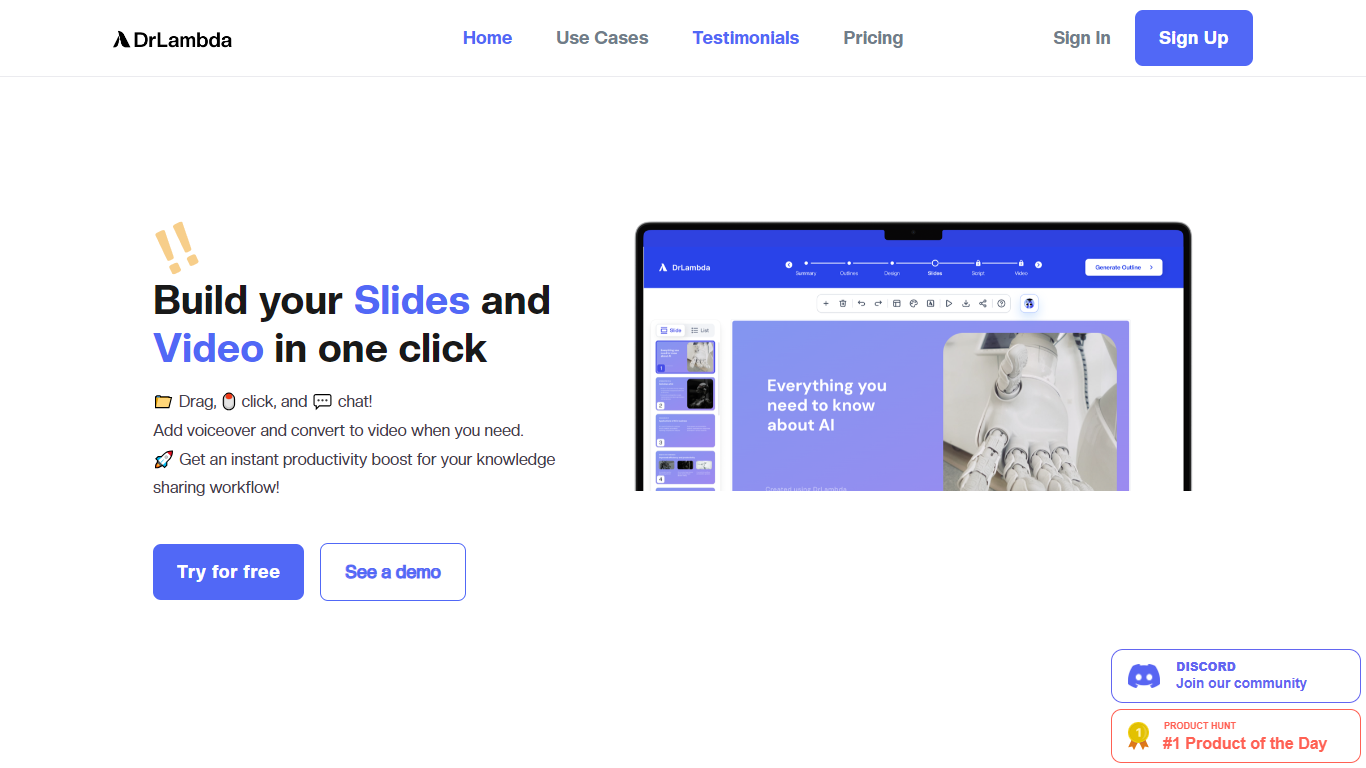
ChatSlide AI (formerly DrLambda) turns documents, URLs, topics, and research papers into editable presentation decks. Drop in a PDF, paste a link, or describe a topic, and the platform generates structured slides you can refine before exporting to PowerPoint, PDF, or Keynote.
Beyond static slides, ChatSlide builds narrated videos with 500+ talking-head avatars, voice cloning, chart generation from uploaded data, and access to 25+ image models for slide visuals. A team knowledge base with vector search lets organizations reuse shared resources across multiple decks.
The platform serves coaches, agencies, healthcare teams, educators, researchers, and enterprise sales orgs. Over 240,000 users and 750+ universities use ChatSlide for workshop decks, pitch materials, clinical presentations, and course content.
Magic Brush AI

What is Magic Brush AI?
Magic Brush AI introduces an innovative AI-powered plugin specifically designed for Figma users who wish to enhance their design process. The Magic Brush AI plugin seamlessly integrates with Figma, allowing designers to generate and edit images directly within the application. If you're looking to speed up your design workflow and leverage artificial intelligence in your projects, Magic Brush AI offers a simple yet powerful solution. With easy installation and a user-friendly interface, Magic Brush expands creative possibilities without ever leaving your favorite design platform. Additionally, the community aspect is emphasized with an invitation to join their Discord, suggesting a focus on user engagement and support. Designed by Elie Toubiana from sunshine-filled Los Angeles, CA, Magic Brush AI is poised to transform how creatives interact with Figma and image editing.
ChatSlide AI (formerly DrLambda) Upvotes
Magic Brush AI Upvotes
ChatSlide AI (formerly DrLambda) Top Features
Upload PDFs, DOCX, PPTX, URLs, or YouTube links and get a structured slide outline in minutes
Export to PPTX, PDF, or Keynote with layouts you can edit in PowerPoint or Google Slides
Generate narrated videos with 500+ AI avatars and voice cloning from a 30-second sample
Pull charts from uploaded CSVs and spreadsheets using Chart.js and D3 visualizations
Pick from 25+ image models including Imagen 4, Flux, DALL-E 3, and GPT Image for slide visuals
Magic Brush AI Top Features
AI Powered Plugin: A convenient Figma plugin that utilizes AI for image generation and editing.
Seamless Integration: Integrates with Figma for a streamlined design workflow.
Easy Installation: Simple process to install the plugin directly on Figma.
Community Support: Access to a Discord community for networking and support.
Frequent Updates: Continual improvements and feature additions to enhance user experience.
ChatSlide AI (formerly DrLambda) Category
- Design
Magic Brush AI Category
- Design
ChatSlide AI (formerly DrLambda) Pricing Type
- Freemium
Magic Brush AI Pricing Type
- Freemium