
Last updated 07-18-2026
Category:
Reviews:
Join thousands of AI enthusiasts in the World of AI!
ChatSlide AI (formerly DrLambda)
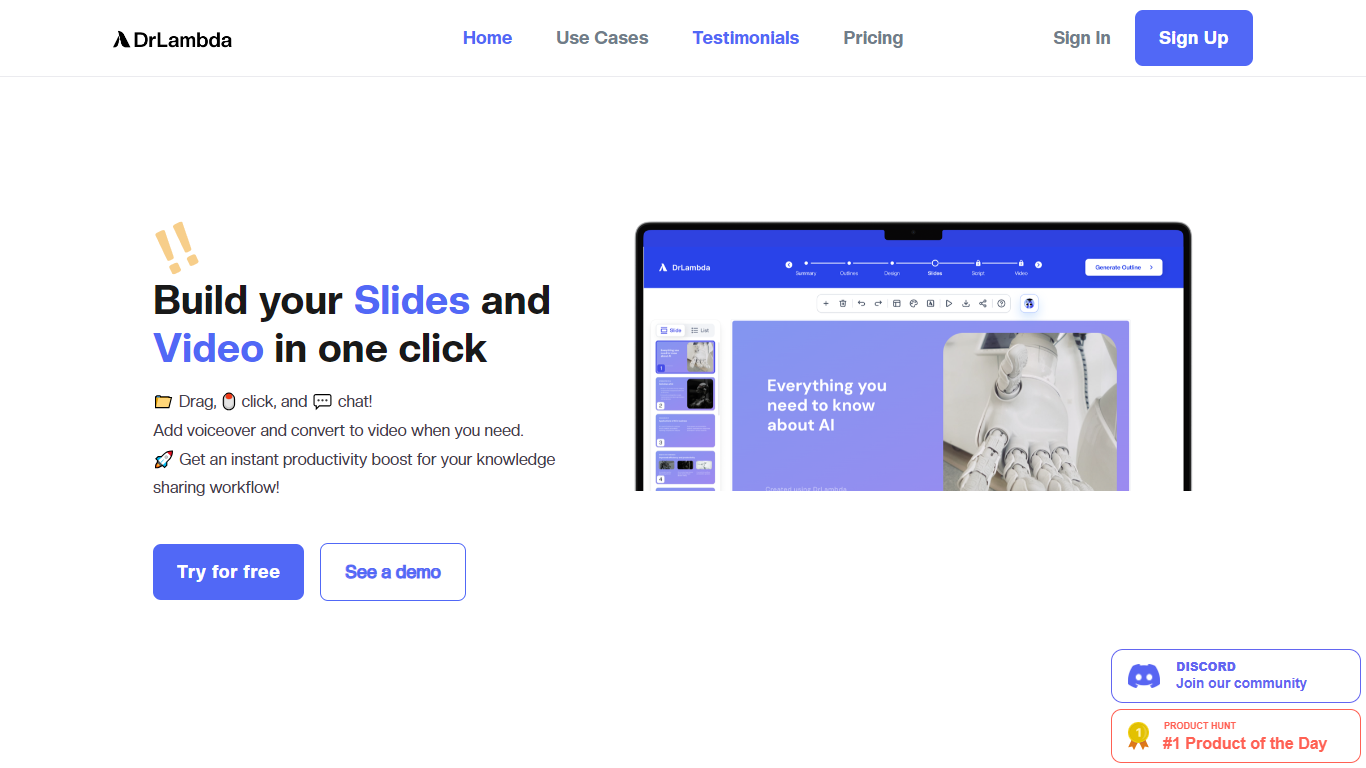
ChatSlide AI (formerly DrLambda) turns documents, URLs, topics, and research papers into editable presentation decks. Drop in a PDF, paste a link, or describe a topic, and the platform generates structured slides you can refine before exporting to PowerPoint, PDF, or Keynote.
Beyond static slides, ChatSlide builds narrated videos with 500+ talking-head avatars, voice cloning, chart generation from uploaded data, and access to 25+ image models for slide visuals. A team knowledge base with vector search lets organizations reuse shared resources across multiple decks.
The platform serves coaches, agencies, healthcare teams, educators, researchers, and enterprise sales orgs. Over 240,000 users and 750+ universities use ChatSlide for workshop decks, pitch materials, clinical presentations, and course content.
Upload PDFs, DOCX, PPTX, URLs, or YouTube links and get a structured slide outline in minutes
Export to PPTX, PDF, or Keynote with layouts you can edit in PowerPoint or Google Slides
Generate narrated videos with 500+ AI avatars and voice cloning from a 30-second sample
Pull charts from uploaded CSVs and spreadsheets using Chart.js and D3 visualizations
Pick from 25+ image models including Imagen 4, Flux, DALL-E 3, and GPT Image for slide visuals
Free tier includes GPT-4o slide generation and PDF export with no credit card required.
Converts long documents, research papers, and PubMed sources into presentation-ready decks.
Exports standard PPTX files editable in PowerPoint, Google Slides, and Keynote.
Enterprise plans add SSO, SCIM provisioning, audit logs, and locked brand templates.
Unused credits do not roll over to the next billing cycle on paid plans.
Free plan file storage is limited to 30 days before files may be permanently deleted.
No public API yet; enterprise customers must contact sales for API access.
Advanced models like GPT-5.3 and unlimited credits require the Ultimate tier.
Is ChatSlide AI free to use?
Yes. ChatSlide AI offers a free plan with 100 credits on signup, GPT-4o slide generation, and PDF export. No credit card is required to start. Paid Plus, Pro, and Ultimate plans add more monthly credits, video generation, custom branding, and advanced models.
What file formats can ChatSlide AI upload?
ChatSlide AI accepts PDF, DOCX, PPTX, TXT, and image files. You can also import content from URLs, YouTube videos, and research databases like PubMed, OpenAlex, and ClinicalTrials.gov.
What export formats does ChatSlide AI support?
ChatSlide AI exports standard PPTX files compatible with Microsoft PowerPoint, Google Slides, Keynote, and LibreOffice Impress. You can also export to PDF or generate AI videos from your slides.
Can ChatSlide AI generate videos from slides?
Yes. Paid ChatSlide AI plans can turn slides into AI videos with narration, timing, and talking-head avatars. The Ultimate plan includes 500+ Jogg avatars and the option to clone your own presenter.
Which AI models does ChatSlide AI use?
ChatSlide AI uses GPT-4o as the default model on all plans. Ultimate subscribers also get access to GPT-5.3. For images, the platform offers 25+ models including Imagen 4, Flux, DALL-E 3, and GPT Image.
Does ChatSlide AI support enterprise teams?
Yes. ChatSlide AI enterprise plans include SSO via SAML and OIDC, SCIM provisioning, audit logs, locked brand templates, and a team knowledge base with vector search. HIPAA compliance is available on request for Ultimate customers.
Can I use ChatSlide AI on mobile?
Yes. ChatSlide AI works in mobile browsers and lets you create, edit, and share presentations from a phone or tablet. For detailed slide editing, the site recommends a desktop browser.